By OpenAI · September 8, 2026
GPT Image 2.5 Sunburst
OpenAI's heavier 2.5 model for product imagery and edits that must leave the rest of the picture untouched.
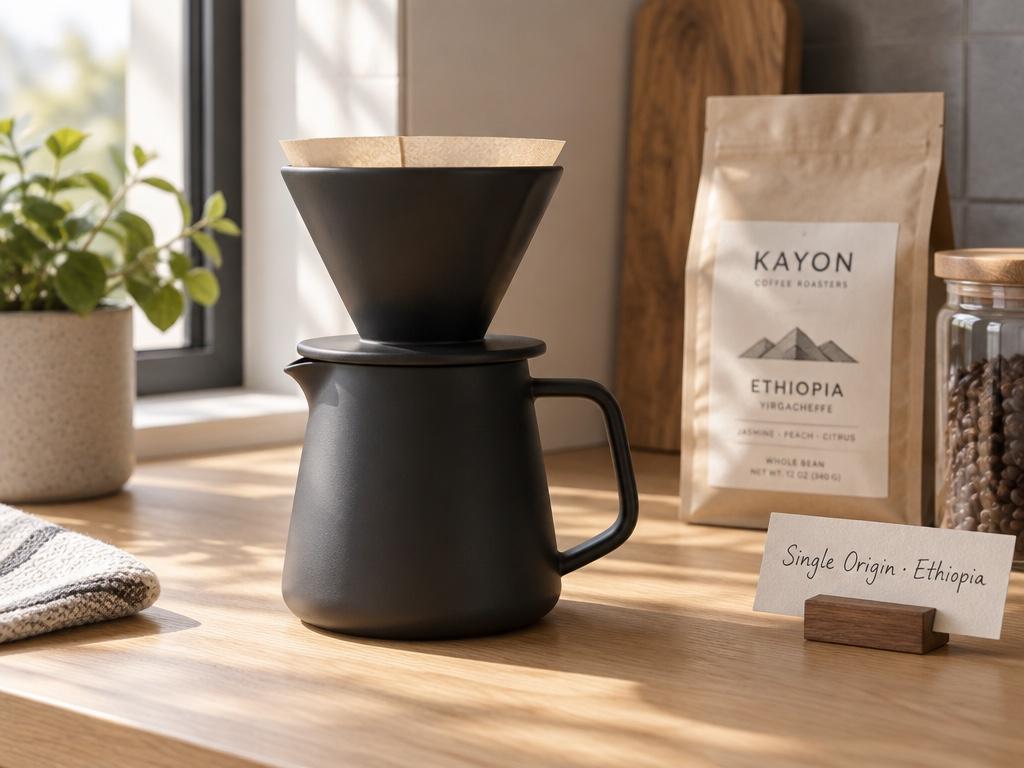 Sample
- Vendor
- OpenAI
- Released
- Sep 8, 2026
- Max resolution
- 4K
- Modes
- Generate + edit
What is GPT Image 2.5 Sunburst?
GPT Image 2.5 Sunburst is the heavier model of the GPT Image 2.5 release, available on CVY.AI without a separate OpenAI account. The generator offers 1K, 2K and 4K options at 4, 7 and 10 credits respectively.
Use it when the result has to be right the first time: product imagery, edits of a reference image and layouts with text. Inspect wording, figures and product details before publishing.
For drafts and quick variations start with GPT Image 2.5 Flare and switch to Sunburst for the final pass.
What GPT Image 2.5 Sunburst is good at
Tighter control over edits
Sunburst is the model OpenAI recommends for creative and editing workflows. Ask for a specific change and check that the untouched parts of the image stay as they were.
Style adherence
Describe the look you want and it tends to hold it across the whole image. Compare against Flare on the same prompt when the style matters more than speed.
Text and structured layouts
Labels, packaging copy and slide layouts come out legible more often than on older models. Verify every character before publishing.
Multi-image consistency
Upload up to ten reference images to guide an edit or keep a character consistent. Review the output against the references.
When to reach for GPT Image 2.5 Sunburst
Use it for
- +Product shots, campaign visuals and other imagery that will be published as is.
- +Edits where the rest of the picture must not drift.
- +Prompts with a strong, specific style you want kept across the image.
Skip it for
- −Fast iteration on a rough idea; GPT Image 2.5 Flare is cheaper and quicker.
- −Work that requires a fixed completion time — provider latency varies.
How much does GPT Image 2.5 Sunburst cost?
| Resolution | Credits |
|---|---|
| 1K | 4 |
| 2K | 7 |
| 4K | 10 |
Credits per image depend on the model and resolution shown above. See pricing for available credit options.
See pricing →Made with GPT Image 2.5 Sunburst
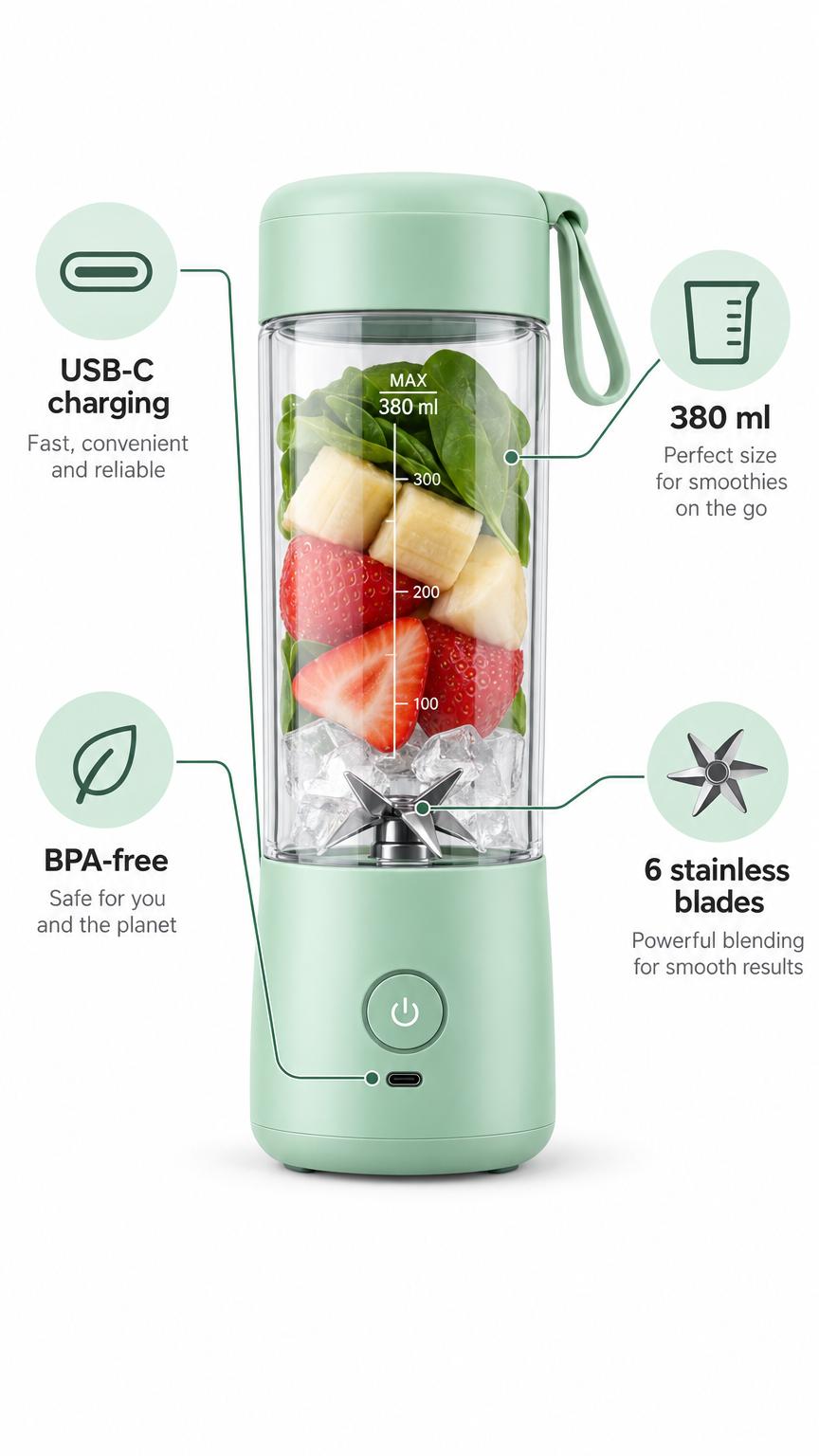
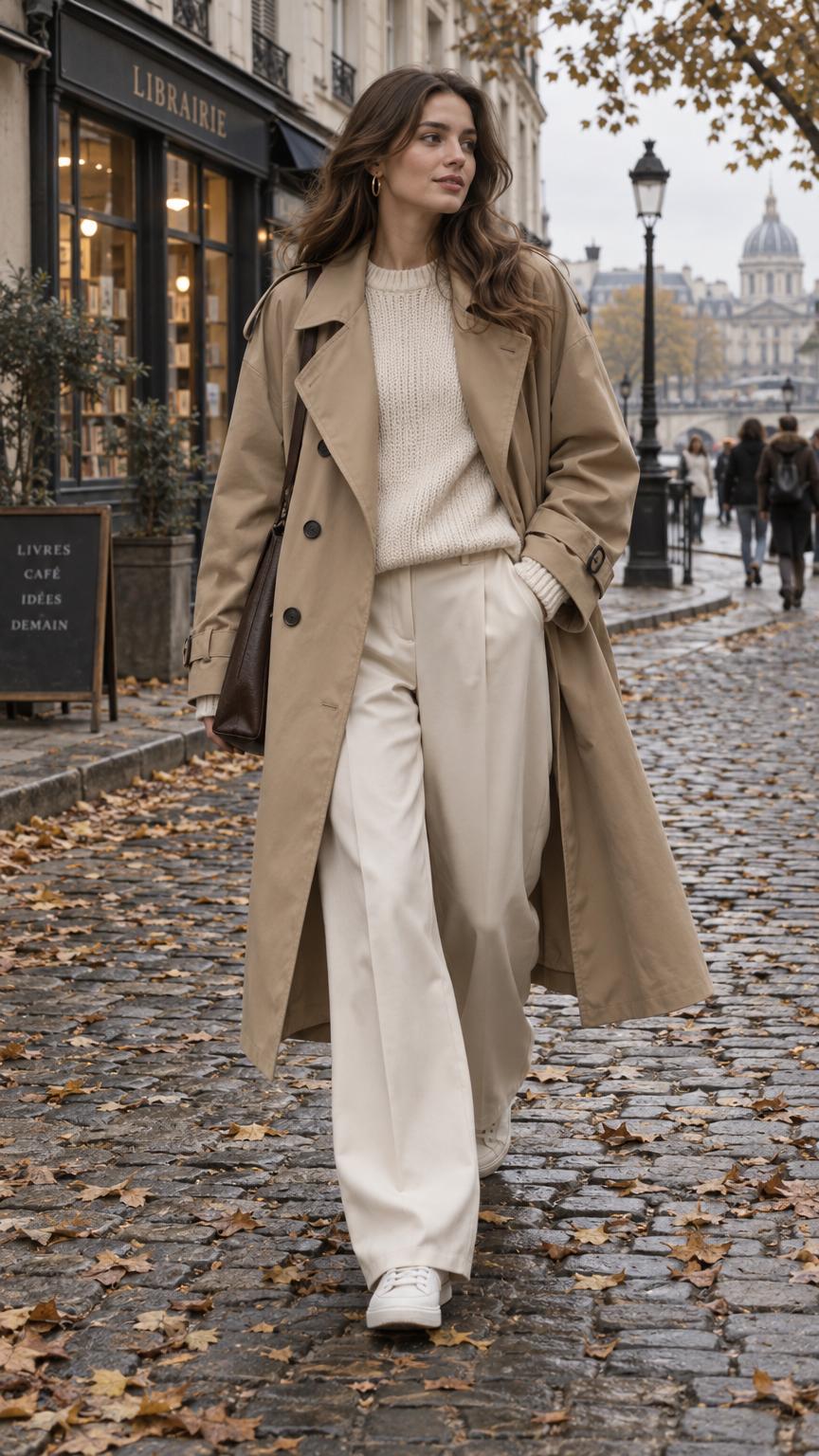
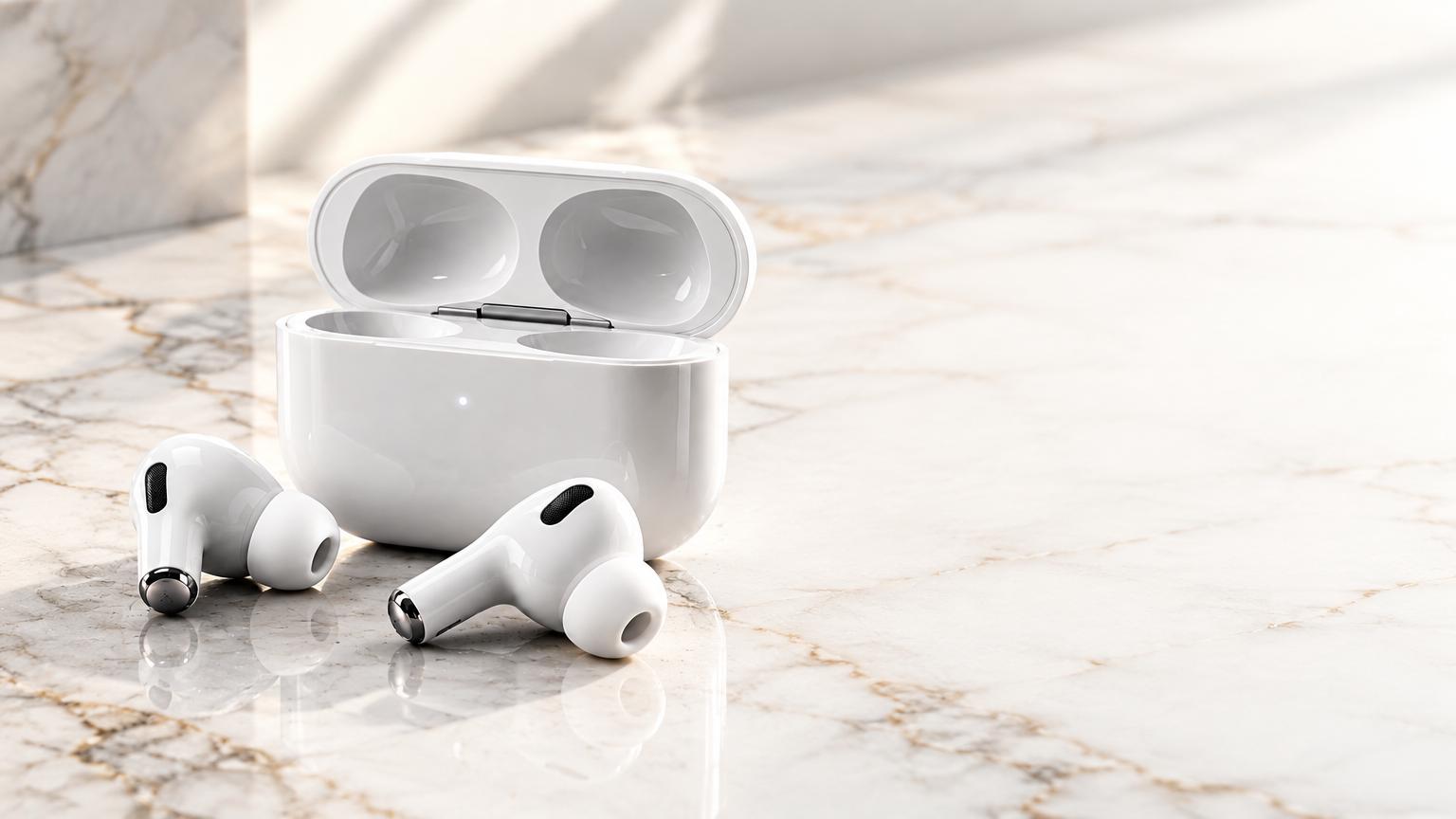
Recent public images from the gallery, generated with this model.
FAQ
How is Sunburst different from Flare?
+
Both are GPT Image 2.5 models. Sunburst is built for demanding edits and production imagery; Flare is the light, fast one. On CVY.AI Sunburst costs 4 credits at 1K and Flare 3.
Is it better than Nano Banana Pro?
+
They differ by prompt. Run the same prompt on both and pick by the output; Sunburst tends to hold text and layout, Nano Banana Pro tends to win on photographic looks.
Does it really do 4K?
+
CVY.AI offers a 4K output option for 10 credits. Check the downloaded dimensions and detail level for your project.
Compare other AI image models
Use these pages to pick between speed, output quality, text rendering, and prompt-language fit.
OpenAI
GPT Image 2.6 Flare
OpenAI's fast GPT Image 2.6 model for everyday images and animated GIFs, from 3 credits.
OpenAI
GPT Image 2.6 Sunburst
OpenAI's GPT Image 2.6 model for product images, careful edits and final versions, from 4 credits.
OpenAI
GPT Image 2.5 Flare
OpenAI's fast 2.5 model for drafts, posters and text-heavy images.
Ready to try GPT Image 2.5 Sunburst?
Open the generator with GPT Image 2.5 Sunburst preselected, or browse community work for inspiration.