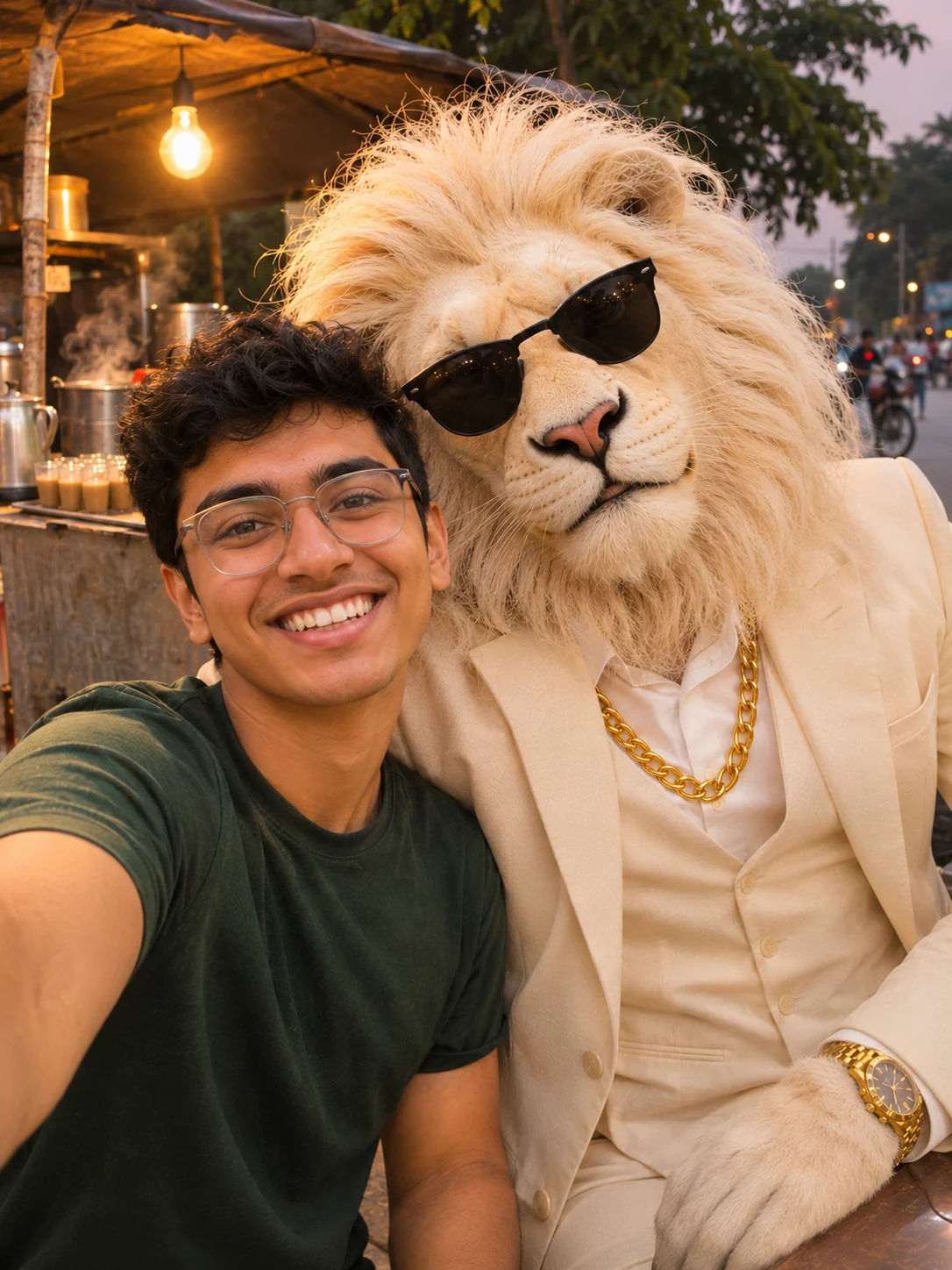
Sheru Bhai AI Photo: Get Your Photo with Sheru Bhai from One Selfie
Add one selfie, pick a pose, and get your Sheru Bhai photo with the white lion.
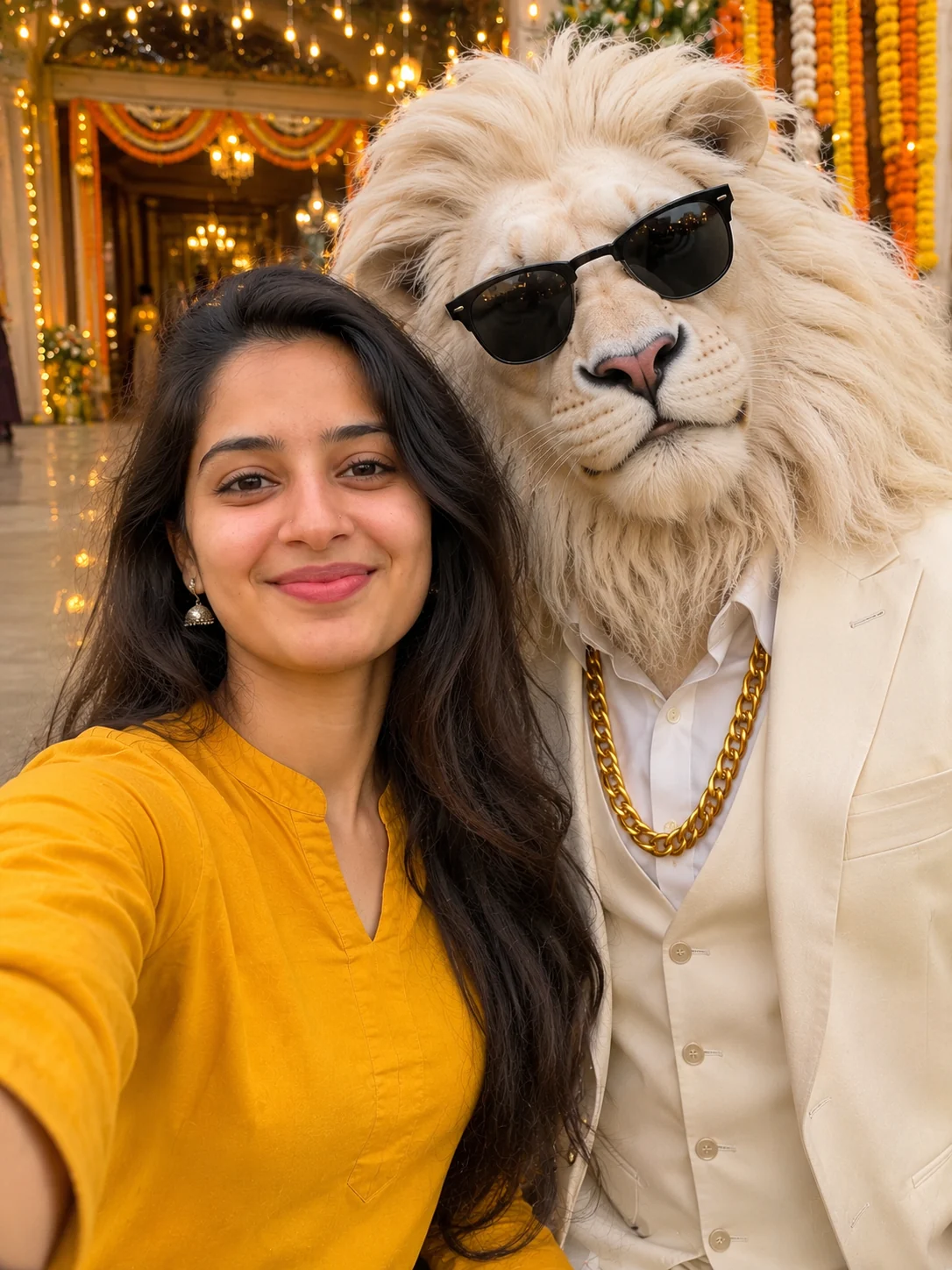
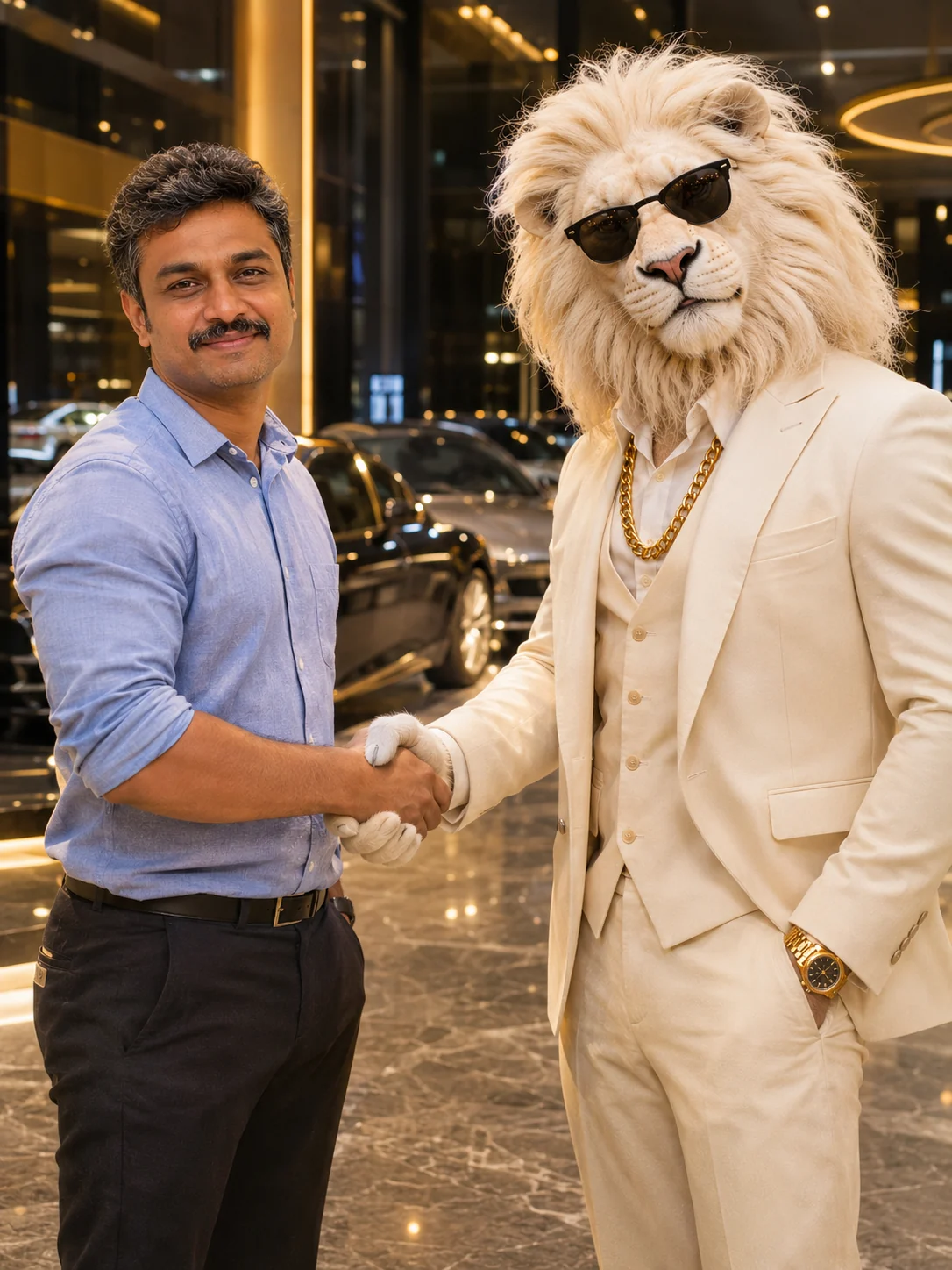
Add one selfie, pick a pose, and get a Sheru Bhai photo of you next to the white lion in his white suit, gold chain and black sunglasses. Shake his hand, ride on his bike or stand by his boss chair. The photo is tall, ready for Reels and Status, and one more tap turns it into an 8-second Sheru Bhai video with sound.
Your first photo is free
Works best with one person facing the camera, sharp and well lit, no sunglasses. Only use photos of adults who agreed to it.
Your first photo is free: new accounts get 5 free credits.
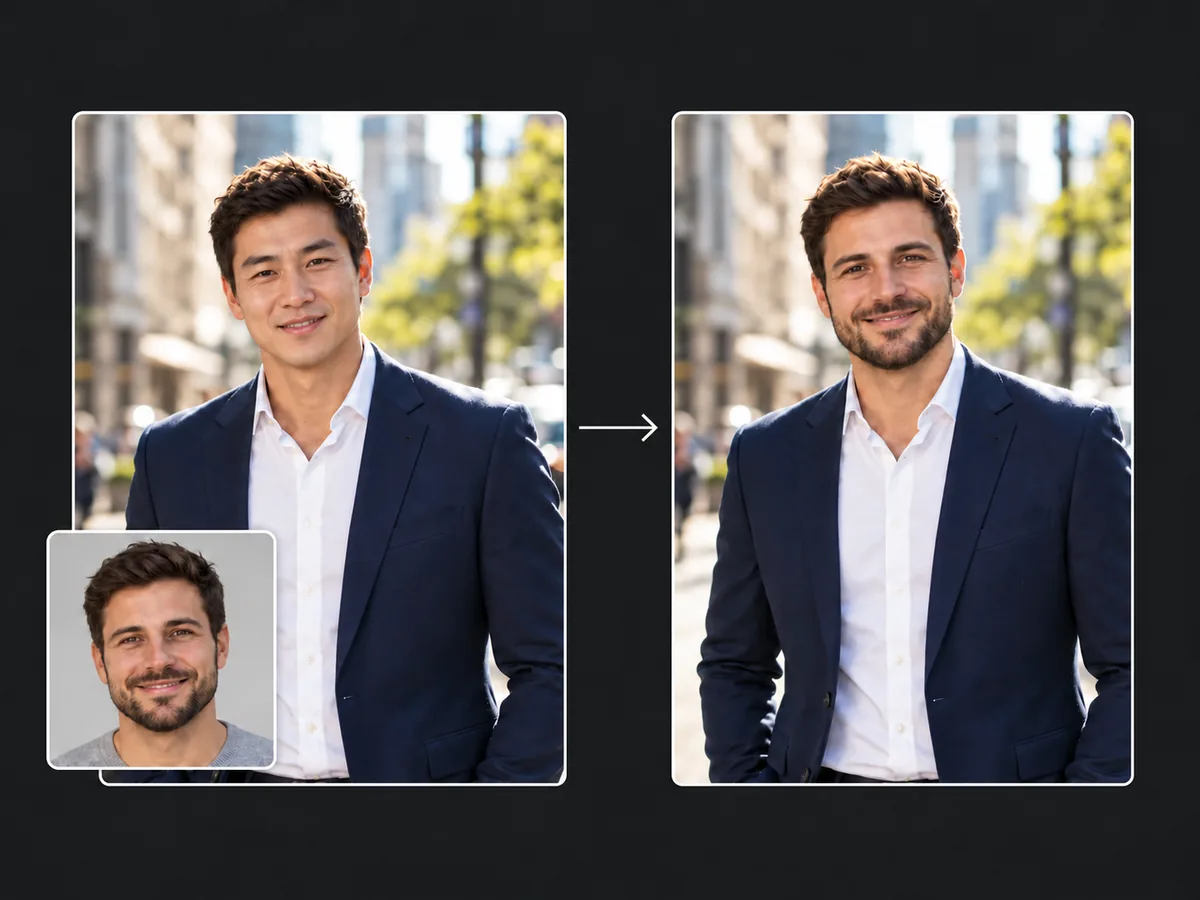
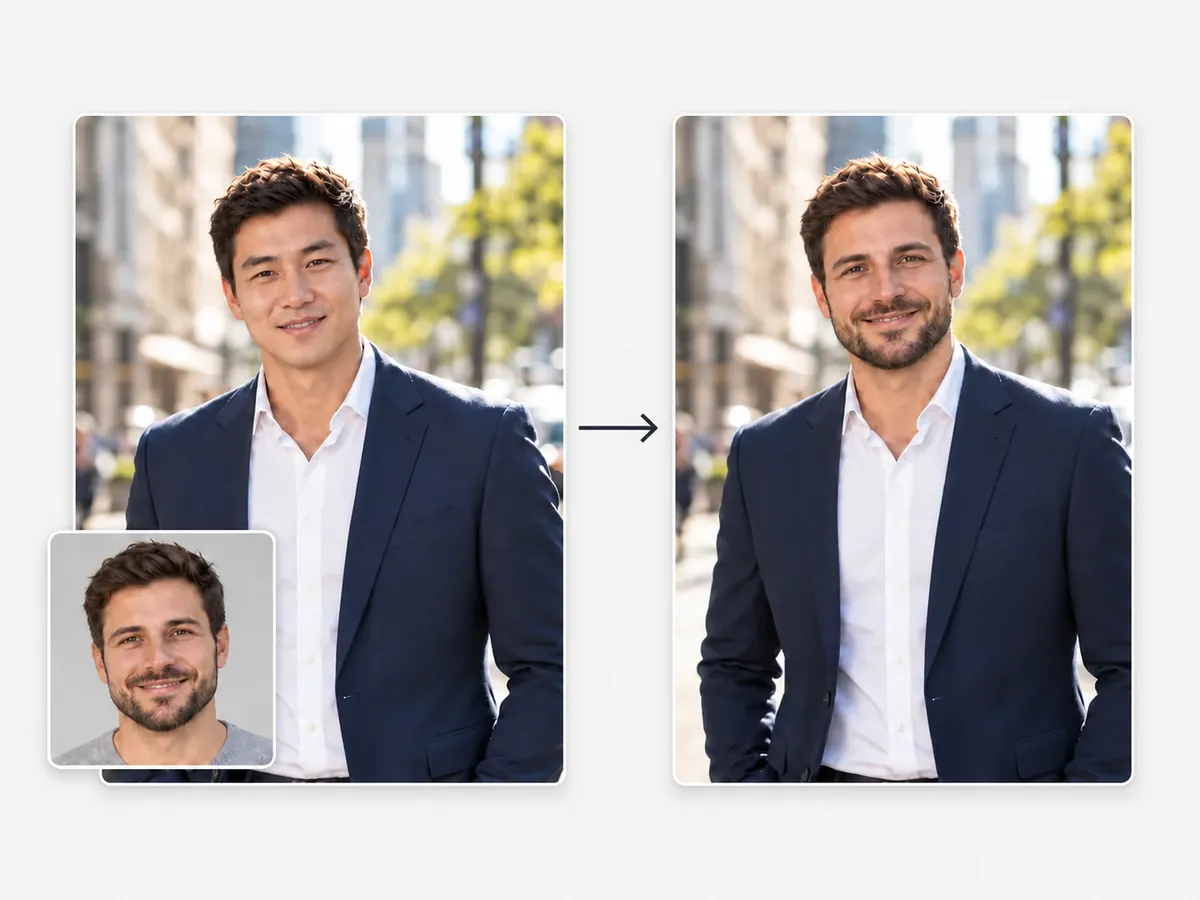
 EXAMPLE
Add one selfie, pick a pose, and get a Sheru Bhai photo of you next to the white lion in his white suit, gold chain and black sunglasses. Shake his hand, ride on his bike or stand by his boss chair. The photo is tall, ready for Reels and Status, and one more tap turns it into an 8-second Sheru Bhai video with sound.
Sheru Bhai photos made here
Tap one to use its poseWho is Sheru Bhai?
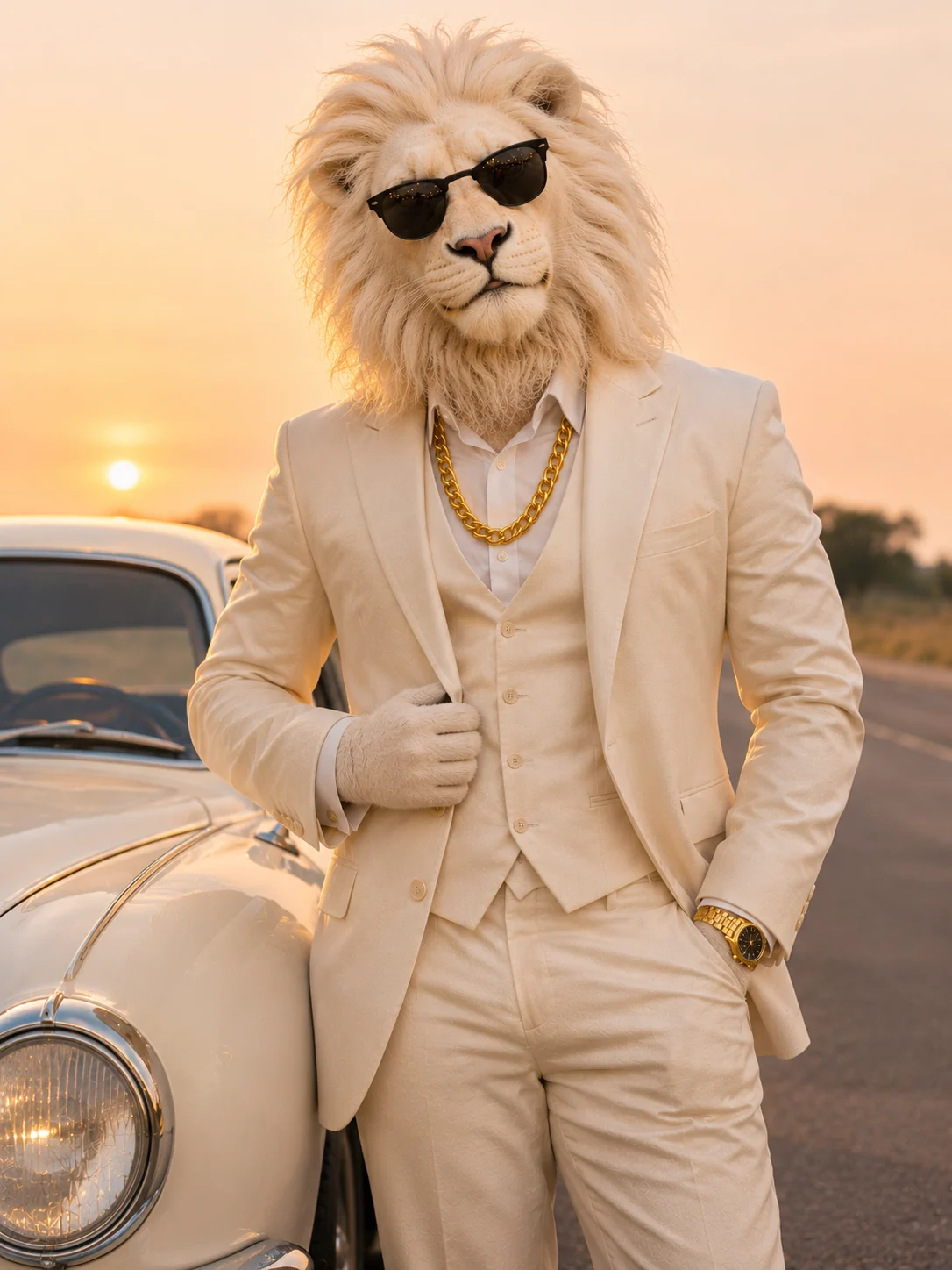
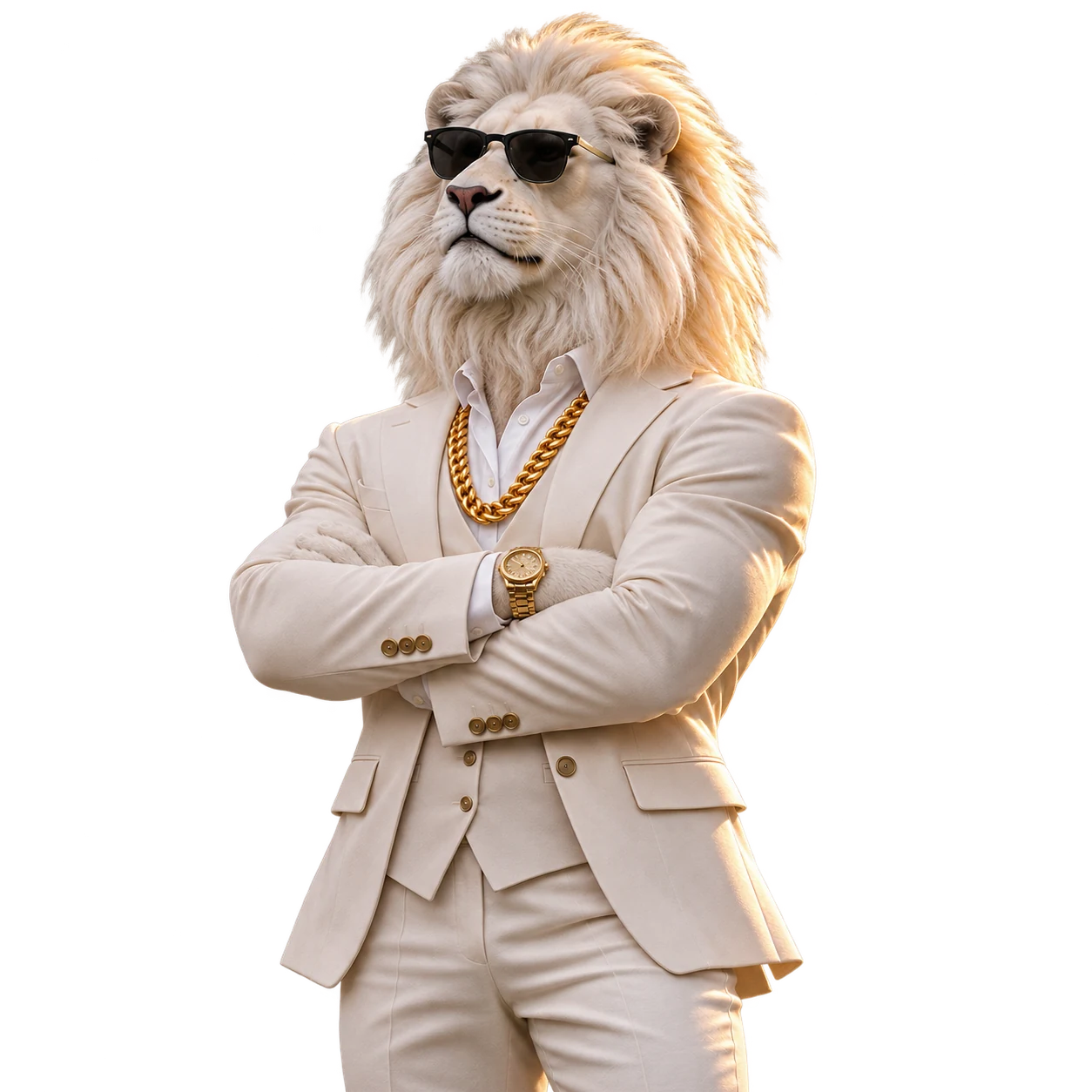
Sheru Bhai is a white lion who carries himself like a boss. He has a real lion's head with a full white mane on a tall man's body, and he always dresses the same way: a white three-piece suit, a white shirt, a heavy gold chain over the waistcoat and black aviator sunglasses. "Sher" means lion in Hindi and Urdu, Sheru is the friendly way to say it, and bhai means brother. You will also see the name written as one word, sherubhai.
In the short AI videos that made him famous, he walks into auctions and hotel lobbies and steps out of black SUVs, and everyone around him makes way. People in India, Pakistan, Nepal, Sri Lanka and the Gulf started asking who is Sheru Bhai, or Sheru Bhai kaun hai, and soon after, they wanted a picture of themselves standing next to him.
That picture, your own Sheru Bhai ka photo, is what this page makes. Our Sheru Bhai is drawn fresh by us from that same description, so the lion in your photo looks the part without copying anyone's clip.
How the Sheru Bhai trend started
The Sheru Bhai trend began as a series of AI-made short videos, each a few seconds of the white lion boss doing something grand, often with a dramatic line in Hindi and a rival who gets put in his place. The clips spread on Instagram Reels, YouTube Shorts and Facebook in the autumn of 2026 and took off in the second week of November, when searches for Sheru Bhai and Sheru AI jumped across South Asia and the Gulf. Kerala joined in with Malayalam versions, and the same lion turned up in edits in many other languages.
Nobody has confirmed who made the first clip. Several accounts say they started it, and fan sites give different dates. We don't know either, so we don't name anyone as the creator.
What happened next is the part you can join: people stopped only watching and started making their own Sheru Bhai photos. A photo next to the lion became the way to say you are in on the joke, and that is the photo this tool makes, in the poses people post most.
Sheru Bhai photo ideas: five poses
Every Sheru Bhai photo here comes in one of five poses, the ones that show up again and again in the photos people share. Pick one in the tool above, or tap Use this pose under any picture below. Each pose keeps your face as it is in your selfie and puts the lion right beside you in his white suit and gold chain.
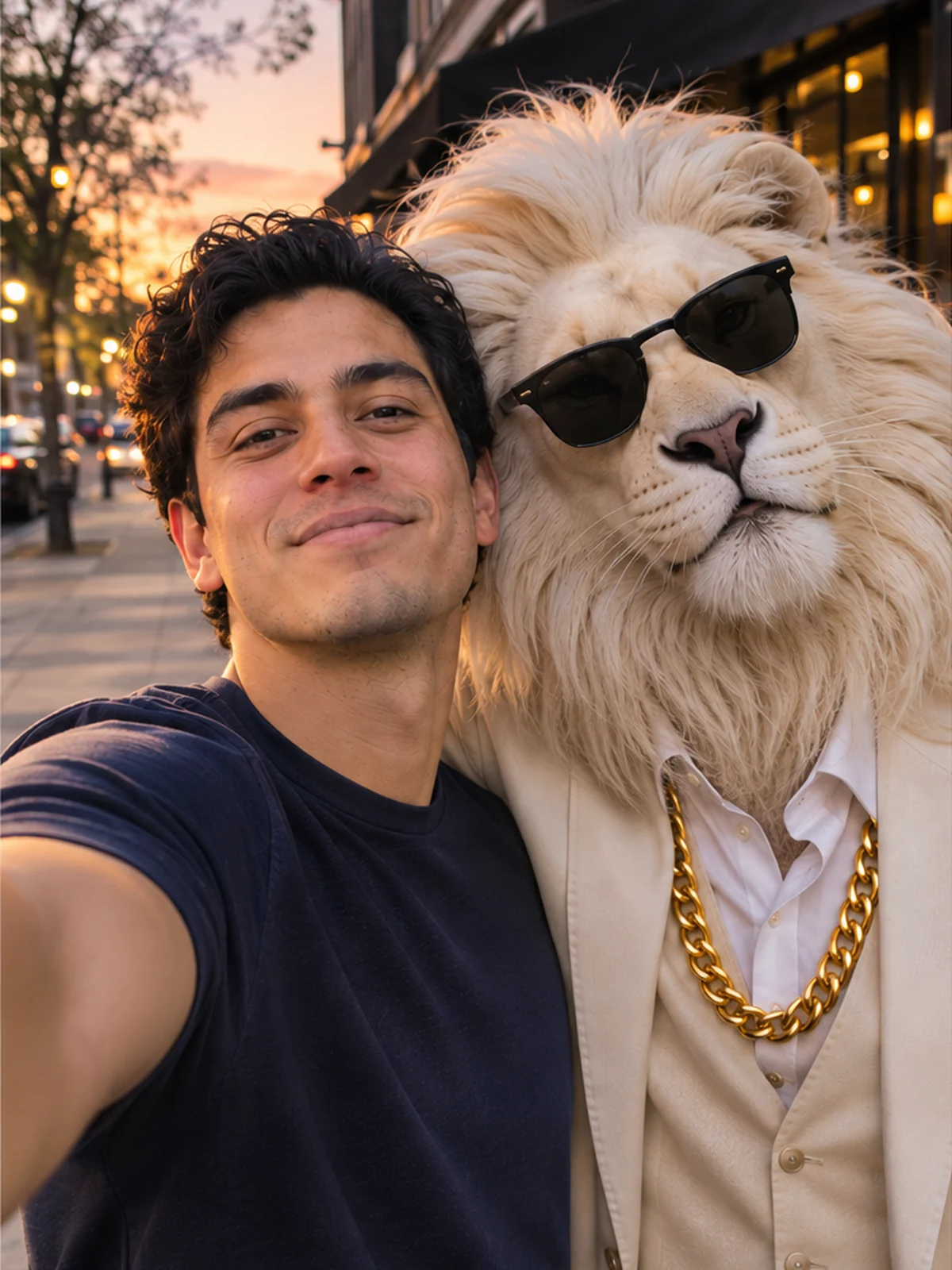
Selfie together
The two of you at arm's length on a city street at dusk, Sheru Bhai leaning in for the shot. The closest thing to meeting him.
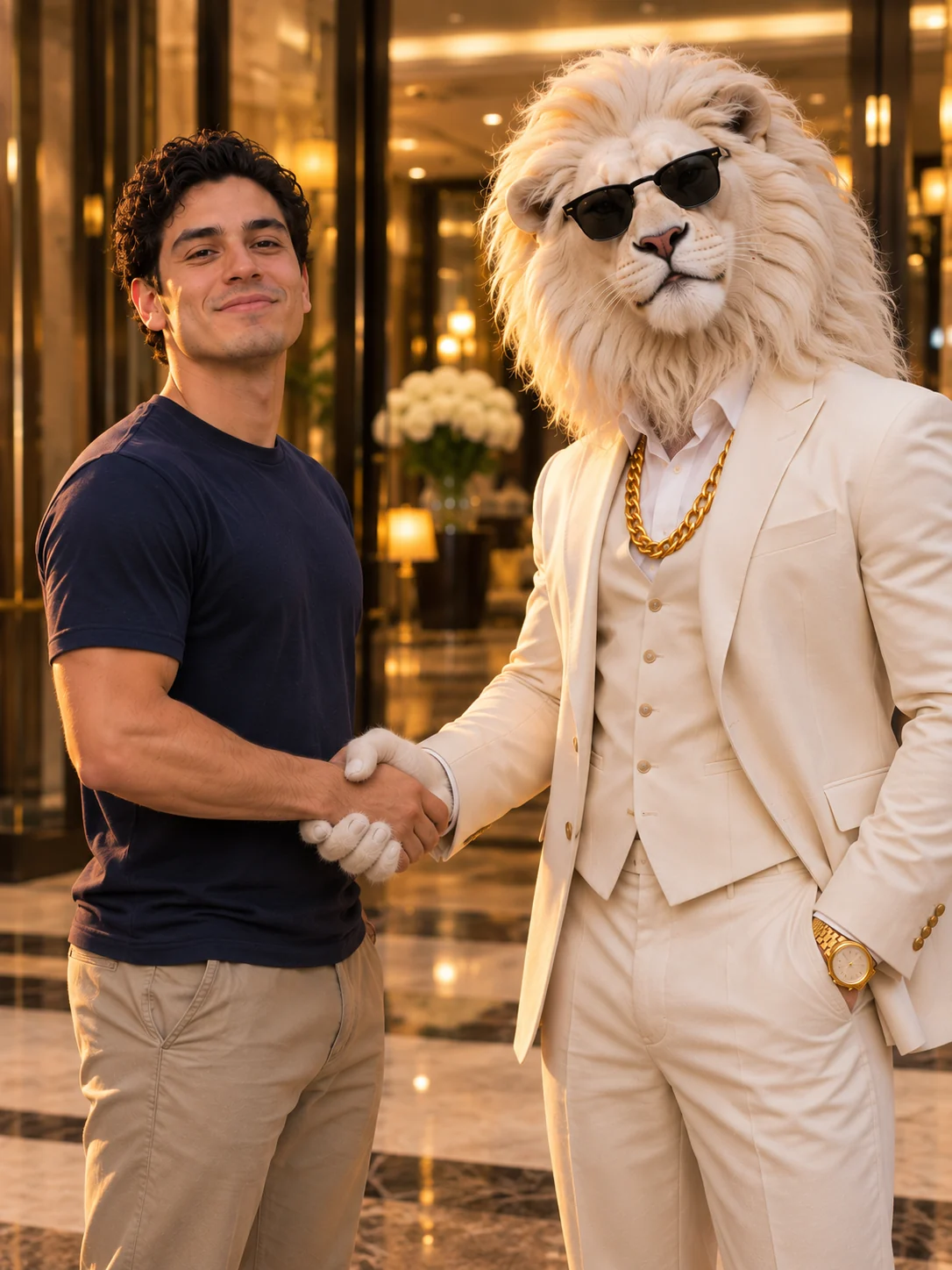
Handshake
A deal sealed in a hotel lobby: you both turn to the camera mid-handshake, framed from the knees up.
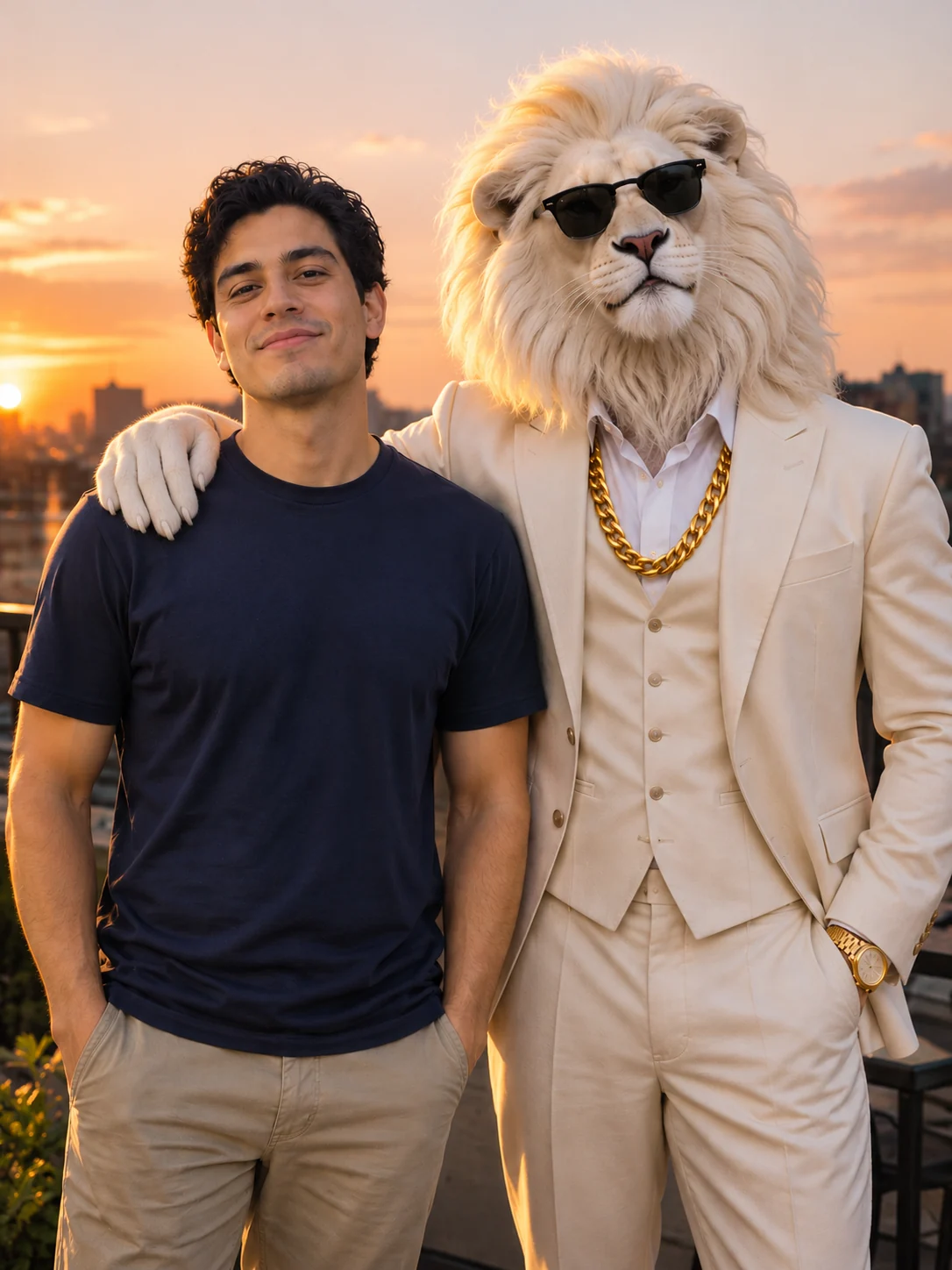
Paw on your shoulder
The classic Sheru Bhai photo: side by side on a rooftop at sunset, his hand resting on your shoulder.
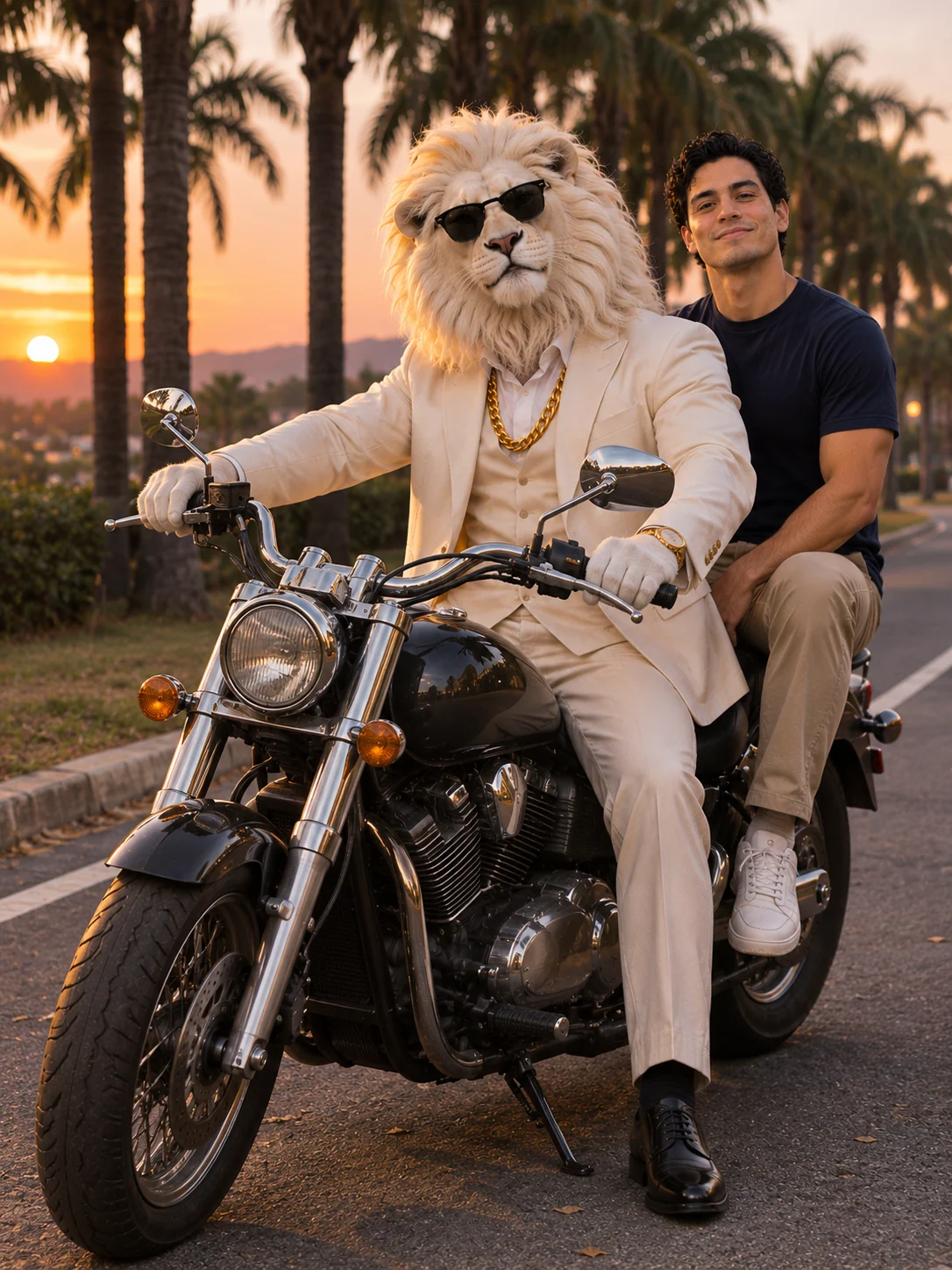
Bike ride
You ride behind him on a parked cruiser on a palm-lined road at dusk, with the whole bike in the frame.
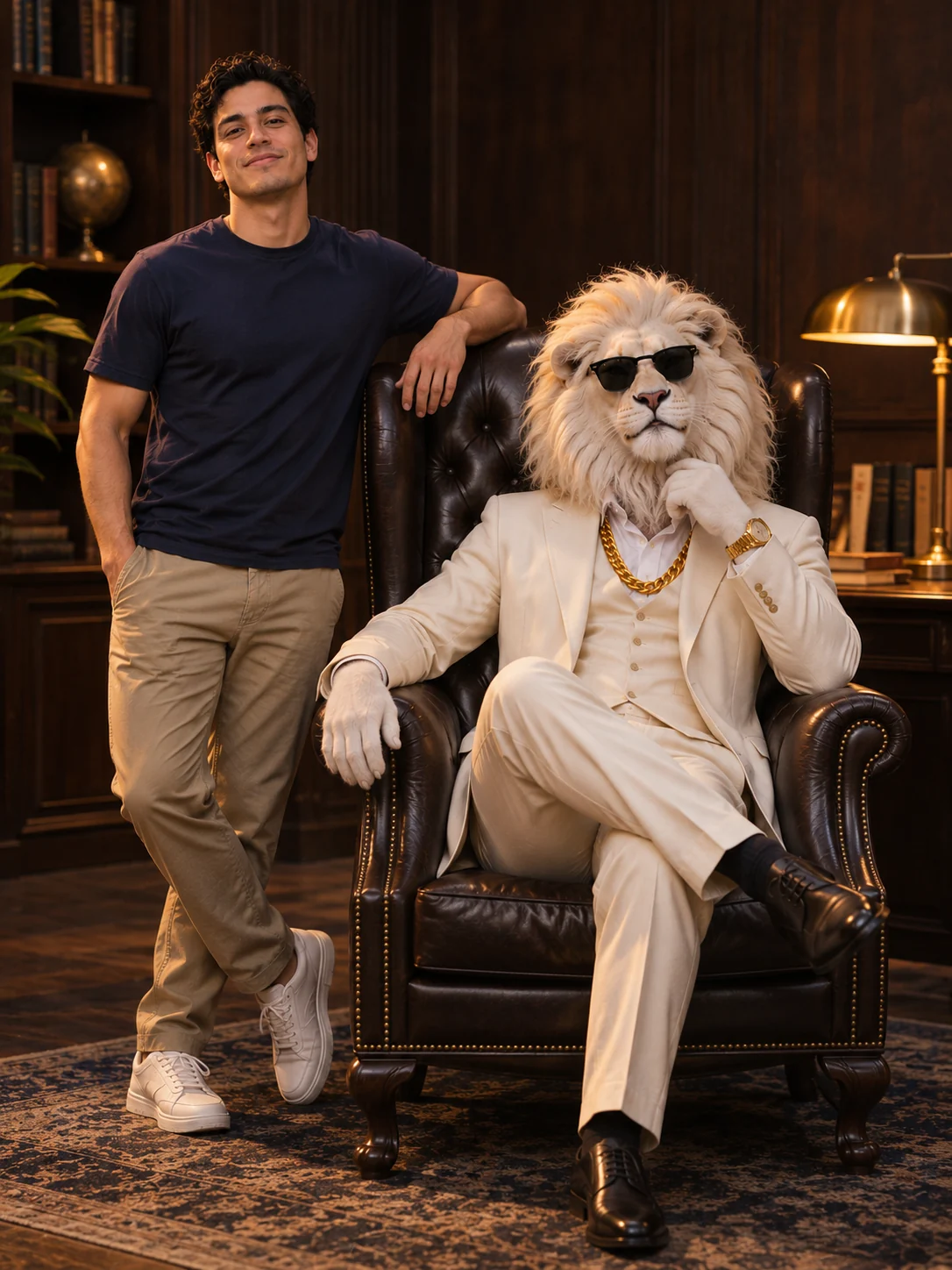
Boss chair
He leans back in a leather boss chair and you stand at his side, one hand on the chair, in a dark wood office.
Which selfie works best
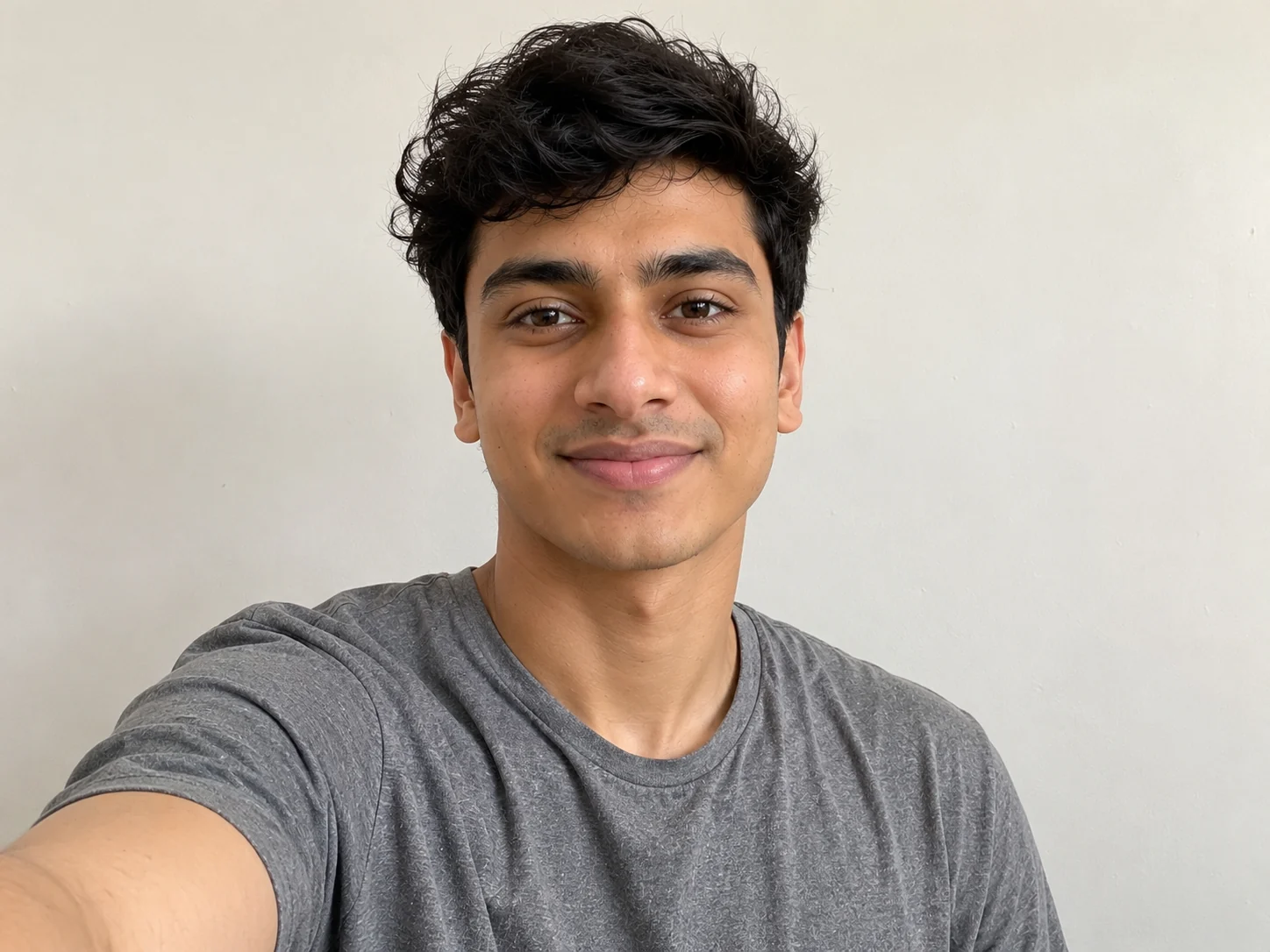
A good selfie: one face looking at the camera, in daylight or a bright room, with nothing covering it. This is what gives the best Sheru Bhai photo.
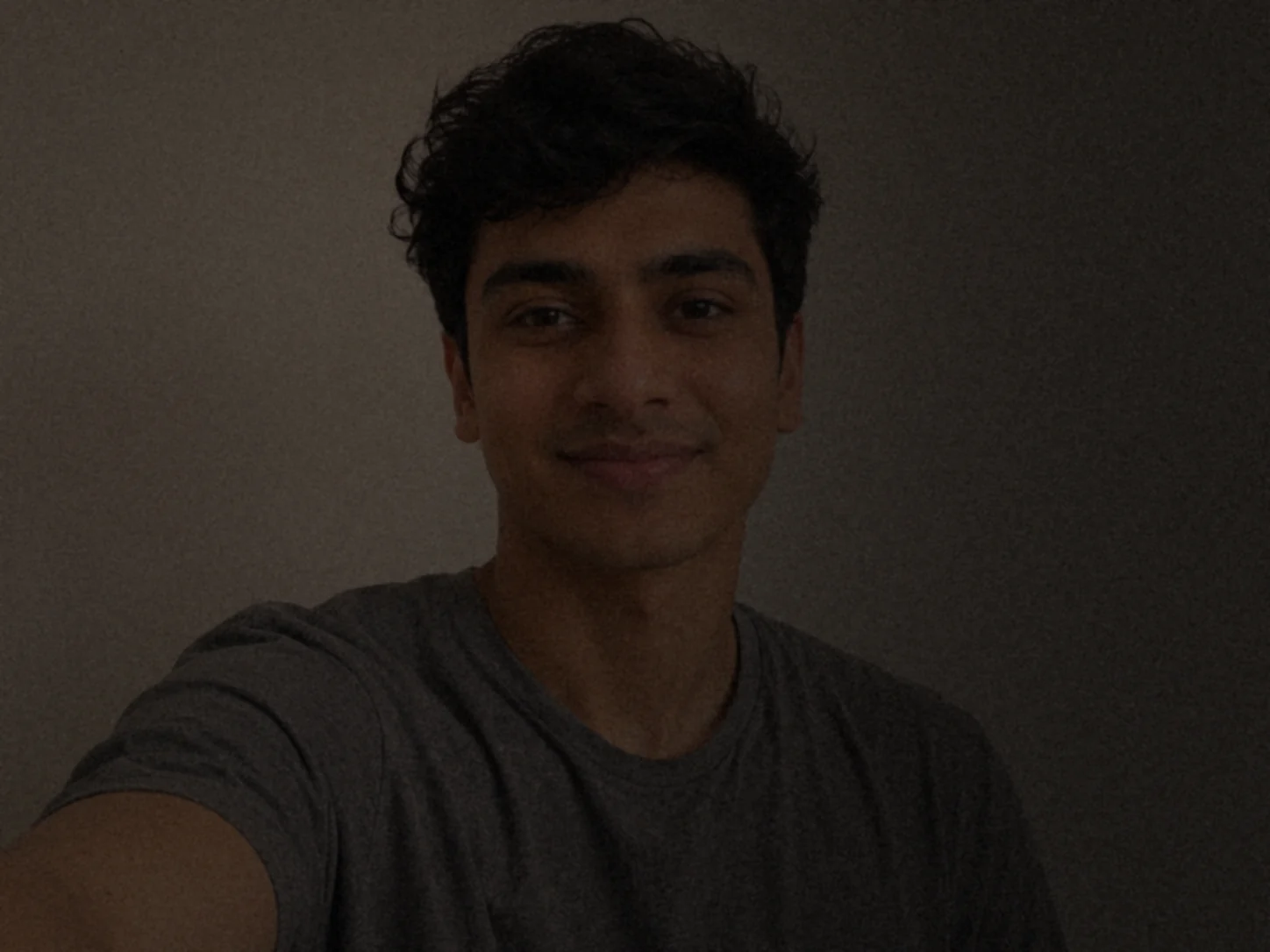
Too dark: a selfie taken at night or against a bright window loses the details of your face, and the photo can come out looking like someone else.
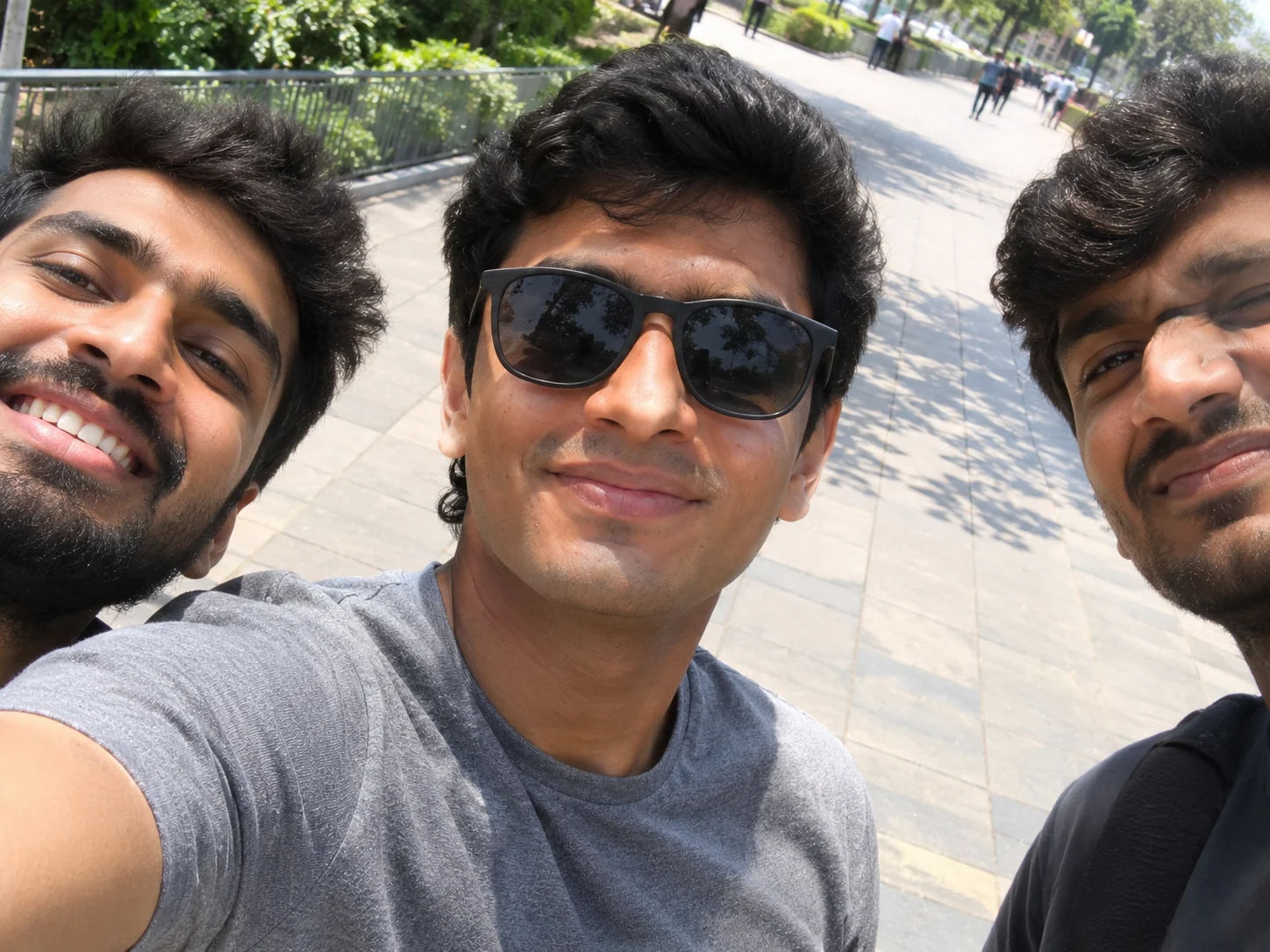
Sunglasses or a group: with your eyes hidden, or several faces in one picture, the tool can't tell which face is yours. Take the glasses off and crop the picture to just you.
Any phone selfie works; it doesn't need to be a studio shot. What matters is your face: sharp, lit from the front, and not turned far away from the camera. A close selfie where your face is large works better than a full-length shot. Only use your own photo, or a photo of an adult who agreed to it.
Sheru Bhai AI video: from your photo to a short clip
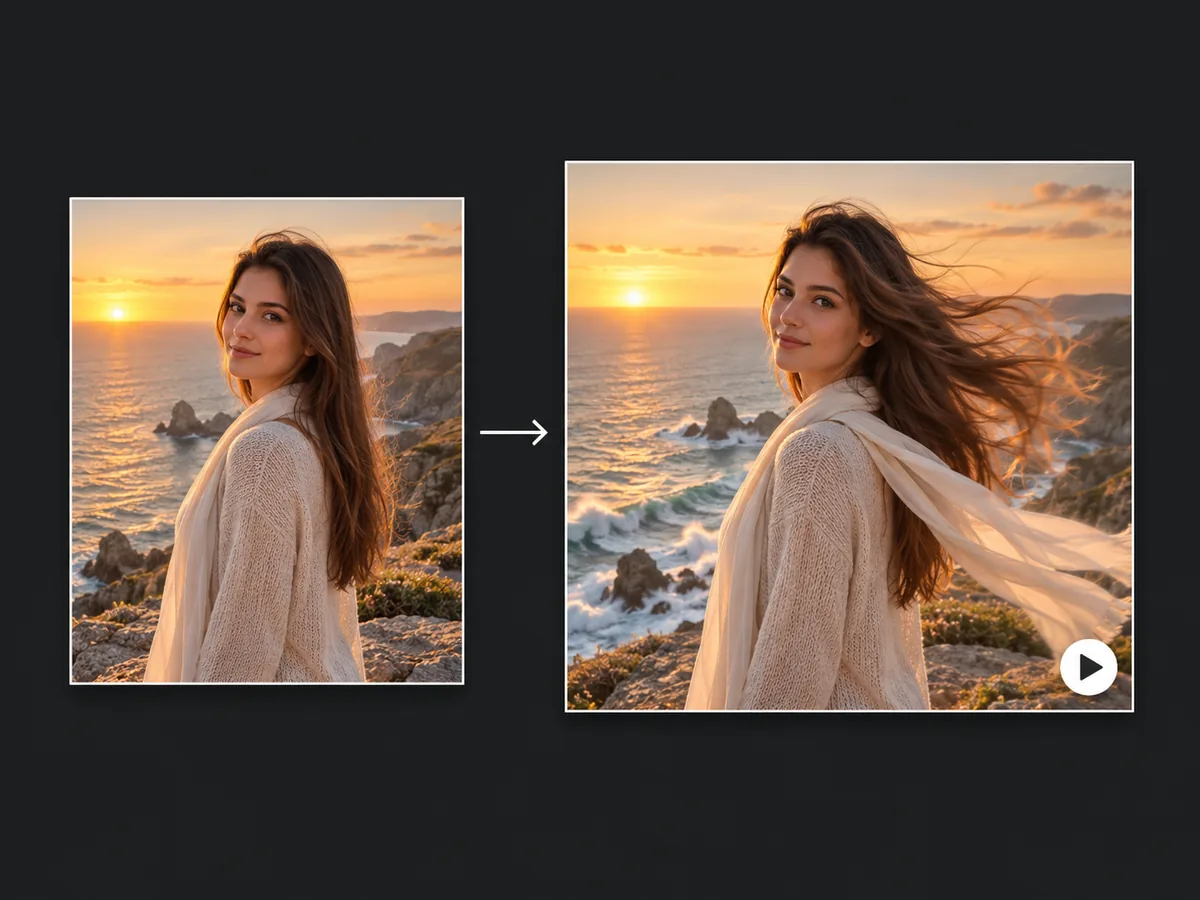
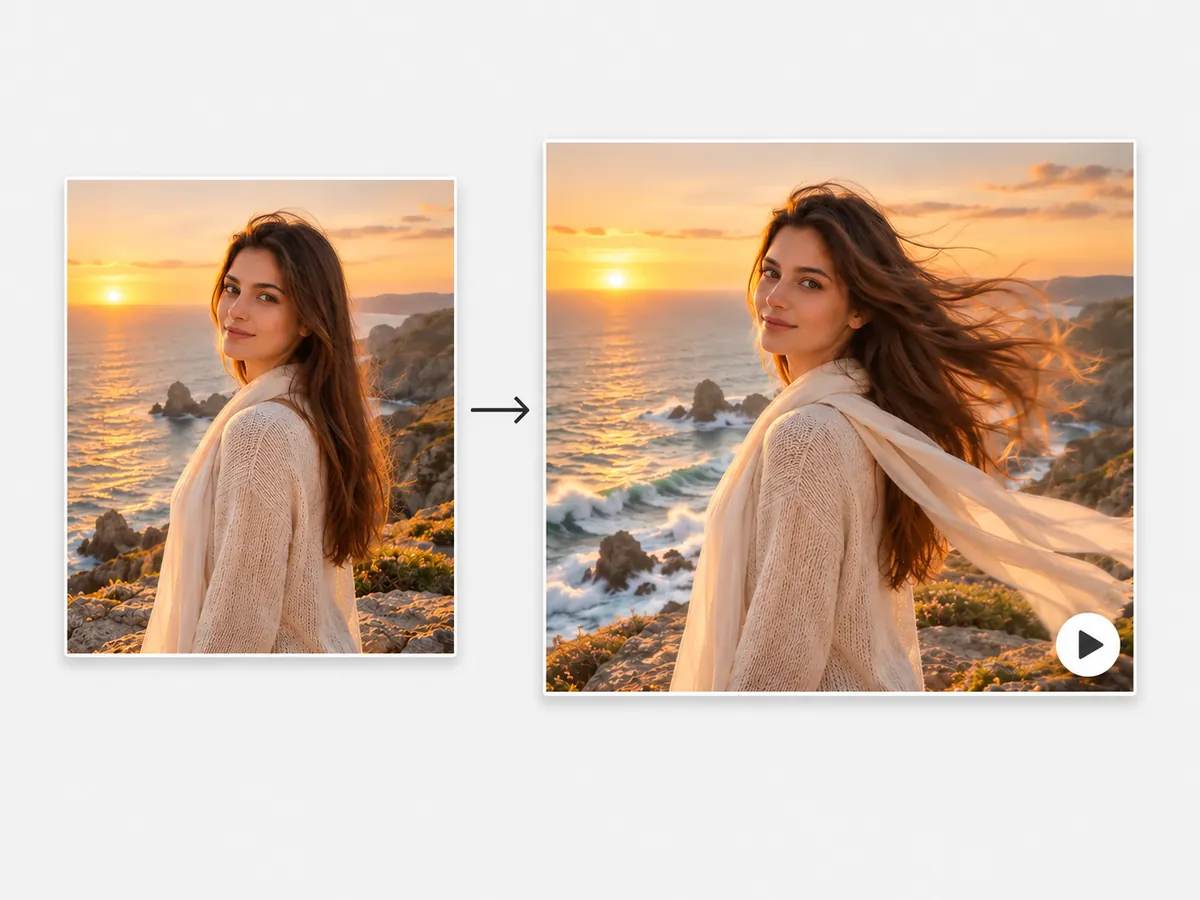
Once your Sheru Bhai photo is ready, the card under it turns it into an 8-second Sheru Bhai AI video. The clip starts on your photo: Sheru Bhai lowers his sunglasses and looks into the camera, you both nod, and then you turn to the camera together in slow motion while the breeze moves his mane, over an original dhol beat.
The video is tall, 9:16, the same shape as the photo, so it is ready for Instagram Reels, YouTube Shorts and WhatsApp Status. When it is done, a Photo | Video switch above the result lets you flip between the two and download either one.
The video is 40 credits on top of the photo, and you only pay for it if you want it. It usually takes 2 to 4 minutes, and you can close the page while it is being made: it waits for you in My Creations.
The video is made from your photo. Make your photo at the top, then tap Make the video under it.
Photo not looking right? How to fix it
The face doesn't look like you: this almost always comes from the selfie. Try one taken in daylight, facing the camera, without sunglasses or a beauty filter.
The pose isn't what you wanted: each pose has its own picture in the tool, and your photo follows it. Your selfie stays where it is, so tap Try another pose and pick again without uploading anything.
The lion's hands or the bike look odd: hands and vehicles are the hardest part of any AI photo. Making the photo again with the same selfie often fixes it, and the Handshake and Paw on your shoulder poses keep his hands simplest.
The photo failed: you are not charged. The 5 credits go back to your balance on their own, and you can try again or use another selfie.
Is this the official Sheru Bhai?
No. This is an unofficial fan tool, and we have no link to anyone who makes or posts Sheru Bhai videos. Our lion is made fresh by us from a plain description: a white lion in a white three-piece suit with a gold chain and sunglasses. We don't use any clip, still, voice or logo from anyone's account, and the music in the video is original.
Your selfie is used only to make your photo. Your photos and videos stay in your account under My Creations, and nobody else sees them unless you share them.
Use it for fun, with your own photo or a photo of a friend who said yes. Don't use it to make someone look like they said or did something they didn't.
How to use
- 1
Add one selfie: your face sharp and facing the camera, no sunglasses.
- 2
Pick a pose and tap Make my photo. Your Sheru Bhai photo is ready in about a minute.
- 3
Download the photo, or tap Make the video to turn it into an 8-second clip with sound.
FAQ
How do I make a Sheru Bhai AI photo?
+
Add one selfie, pick one of the five poses and tap Make my photo. In about a minute you get a photo of you with Sheru Bhai, ready to download.
How much does a Sheru Bhai photo cost?
+
Each photo is 5 credits, and the video is 40 more if you want one. New accounts start with 5 free credits, enough for your first photo. Credits come in one-time packs, no subscription needed. If a photo or a video fails, its credits go back to your balance on their own.
How long does it take?
+
About a minute for the photo and 2 to 4 minutes for the video. You can close the page in the meantime: both wait for you in My Creations.
Can I make a Sheru Bhai video too?
+
Yes, from your photo. Make your photo in the tool at the top first, then tap Make the video under it. It turns the photo into an 8-second Sheru Bhai AI video with sound, for 40 credits.
What size is the photo?
+
Tall, 9:16, the shape of a phone screen, so it fits Instagram Reels, Stories, YouTube Shorts and WhatsApp Status without cropping. The video is the same shape.
Can two people be in the photo with Sheru Bhai?
+
Not yet. Each photo is one person and the lion, made from one selfie. A group photo leaves the tool guessing which face is yours, so crop it to just you first.
Who made Sheru Bhai?
+
Nobody has confirmed who made the first Sheru Bhai clip, and several accounts claim it. This page isn't connected to any of them: our lion is made fresh by us from a plain description.
Is my selfie kept private?
+
Yes. Your selfie, photos and videos stay in your account, where only you can see them, unless you choose to share one yourself. Nothing you make here is shown on this page.