AI Halloween Costume: Turn Your Photo Into a Costume Transformation Video
Pick a costume, upload a selfie, and the AI Halloween costume generator puts you at a Halloween house party and turns your everyday clothes into a witch, vampire, skeleton or pumpkin costume in a swirl of sparks. Go alone, as a couple, or with your friends, and get an 8-second vertical video with sound. No prompt to write.
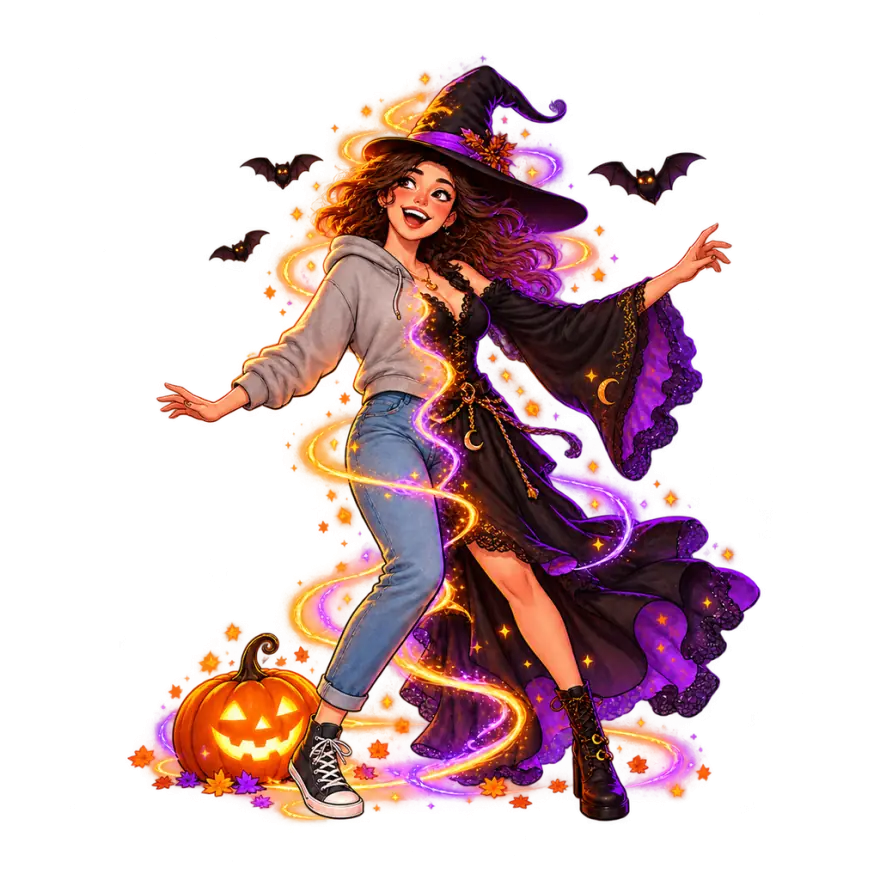
Works best with one person facing the camera, sharp and well lit, no sunglasses. Only use photos of adults who agreed to it.
What is an AI Halloween costume generator?
An AI Halloween costume generator puts you in a costume you never had to buy, sew or carry home. You upload a photo of yourself; it gives back you, dressed up, with your own face and hair.
Most AI costume generators stop at a picture. This one is an AI Halloween video generator: it makes a video of the moment you change: you start out in your everyday clothes, sparks swirl, and the costume appears on you. That one moment is what people post every October, and it is the only thing this page does, so there is nothing to set up beyond choosing who is dressing up and what they turn into.
You also do not need a full-length photo. The party, your body and the whole outfit are drawn for you around your face, so an ordinary selfie works.
Why the Halloween costume transformation is everywhere in October
The costume transformation is one of the formats people return to every Halloween: one cut, and someone in jeans and a hoodie is suddenly a vampire. On TikTok and Reels it is usually done with a jump, a spin or a hand sweeping across the lens, filmed twice and edited together.
It works because the before and after sit in the same second. Friends get to see you go from ordinary to dressed up, and the reveal is short enough to watch again.
Doing it for real takes a costume, makeup, a tripod and a few tries at the edit. This Halloween costume generator does the whole transformation from one photo, which also means you can try a costume on before you buy it, or post one you never plan to wear.
What happens in your AI Halloween costume video, second by second
You stand at a Halloween house party in your everyday clothes, with carved pumpkins, candles, cobwebs and orange string lights behind you, smile at the camera and snap your fingers.
You spin around once, orange and violet sparks wrap around you, and when you face the camera again you are wearing the costume you picked.
You look down at the new outfit, burst out laughing, then strike your best spooky pose for the camera.
Your face and hairstyle stay as they are in your photo; only the outfit changes, which is what makes the Halloween costume transformation look like you. The music is an original spooky-fun tune with organ and plucked bass, and no vocals.
Just me, Couple or Friends: which AI Halloween costume video should you make?
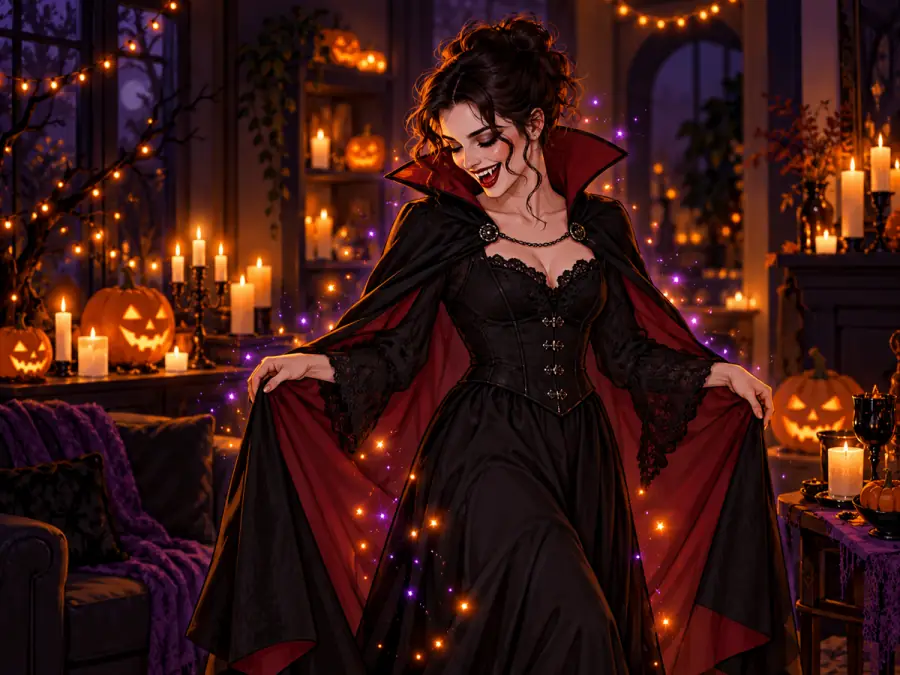
Just me takes one photo and puts you in one costume. Pick it for a solo post, or to try a costume on before Halloween.
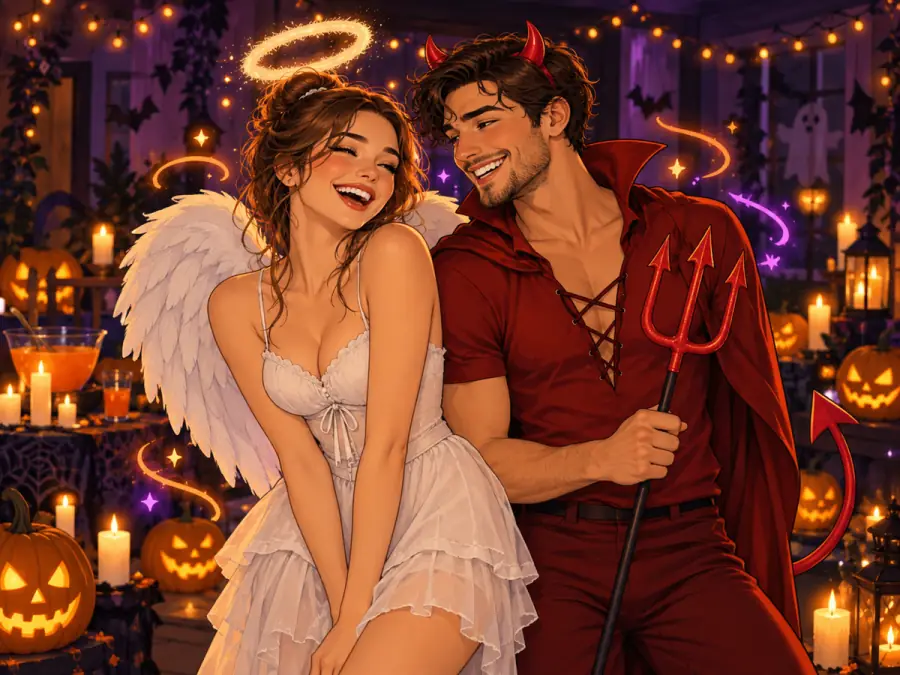
Couple takes two photos, one of each of you, and dresses you in a matching pair. The first photo is the person on the left. In Angel + devil the left person is the angel; in Witch + black cat the left person is the witch and the right person wears the cat costume.
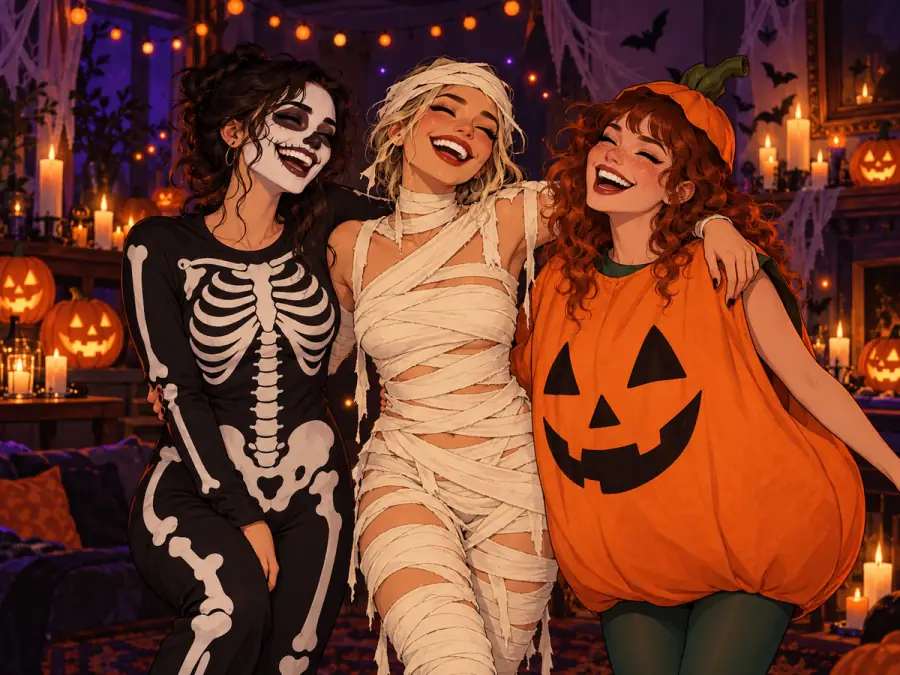
Friends takes one photo of two to four people and dresses everyone in the same costume theme, the easy answer when your group cannot agree on a group costume. Choose Surprise me and each friend gets a different classic costume instead.
Halloween costume ideas you can try with AI
Need Halloween costume ideas? AI lets you try several before you commit. These are the costumes you can pick:
Witch: a black dress and a tall pointed hat. Vampire: a high-collared cape with a red lining and pale makeup. Skeleton: a bone-print suit with skull face paint. Zombie: torn clothes and grey-green skin. Mummy: wrapped head to toe in bandages. Werewolf: fur, claws and pointed ears. Pumpkin: a round orange costume with a green stem hat.
For couples there are four matching pairs: Angel + devil, Witch + black cat, a vampire couple and two skeletons. Surprise me picks for you.
Every costume is a classic homemade-style look, not a character from a film, show, game or comic, so there are no logos or famous designs to worry about when you post.
Which photos work best for an AI Halloween costume?
The video keeps the face from your photo, so the photo matters more than anything else.
For Just me and Couple, use one person per photo, facing the camera, in sharp focus and good light. A phone selfie is fine. Skip sunglasses, heavy filters, masks and hands over the face.
For Friends, pick a photo where everyone faces the camera and every face is large and clear. A wide shot with tiny faces will not hold up.
Only use photos of adults who are happy to be dressed up. Photos of children or public figures may be refused, and you are not charged when that happens.
How to post your AI Halloween costume video
Post it as a vertical video on TikTok, Instagram Reels or YouTube Shorts. Captions that work set up the reveal: "deciding my costume like", "what I'm actually wearing to the party", "couple costume, done".
Add the tags people search for: #halloweencostume, #costumetransformation, #aihalloween and #halloween. On TikTok, switch on the AI-generated content label when you post; TikTok asks for it on realistic AI video. If you made the Couple or Friends version, tag everyone in it.
AI Halloween costume video not looking right? How to fix it
A face does not look like you: use a sharper, brighter photo where the face looks straight at the camera and fills more of the frame.
Someone in the group looks off: Friends needs large faces. Crop the photo closer, or make Couple videos with one photo each.
The costume came out different from what you pictured: every video is made fresh, so making it again gives you a new take on the same costume. Think of it as an AI costume changer you can run until you like the fit.
How to use
- 1
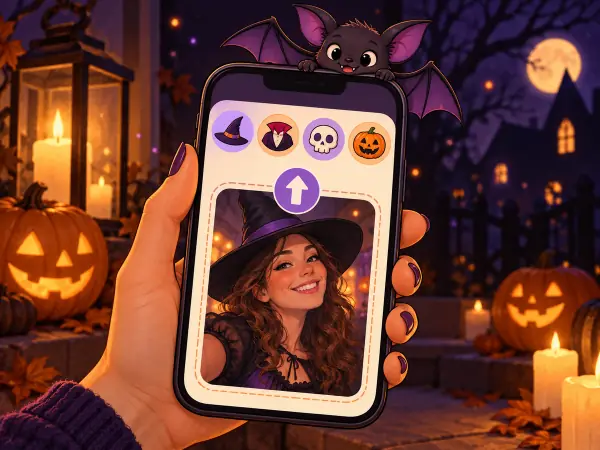
Choose Just me, Couple or Friends, pick a costume, then upload your photos.
- 2
Press the button. Your party scene is drawn and turned into a costume video with sound.
- 3
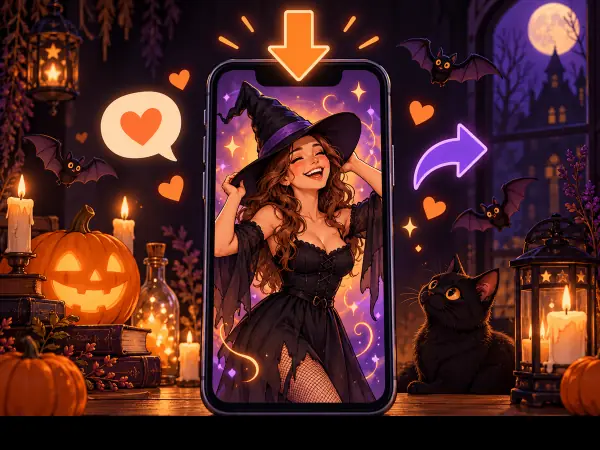
Download the MP4 or GIF and post your AI Halloween costume video on TikTok, Reels or Shorts.
FAQ
Is the AI Halloween costume generator free?
+
Watching the example is free; making your own costume video costs 40 credits. Every video is made fresh from your photos, so there is no free version. Credits come in one-time packs, no subscription needed. If a video fails, the 40 credits go back to your balance on their own.
How long is the video, and what shape?
+
8 seconds, vertical 9:16, ready for TikTok, Instagram Reels and YouTube Shorts. Download it as an MP4 with sound, or as a GIF without sound.
How long does it take to make?
+
Usually a few minutes. You can leave the page while it works: the finished video also appears in My Creations.
Does the Halloween AI video have sound?
+
Yes: an original spooky-fun tune and a whoosh as the costume appears. The example on this page starts muted; press Sound on to hear it.
Can I dress up as a movie or game character?
+
No. Costumes are classic looks like the witch, vampire and skeleton, never a specific character, so your AI Halloween costume video is yours to post.
Can I describe my own costume?
+
Not yet. Each costume has been tuned so the change looks right; pick the closest one, or choose Surprise me.
How many people can be in one video?
+
Up to four with Friends, from one photo. Couple takes two separate photos for a sharper result with two people.
Is this a Halloween filter?
+
Not quite. A Halloween filter paints effects over your camera live; this makes a new video of you at a party, changing into the costume, which you then download and post.
Can I make it on my phone?
+
Yes. The page works in your phone's browser: upload photos from your camera roll, then download the finished video and post it straight from your phone.
Will other people see my video?
+
Not unless you post it. Your video stays private to your account and is never shown in the public gallery.