
AI Image Generator, Free
Create images from text or edit a reference image. Choose GPT Image 2.5, Nano Banana 2.1, or Seedream 4.5, and start with a prompt or an example.
Try your first image free · No sign-up requiredCredit packs from ¥9.9 · Alipay and WeChat Pay accepted →
Jump to prompt ↓Image to Video AI Templates
Your face in this week’s meme, or any photo to video in one click. Each template has its own page.
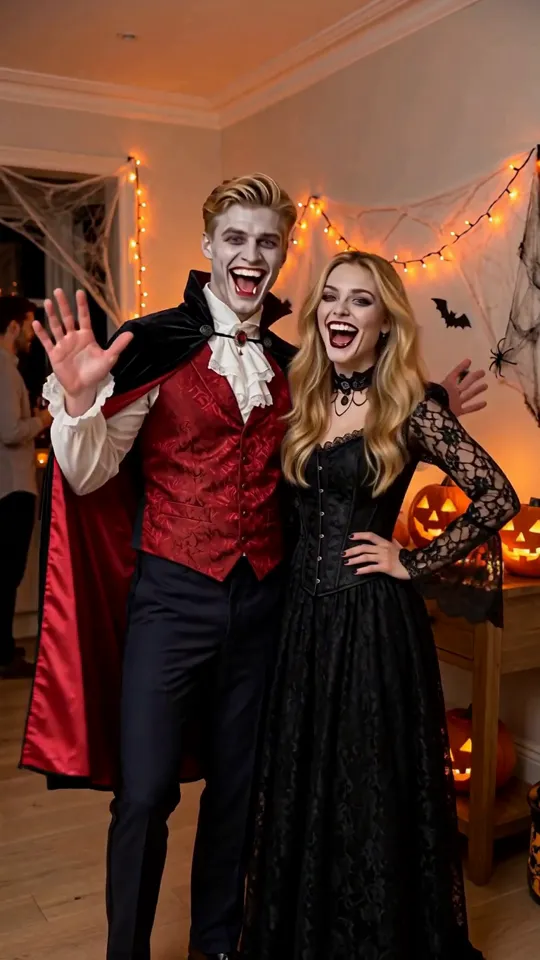
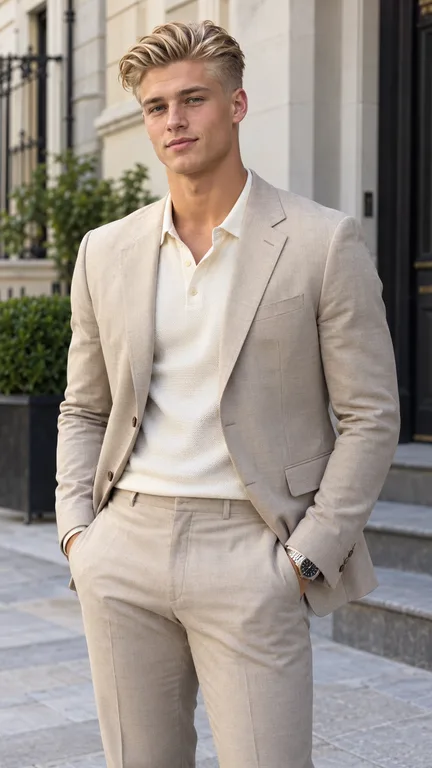
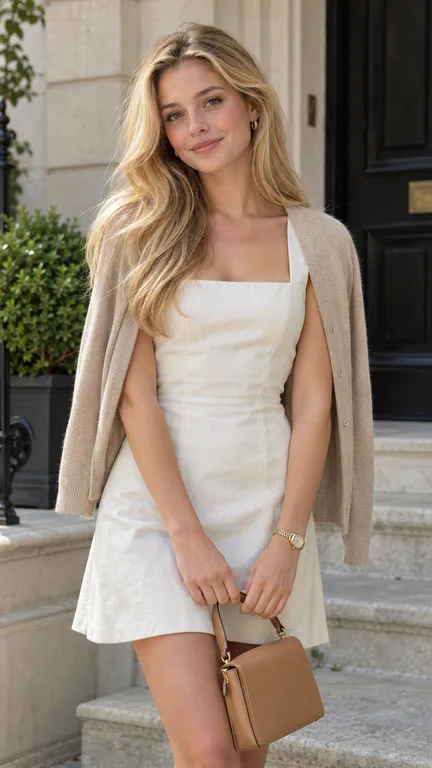

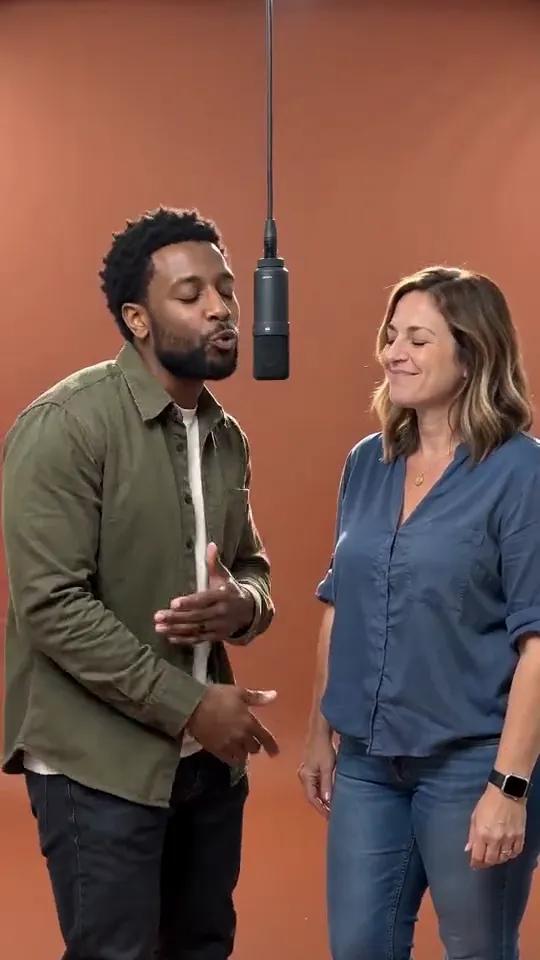
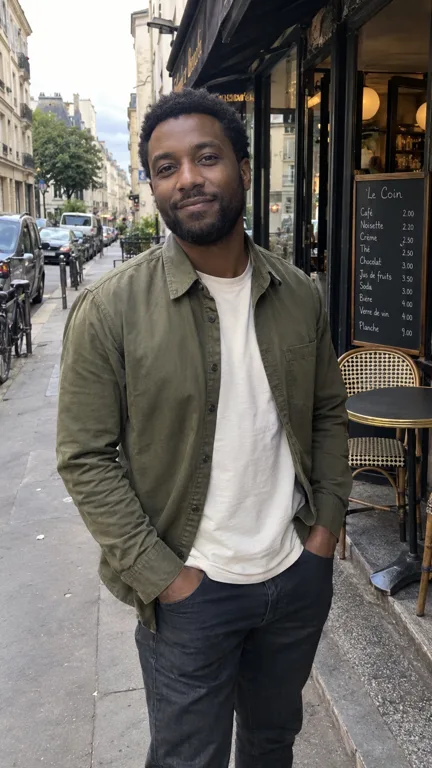
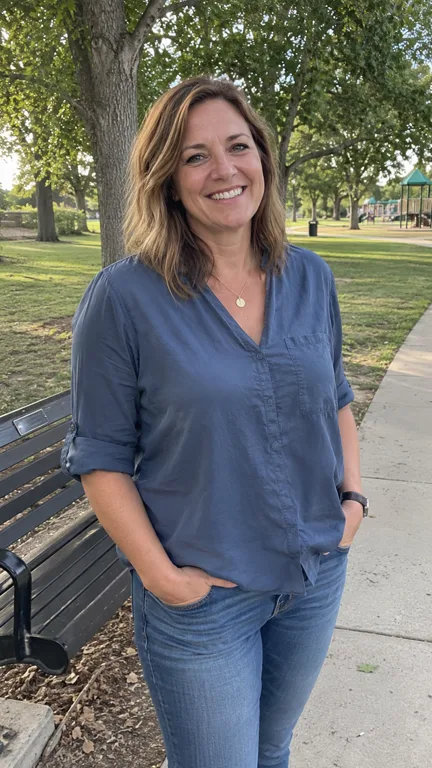

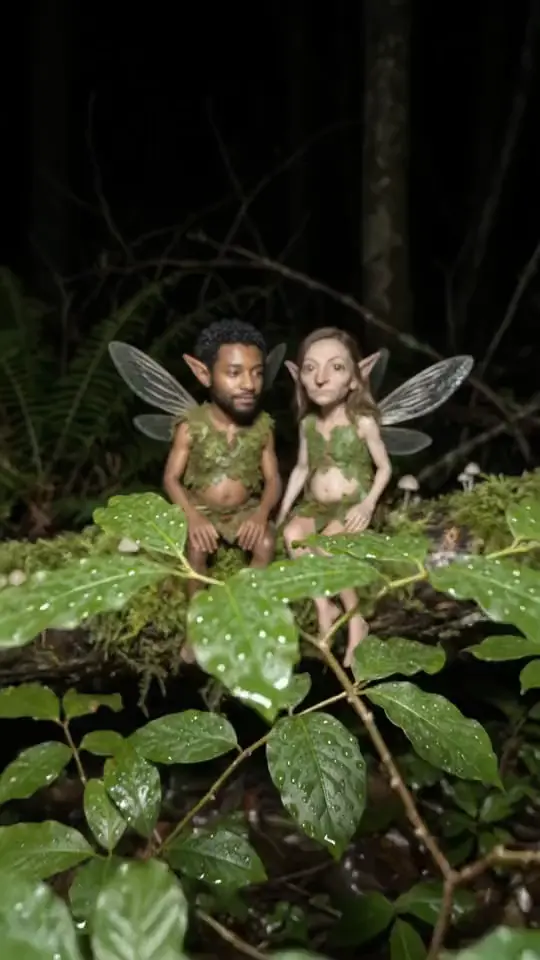
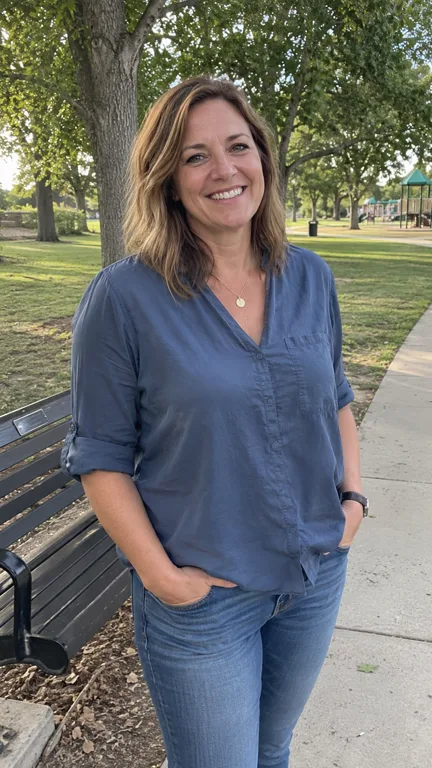

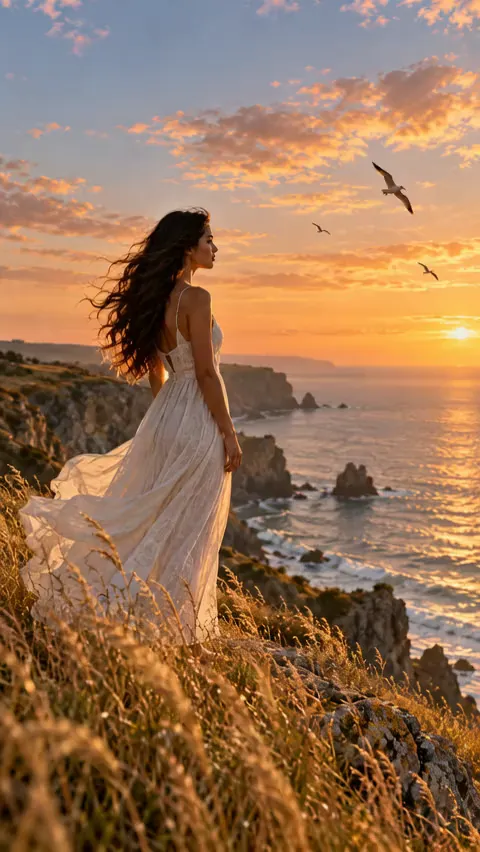
01 / Gallery
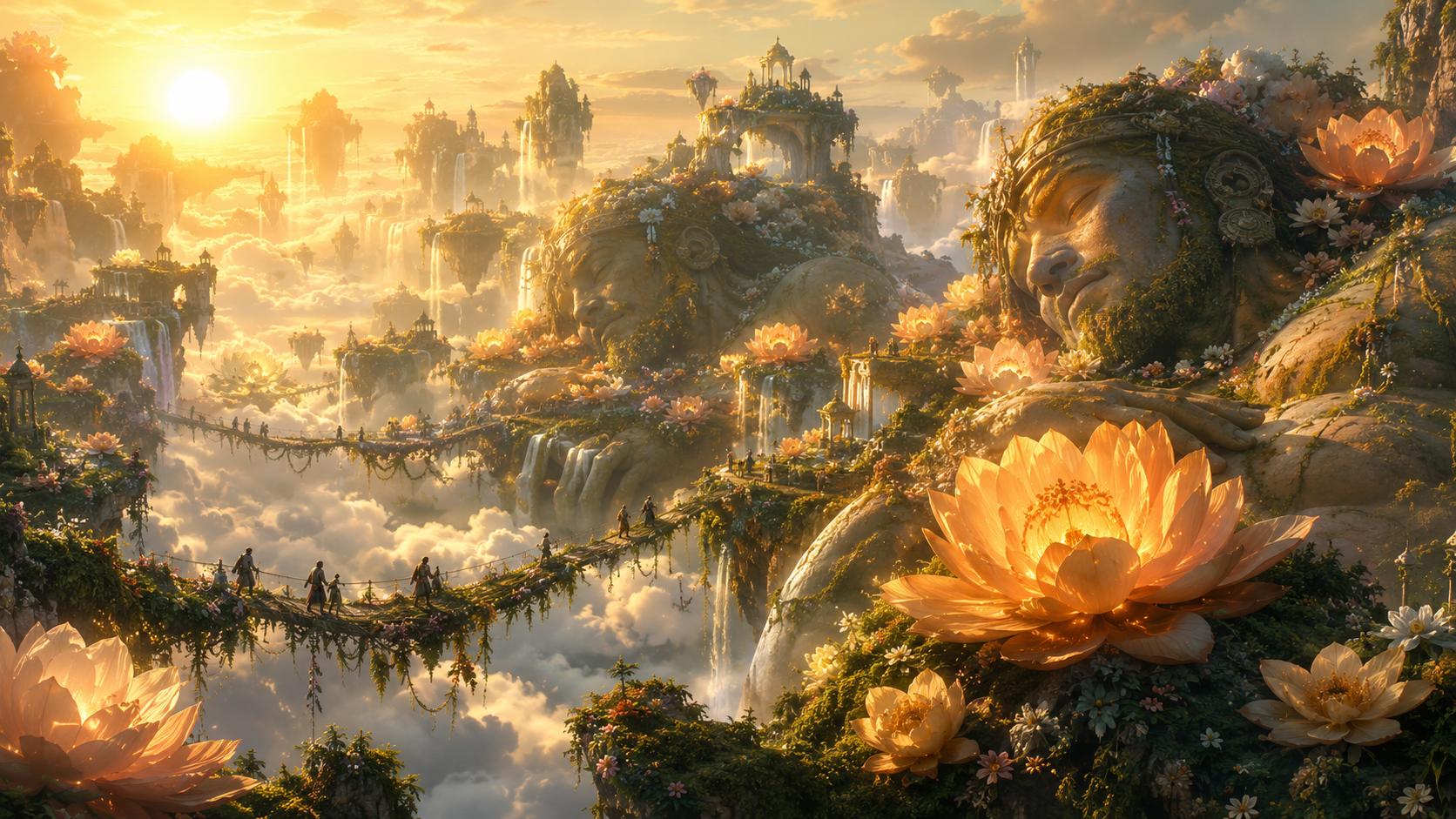
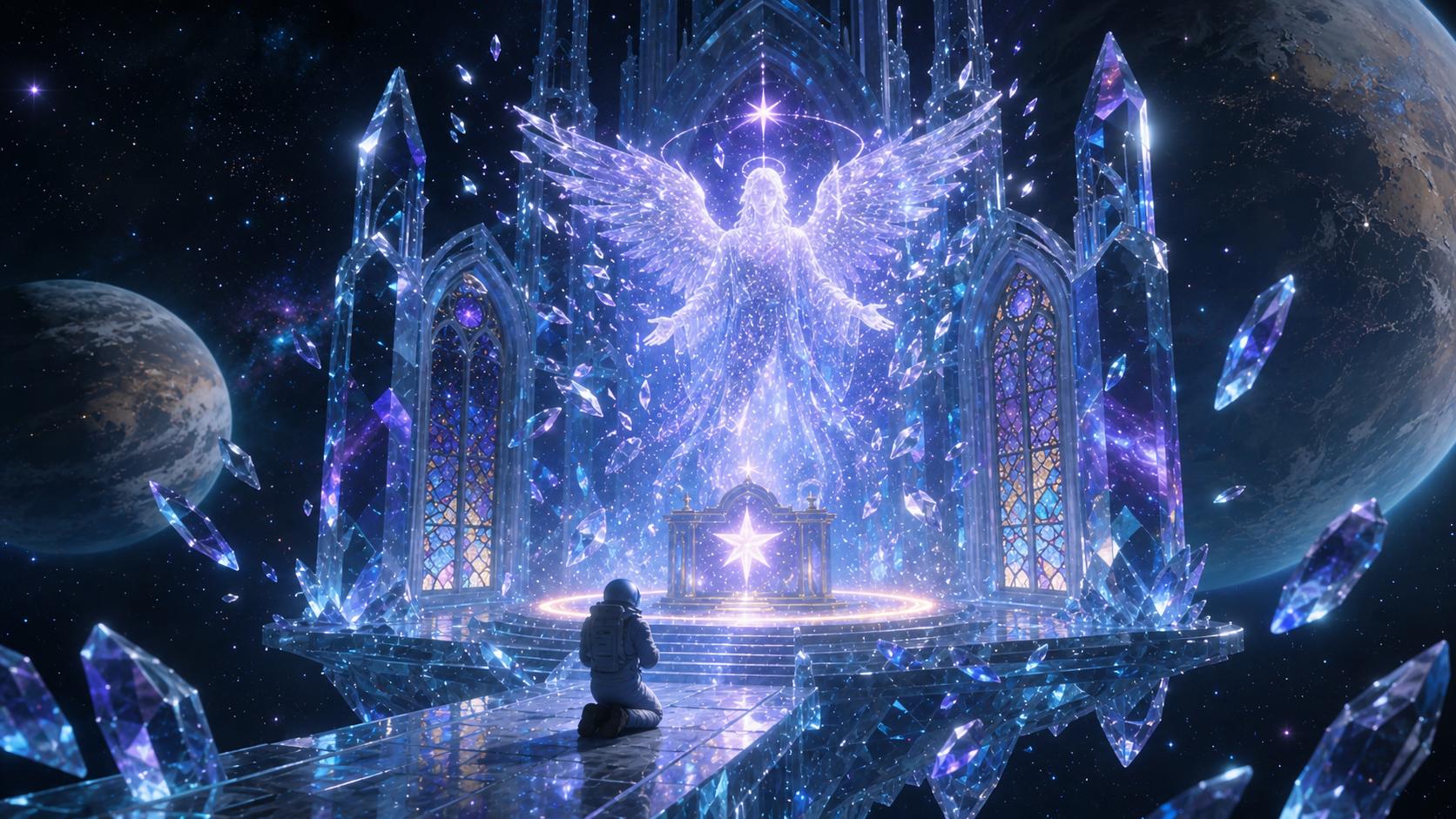
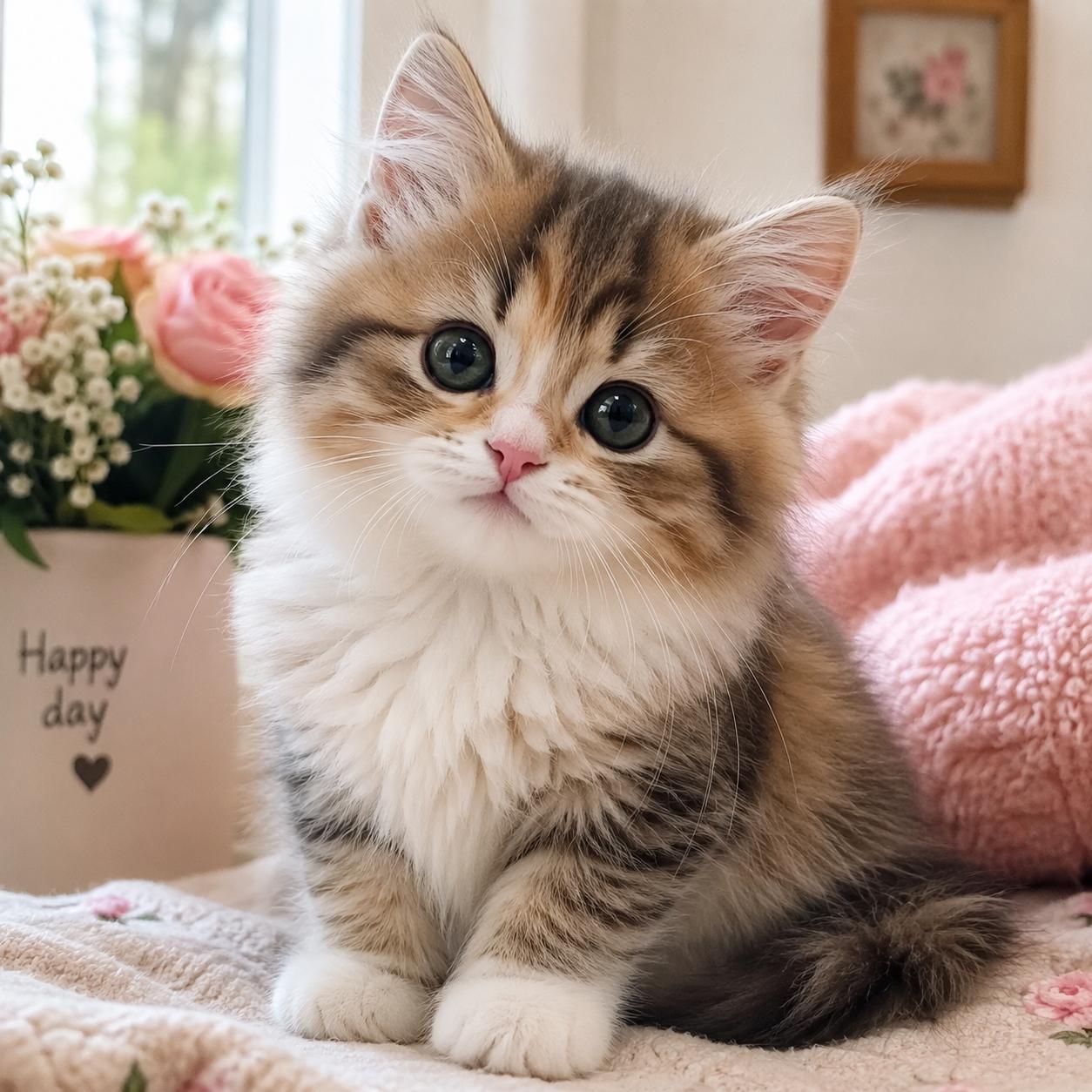
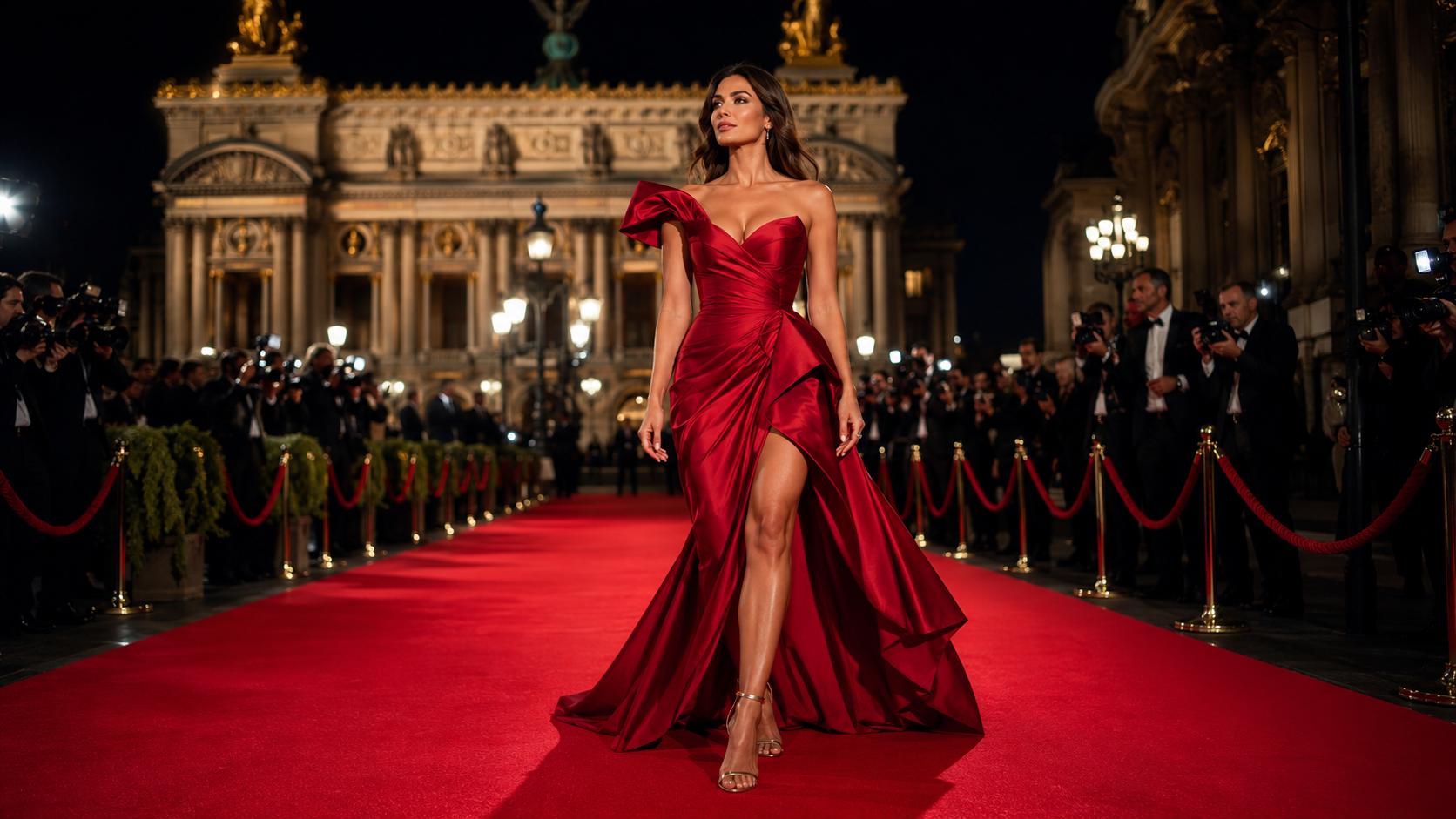
AI Images and Prompt Examples
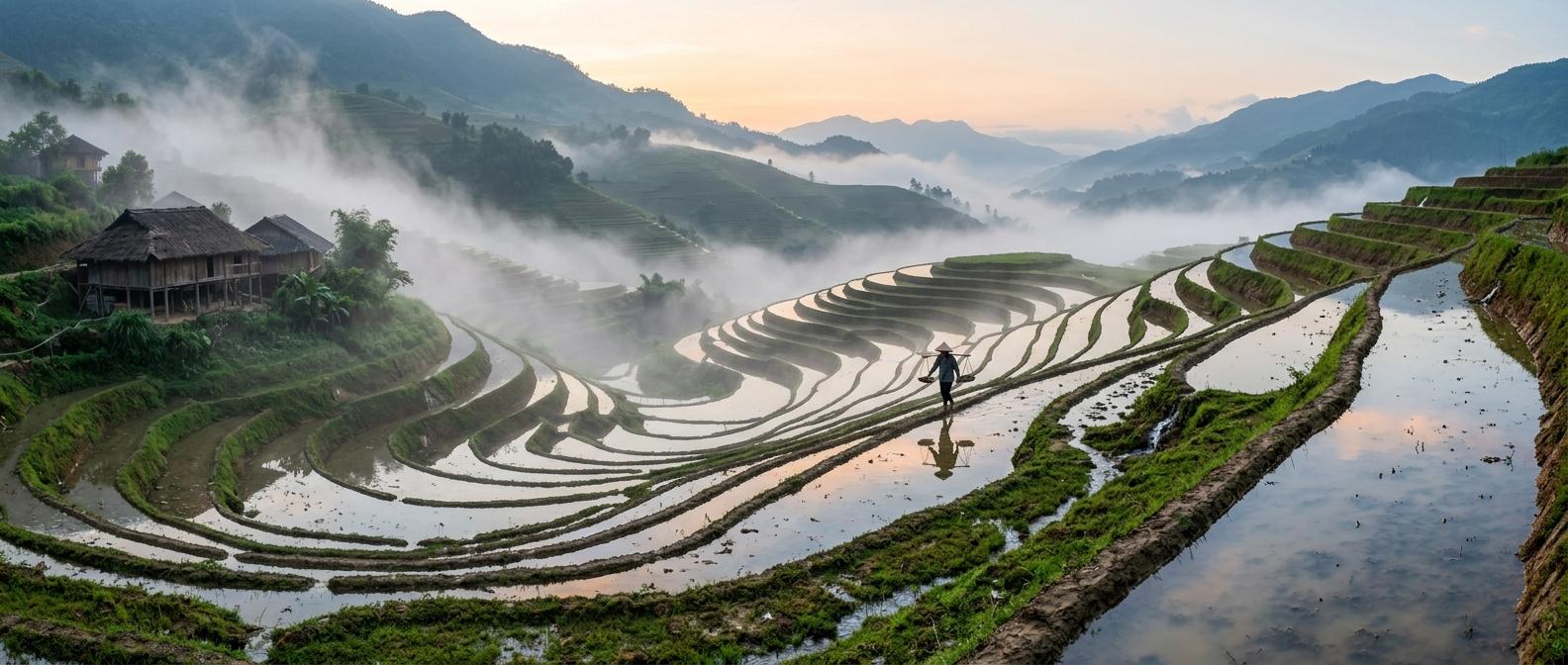
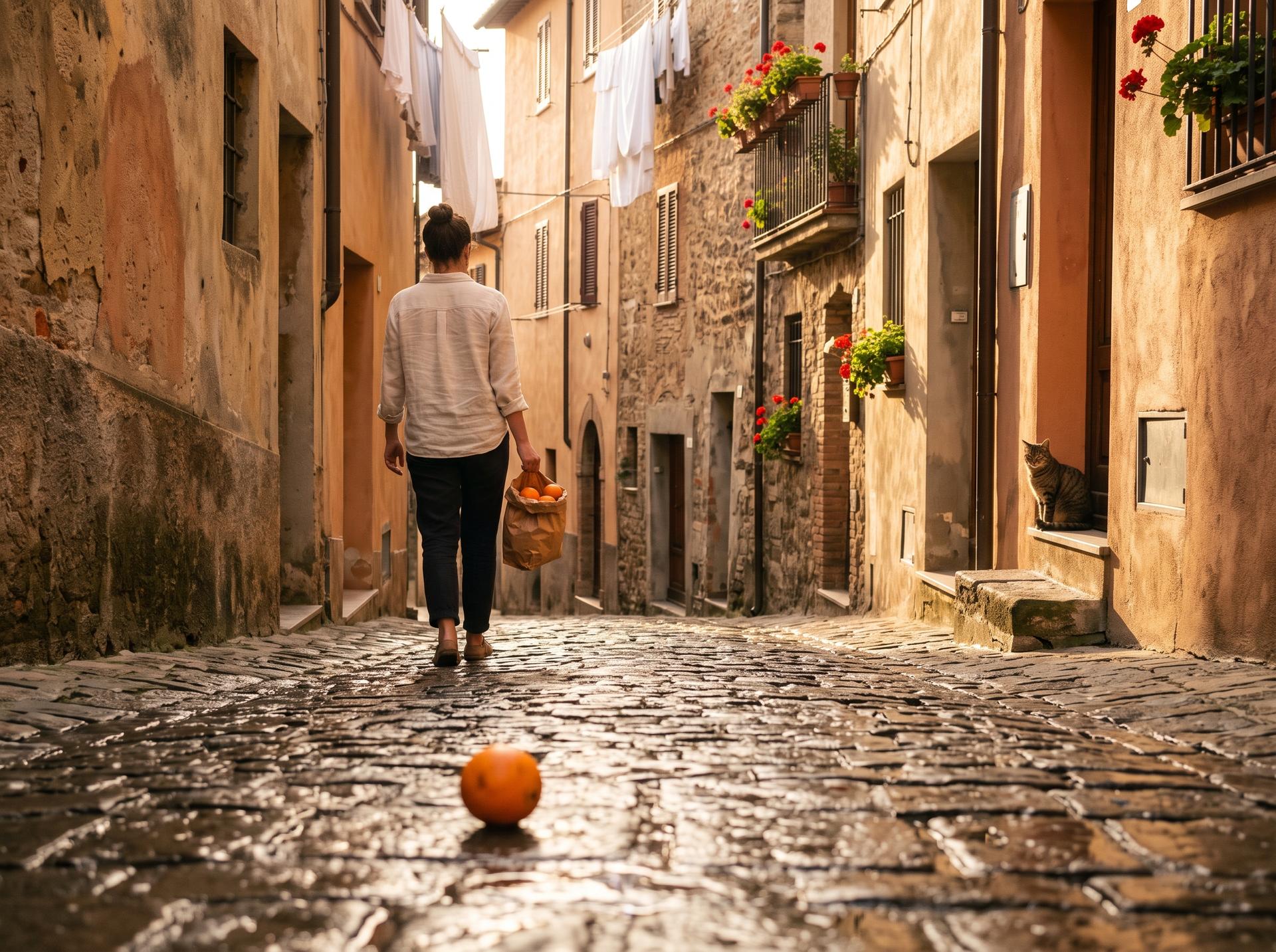
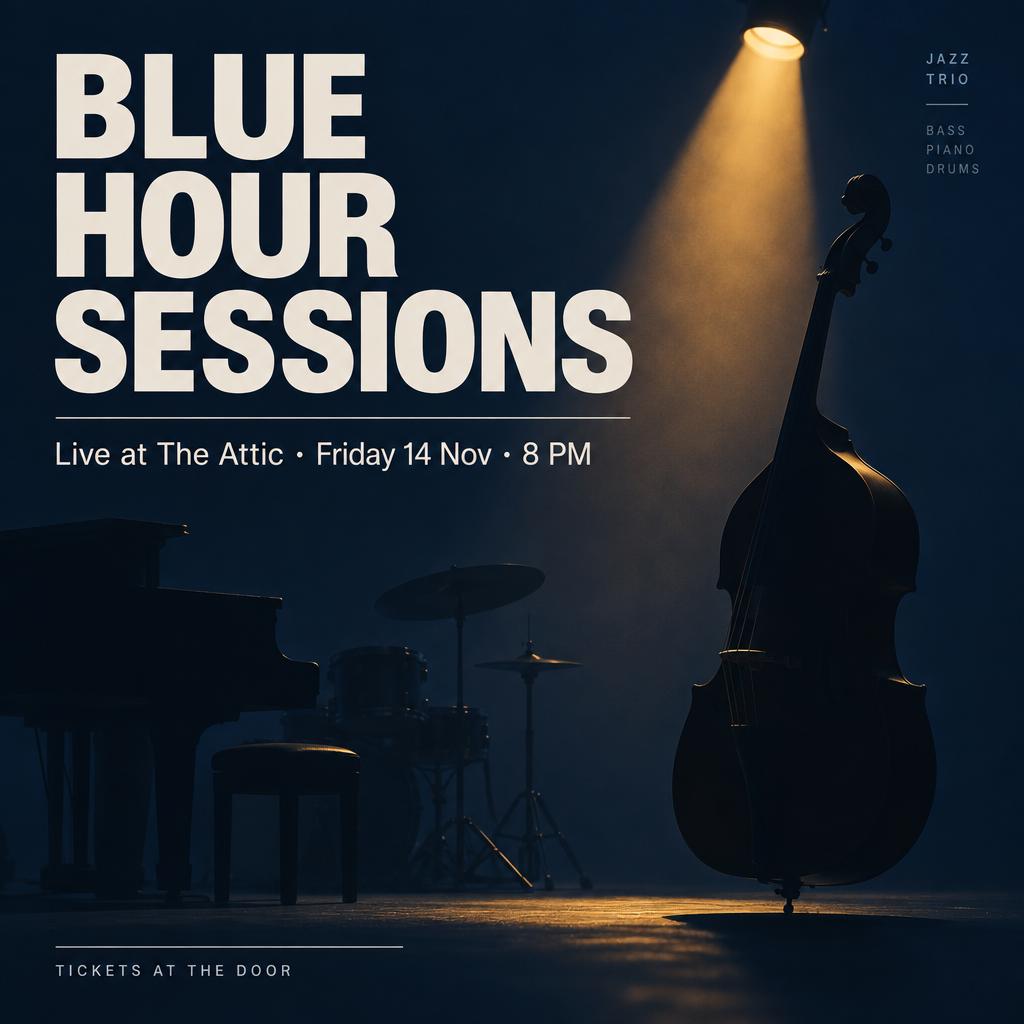
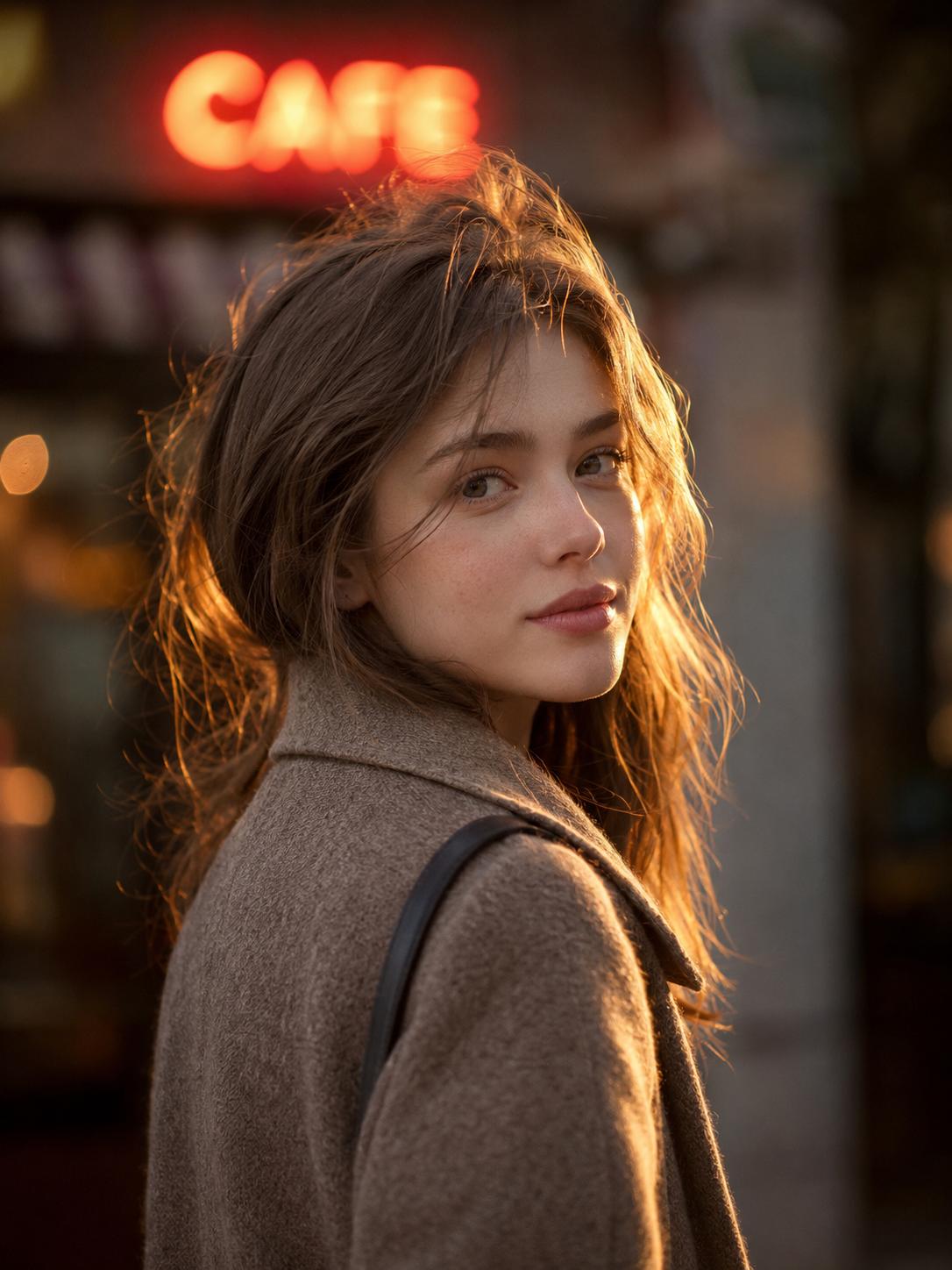
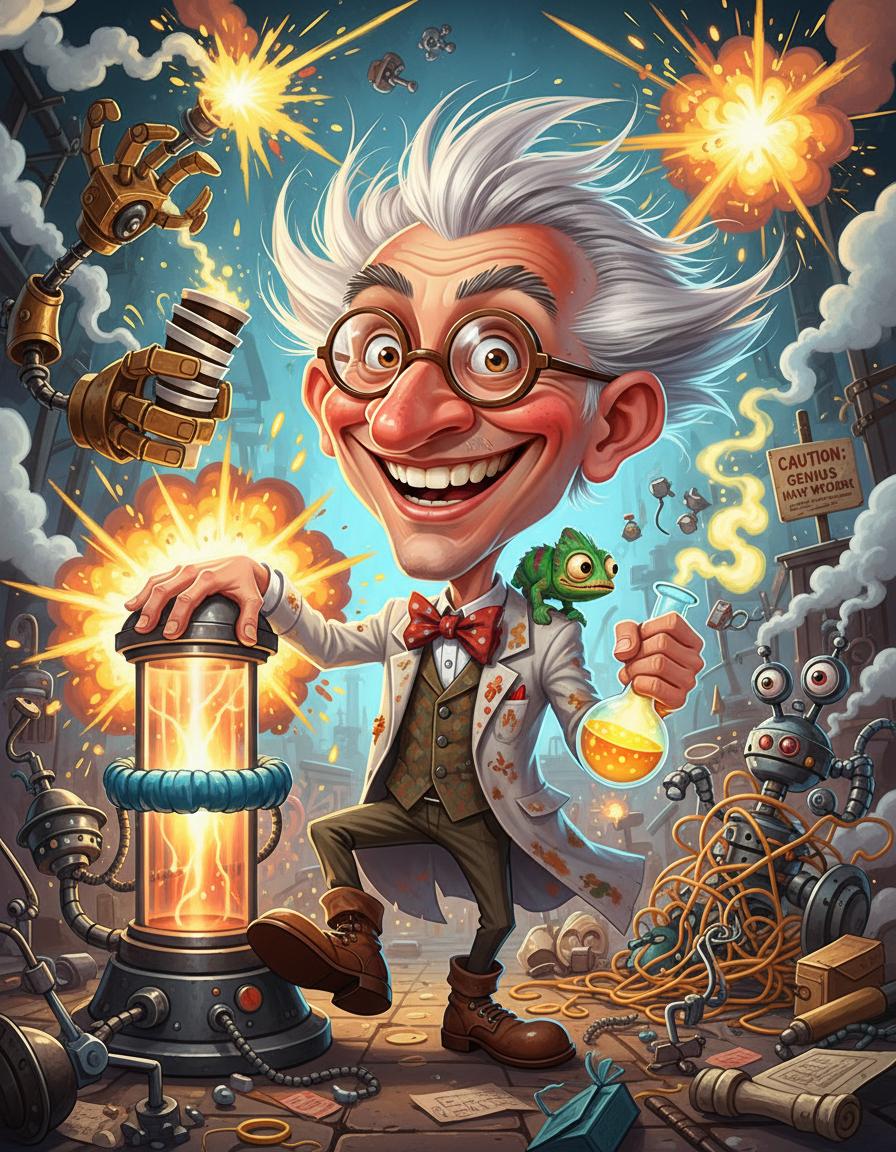
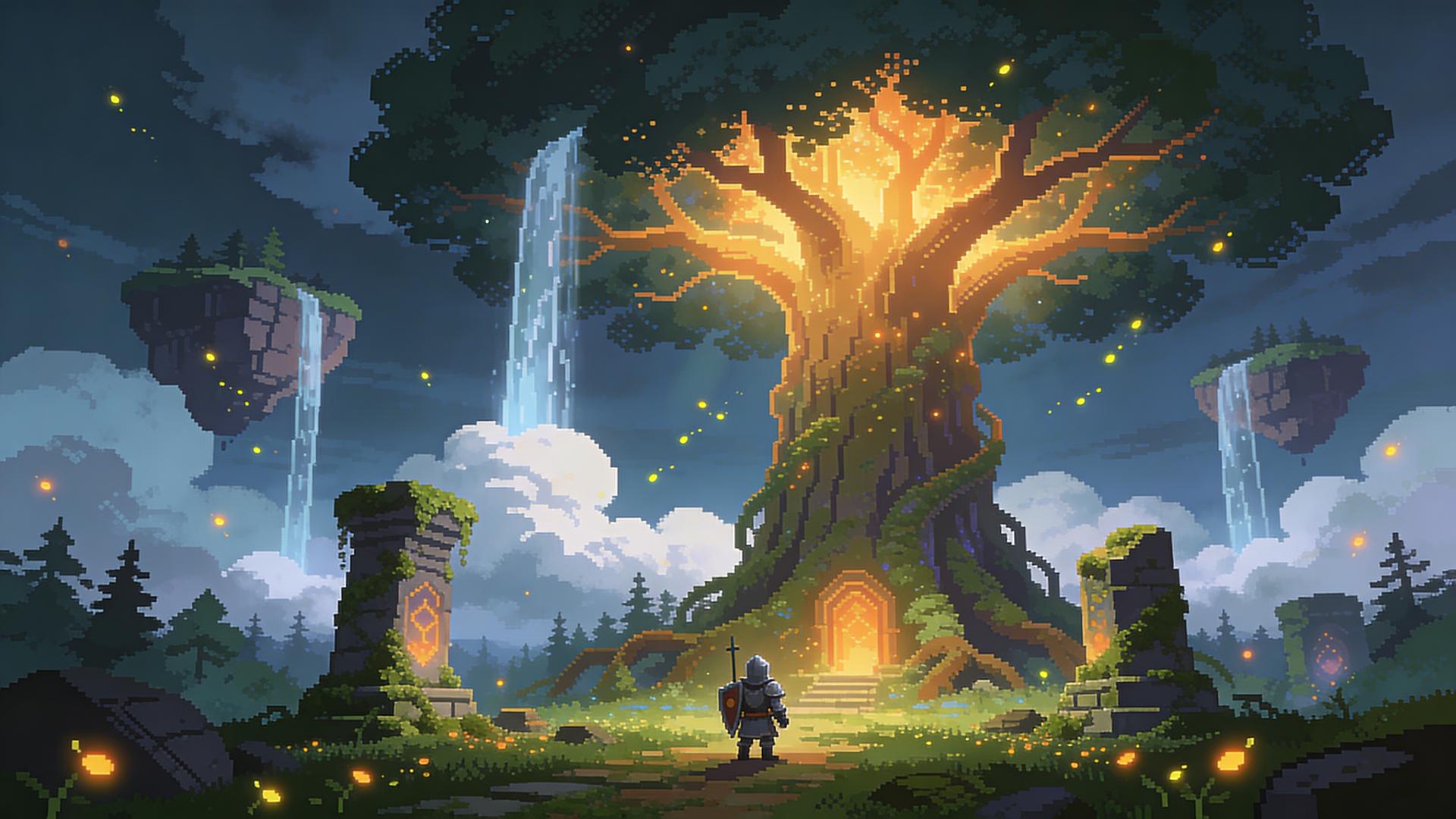
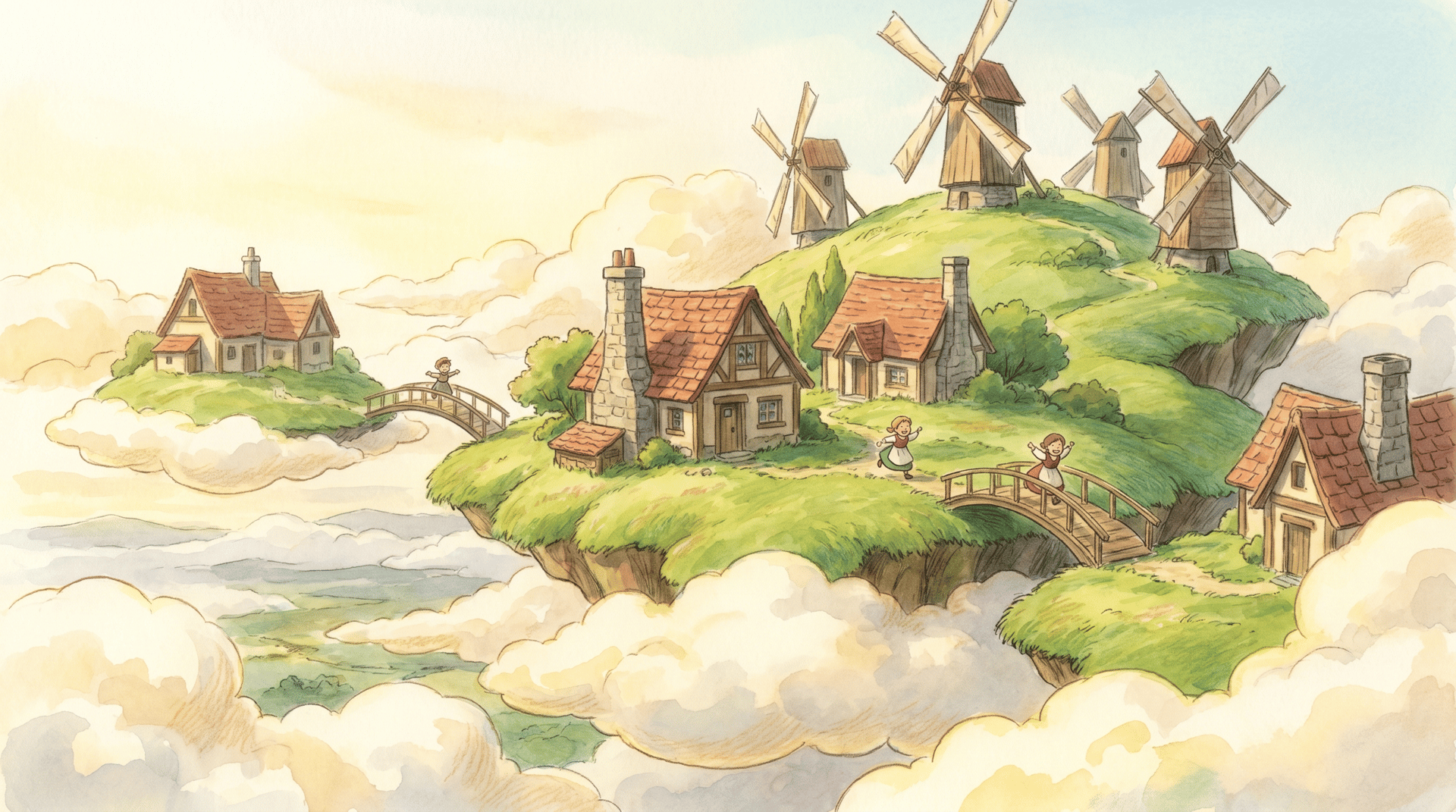
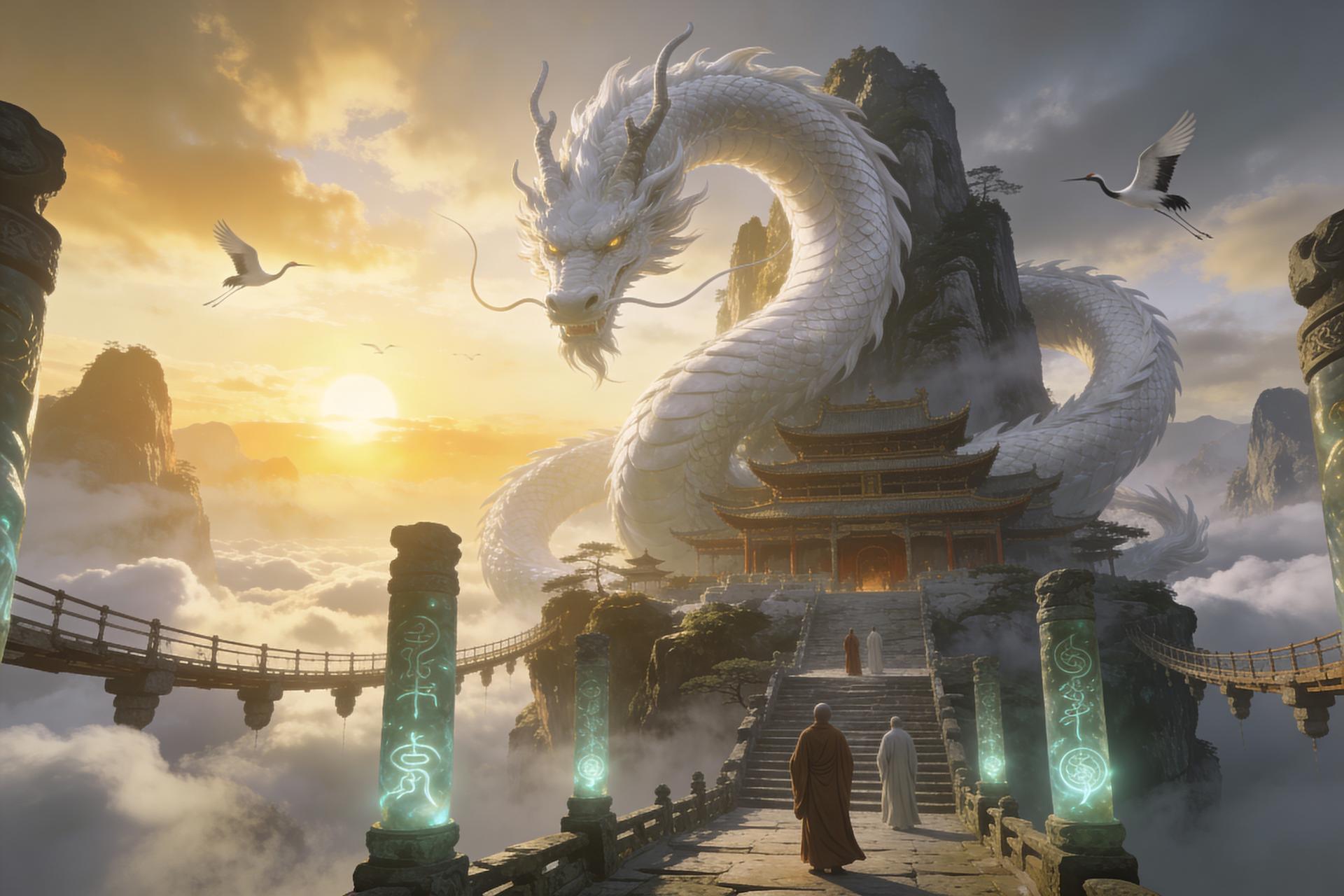
Explore images shared by the community. Open a result to read its prompt, then use the idea as a starting point for your own image.
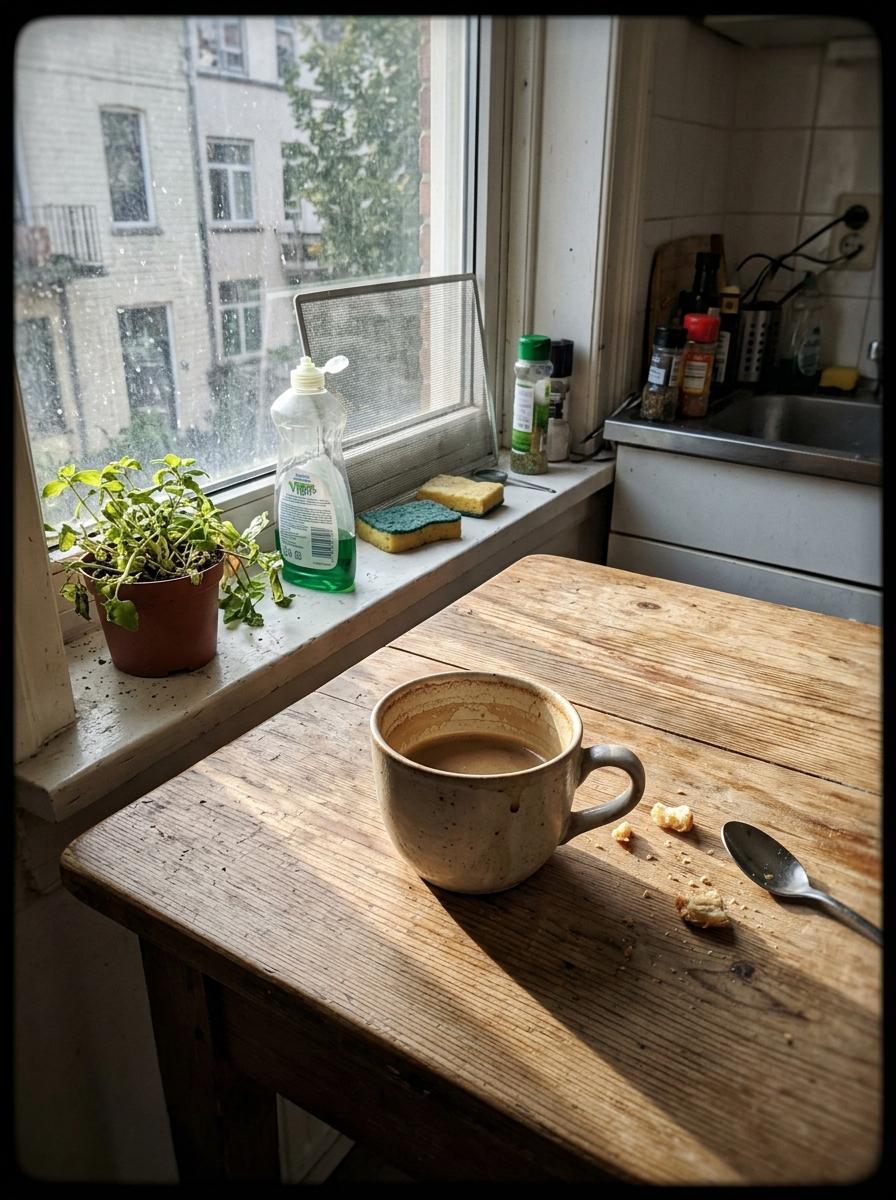
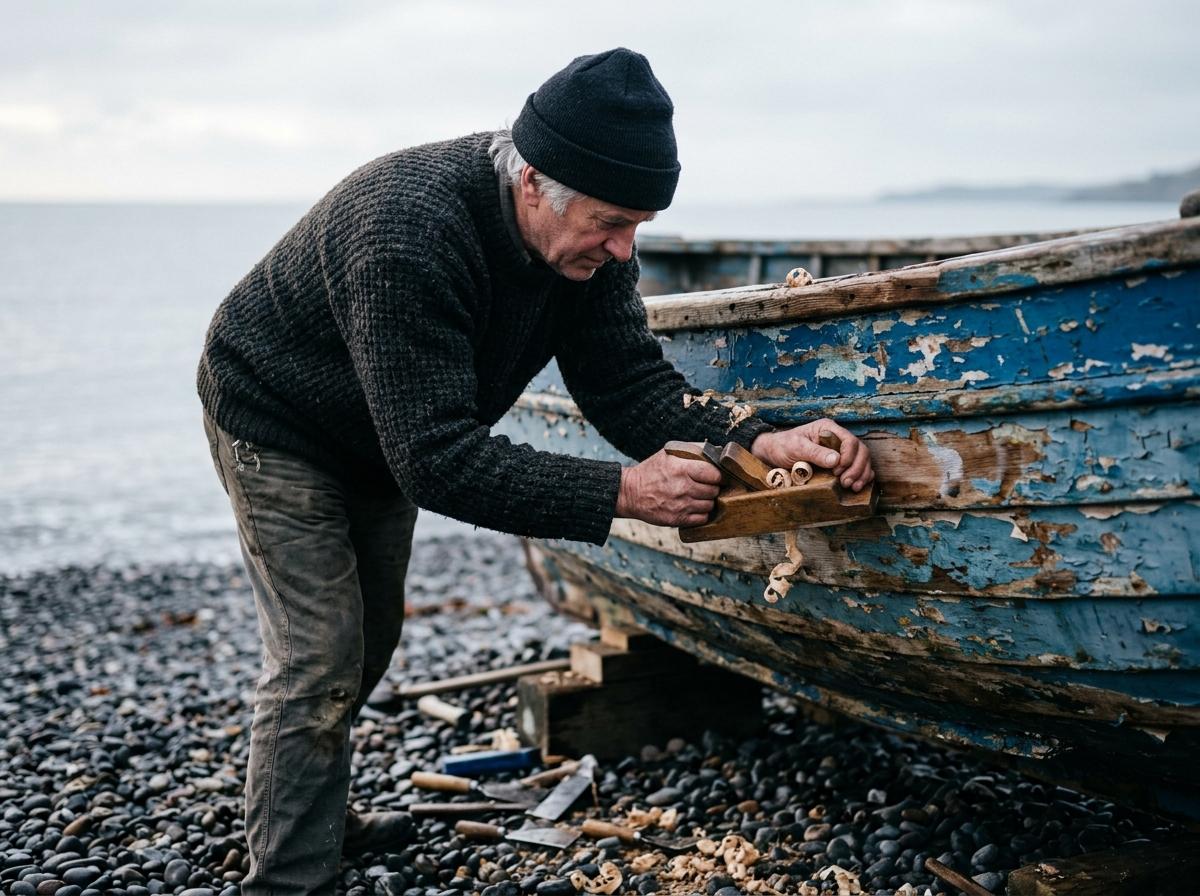
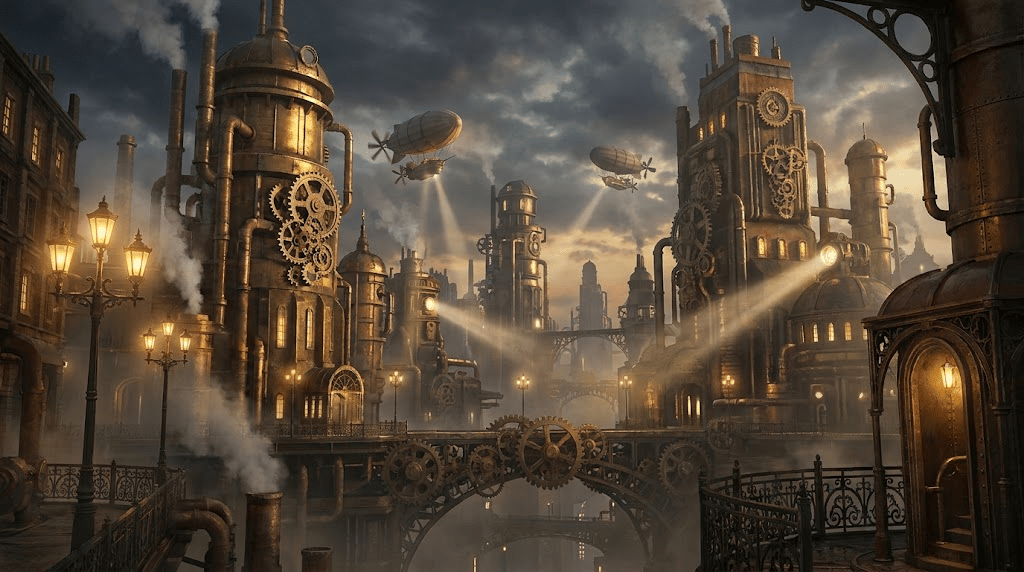
02 / Features · From an idea to an image
Create and Edit with Our AI Image Generator
Use text to image for a new idea, or image to image to work from a reference. Explore different subjects, styles, and compositions with the prompt and model controls in one place.
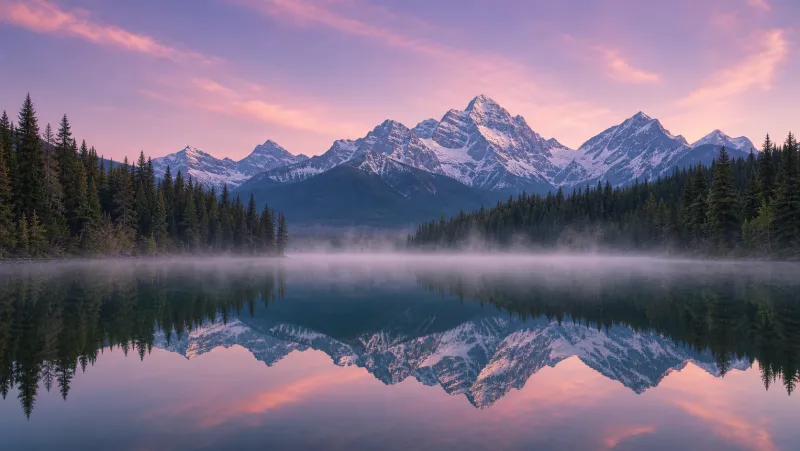
Text to Image
Describe a portrait, product scene, illustration, or landscape. Add the lighting, colors, and composition you want, then generate an image from your words.
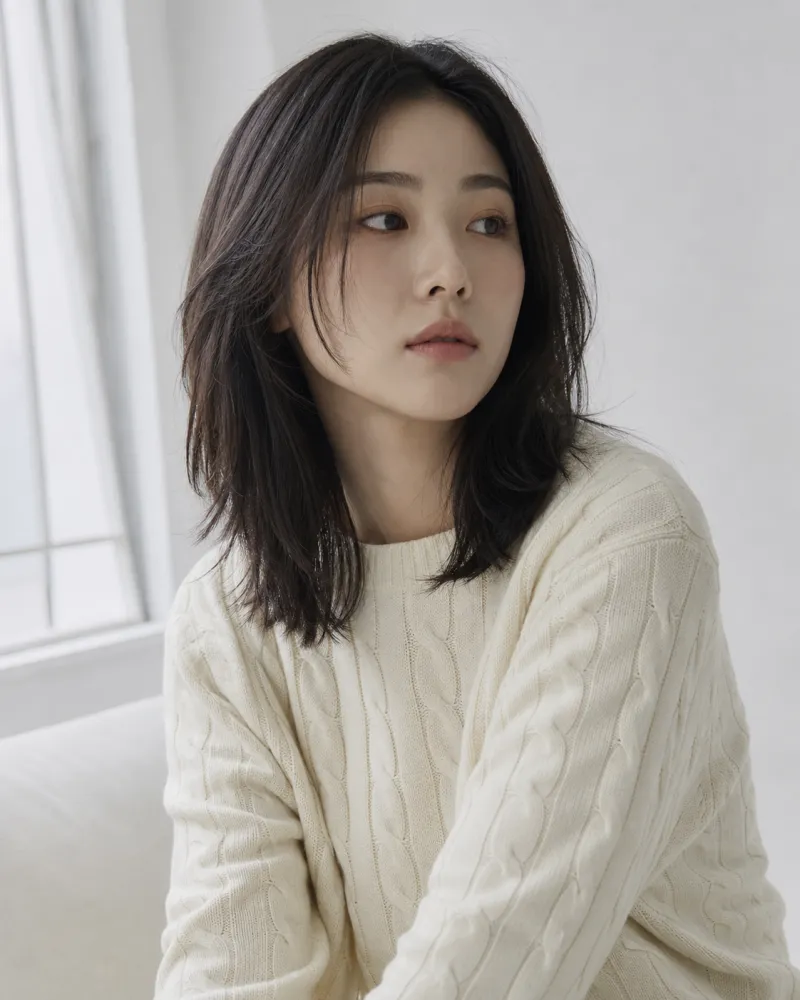
Image to Image
Use the AI image editor to work from a reference photo. Sign in, upload your image, and describe the background, style, or details you want to change.
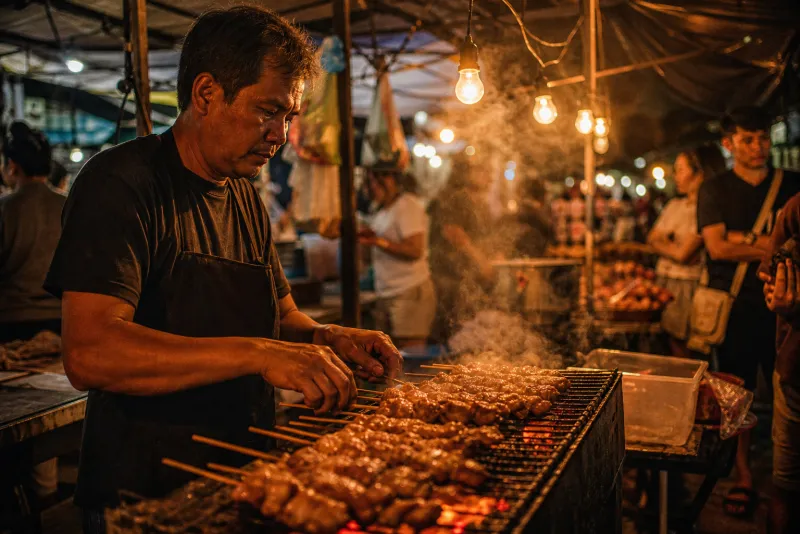
AI Image Prompts
Start with prompt templates for portraits, products, and scenes. Keep the structure, change the subject, and add your own details to explore a different result.
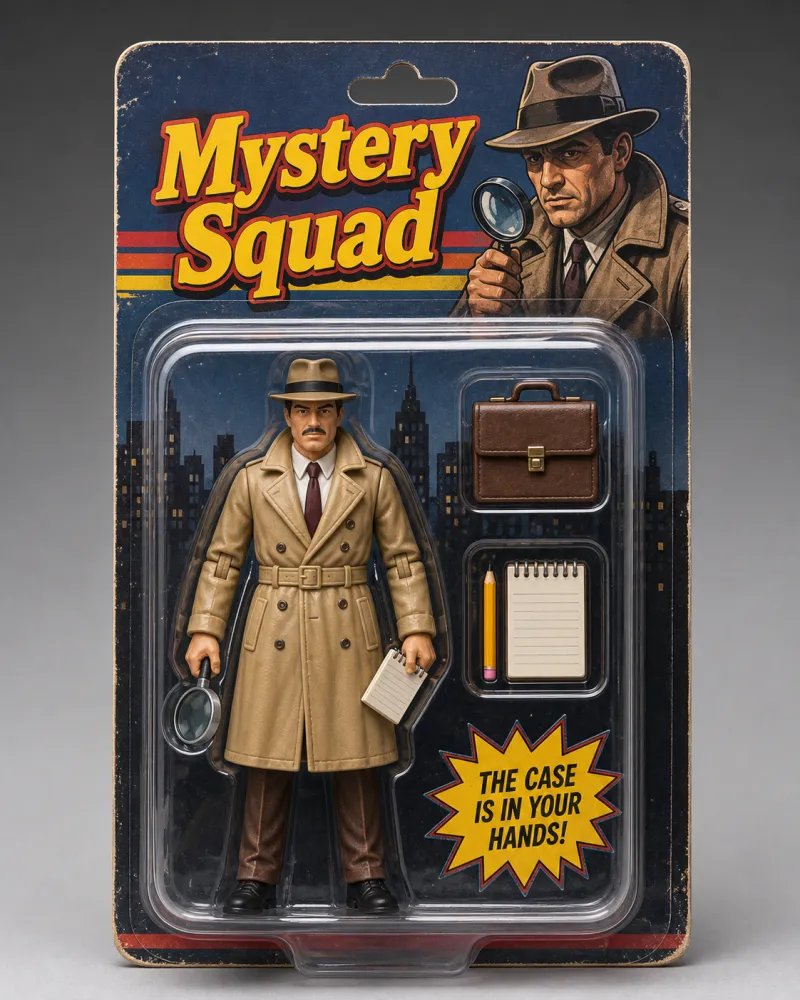
Choose Your Image Model
Select GPT Image 2.5 Flare or Sunburst, GPT Image 2, Nano Banana, Nano Banana 2.1, Nano Banana Pro, or Seedream 4.5. Try the same prompt with different models and choose the resolution and aspect ratio for your image.
Models:GPT Image 2.5 FlareNewGPT Image 2.5 SunburstNewGPT Image 2Nano BananaNano Banana ProNano Banana 2.1NewSeedream 4.5Compare all models →
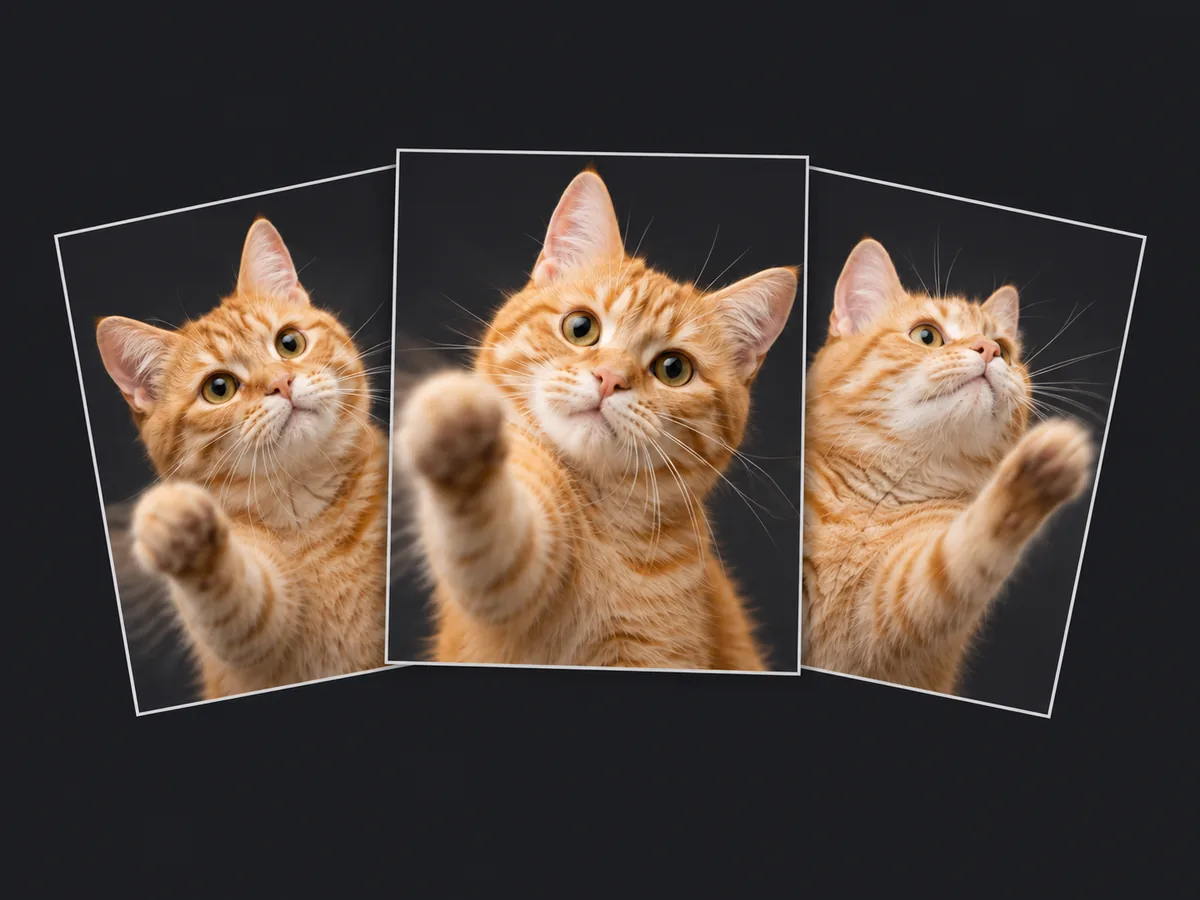
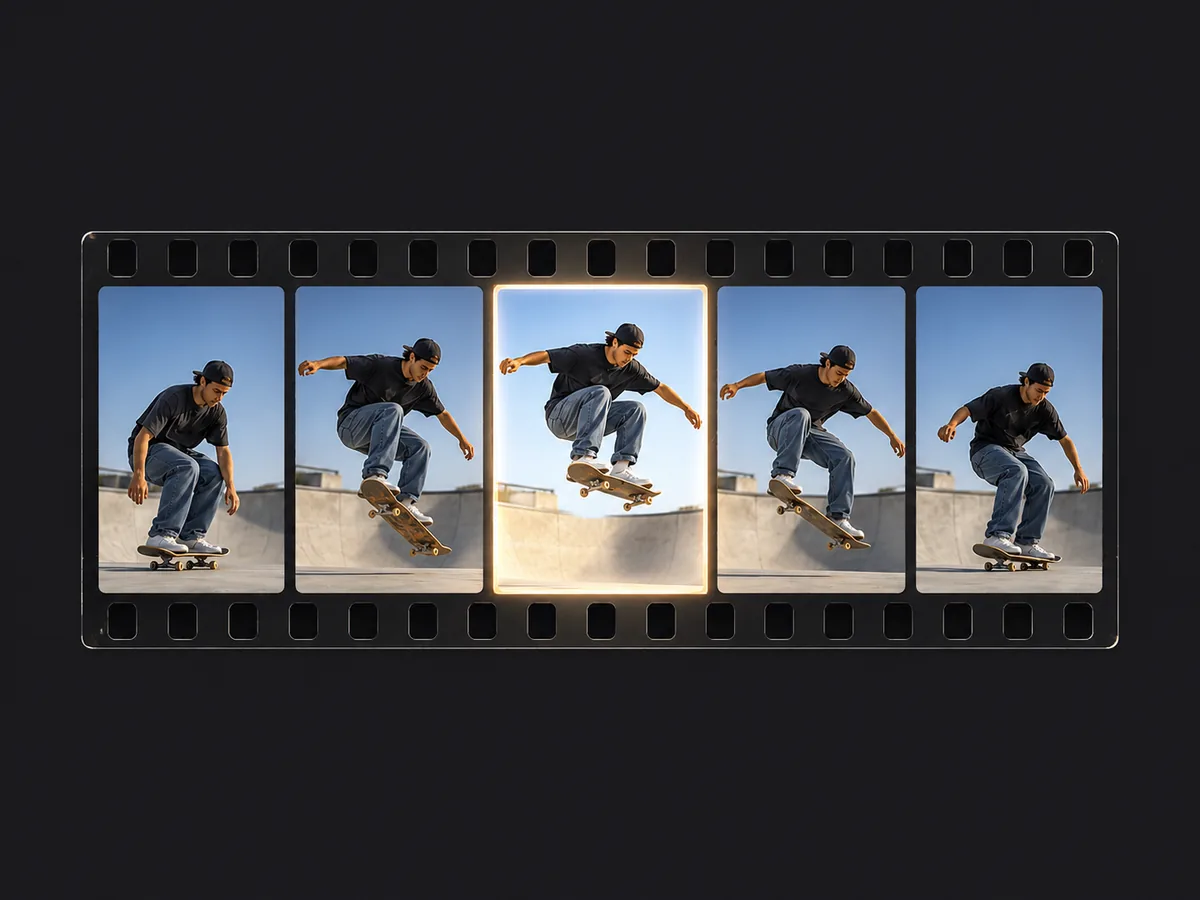
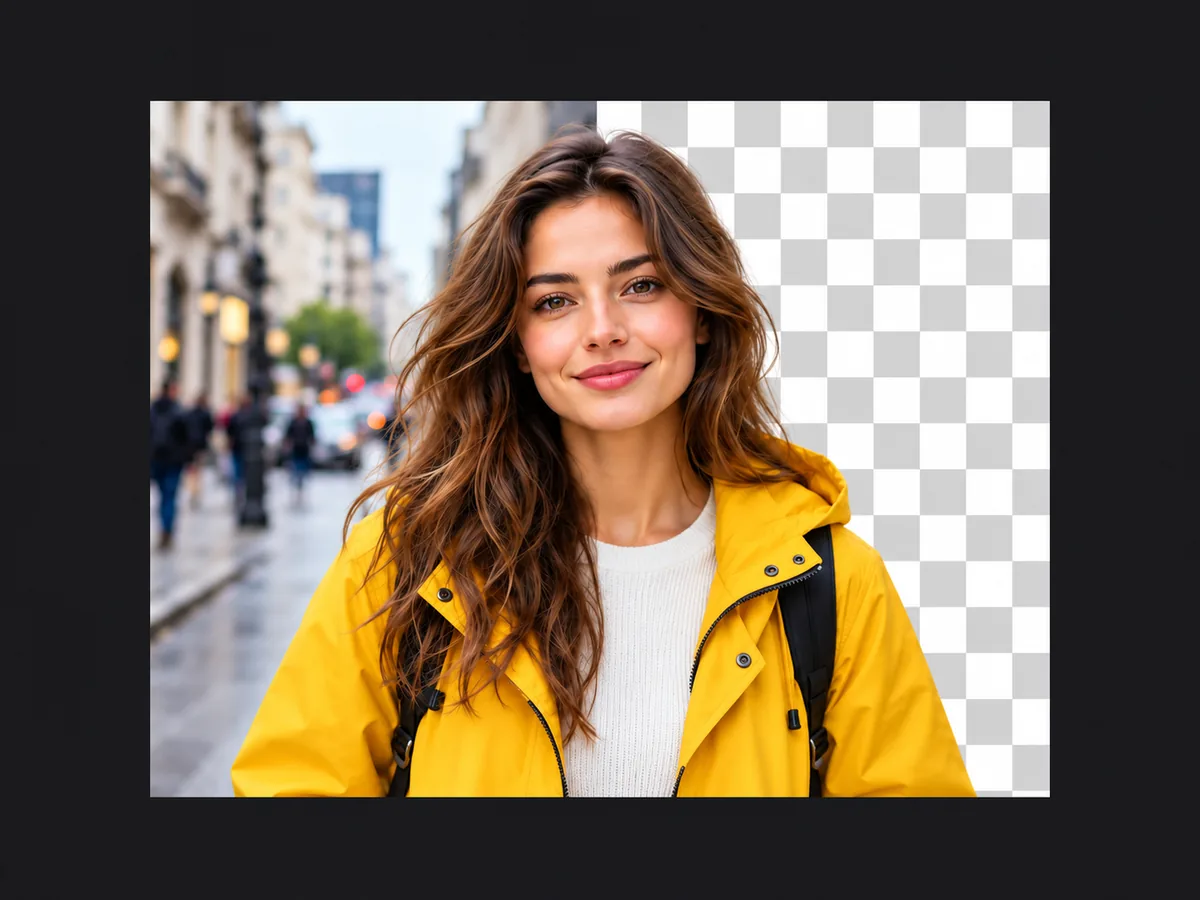
Free image tools
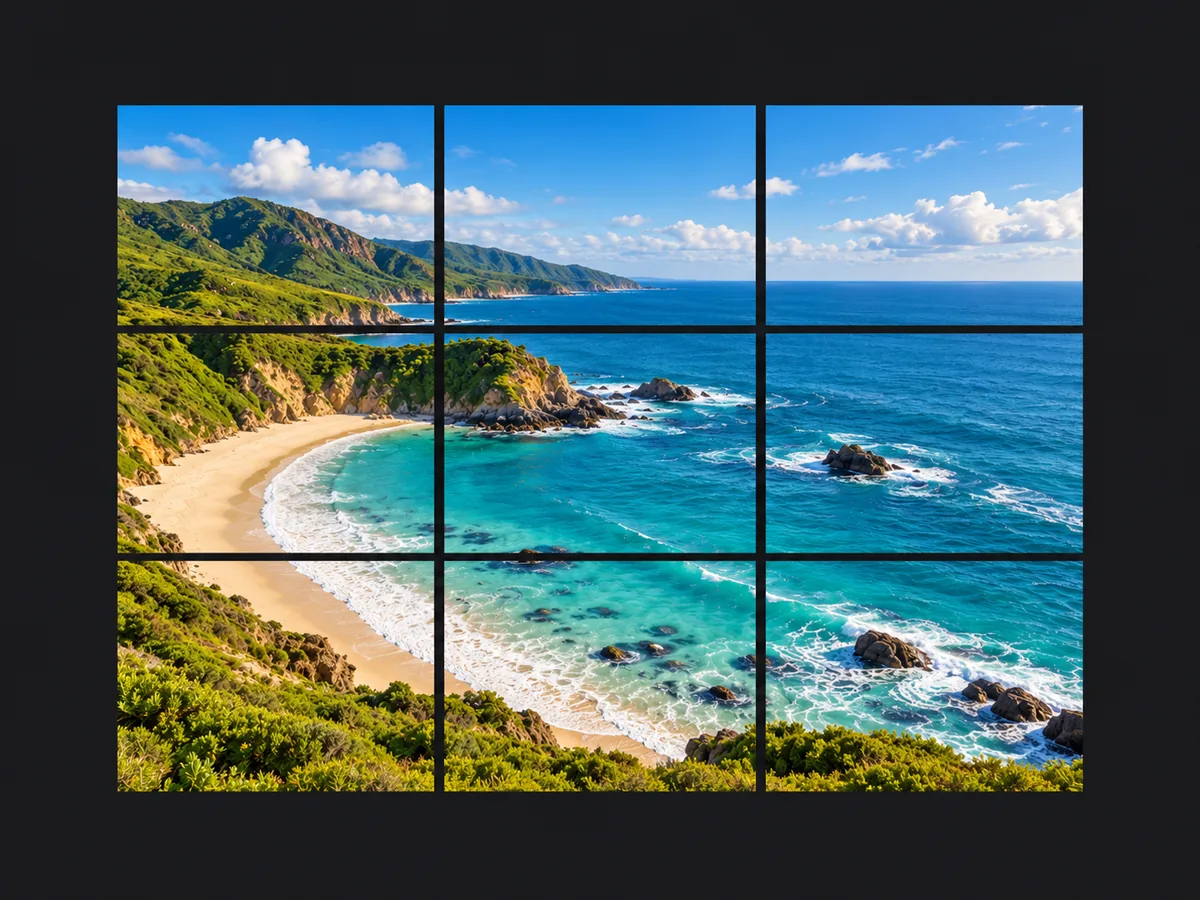
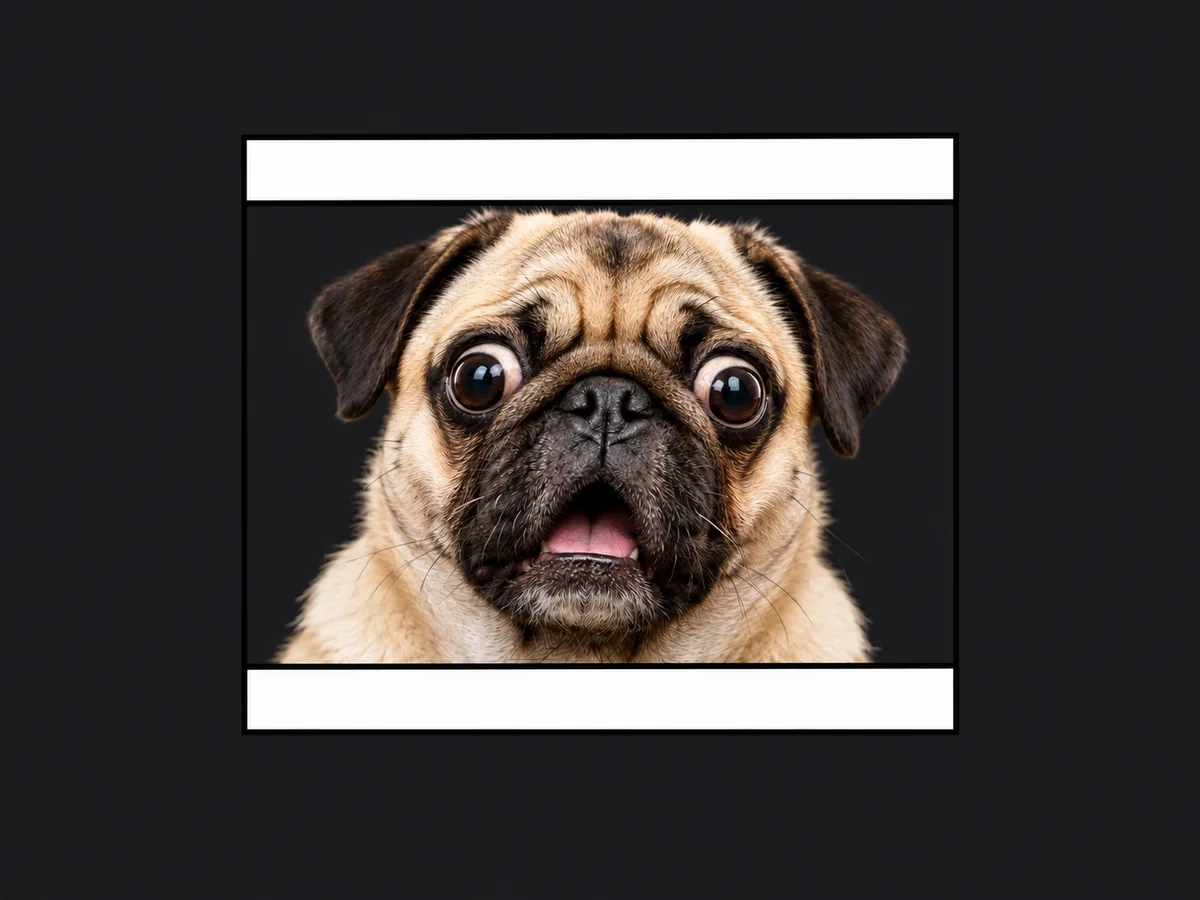
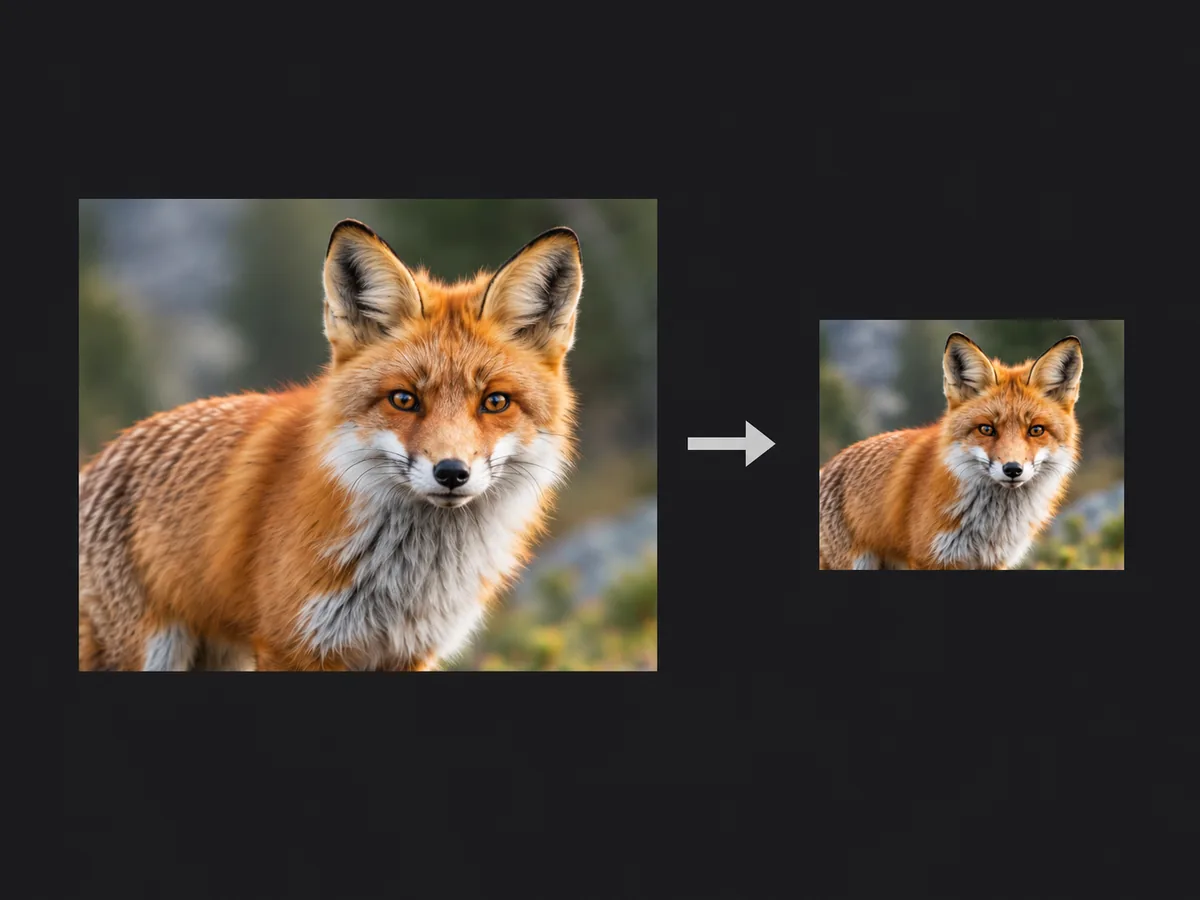
Run in your browser. No credits, no sign-up.
Buy credits without a subscription
Pay by card, Apple Pay or Google Pay. Alipay and WeChat Pay are available for CNY.
Choose CNY or USD at fixed prices. Credits and validity are the same in either currency.
Try it pack
$1.49
or CNY 9.90
50credits
Enough for 25 images at the lowest image price, or 2 photo animations
Start small and try different models and styles before deciding what works for you. A simple way to explore with a one-time purchase.
Purchased credits do not expire
Light pack
$4.49
or CNY 29.90
200credits
Enough for 100 images at the lowest image price, or 8 photo animations
For short projects and focused creative work. 200 credits at a lower price per credit, yours until you use them.
Purchased credits do not expire
Everyday pack
$9.99
or CNY 69.90
600credits
Enough for 300 images at the lowest image price, or 24 photo animations
For regular creation and projects that take more experimenting. Get more credits at a lower price per credit, with time to use them across projects.
Purchased credits do not expire
Pay once. No subscription or automatic renewal. Free or subscription credits are used first, then purchased credits. Renewing or cancelling a subscription does not remove purchased credits. Failed generations return their credits. Used packs are not refundable. Unused packs may be refunded after deducting actual non-recoverable payment fees and other direct costs. To request a refund, contact: hi@cvy.ai
03 / Pricing · Transparent Pricing
Choose a subscription plan
Subscribe monthly or yearly for recurring generation credits.
04 / FAQ
Questions About Creating AI Images
Prompts, models, editing, and your first generation
What can I create with CVY.AI?
+
CVY.AI is an AI image generator for portraits, product scenes, illustrations, landscapes, and other visual ideas. Describe the subject and style in a prompt, or start from a reference image. Adjust the composition, lighting, and format as you develop the result.
Can I edit an existing image?
+
Yes. Sign in and open Image to Image to upload a reference photo. Tell the AI image editor which details to keep and what to change, such as the background, colors, or visual style. You can use a generated result as the reference for another edit.
Is there a free trial?
+
New visitors can try one text to image generation before signing up. After registration and verification, welcome credits let you explore more prompts and models. The generator shows the settings available for your trial and the cost of subsequent requests.
How do I write better AI image prompts?
+
Start with the subject, setting, style, lighting, and composition. For example, describe a mountain lake at dawn with soft mist, pine trees, and pink light reflected on the water. Prompt templates provide a structure you can adapt; change a few details at a time to compare results.
Which image sizes are available?
+
Available resolutions depend on the model. Nano Banana offers 1K, Seedream 4.5 offers 2K and 4K, and GPT Image 2, Nano Banana 2.1 and Nano Banana Pro offer all three. Choose a supported aspect ratio for a square image, portrait, or wide scene, then download the generated result.
Can I change the style of an image?
+
Describe the look you want in your prompt, such as a photographic portrait, anime scene, pixel art, or hand-painted landscape. For image to image editing, add a reference and explain how you want its style to change. Keep the subject description specific as you try different looks.
How do I keep creating after the free trial?
+
Choose a one-time pack or a subscription. The Generate button shows the cost for the selected model and resolution before each request. You can review all purchase options on the pricing page.
05 / Get started · Ready to render?
Try the AI Image Generator
Start with a blank prompt or a ready-to-edit template. Generate a new image, or sign in to refine a reference photo with your own instructions.
- Start for free
- Prompt templates included
- Multiple image models
Free to start • No credit card required