Meme Generator
Upload an image, add a line of text, and you have a meme. Long captions wrap onto new lines, and the text can sit on the image or on a white bar. Free, no sign-up.
Free Meme Generator Online: One Image, One Line
A good meme is half the picture and half the line. This meme generator works online, so there is nothing to download: upload an image, write your text at the top or bottom, and the meme is ready in seconds. It is a free meme generator with no sign-up, no watermark, and no limit on how many memes you make.
Write in English, Chinese, or numbers. Long text wraps onto new lines, up to three, and if it still does not fit, the font size shrinks so nothing gets cut off.
Two Caption Styles: On the Image or On a White Bar
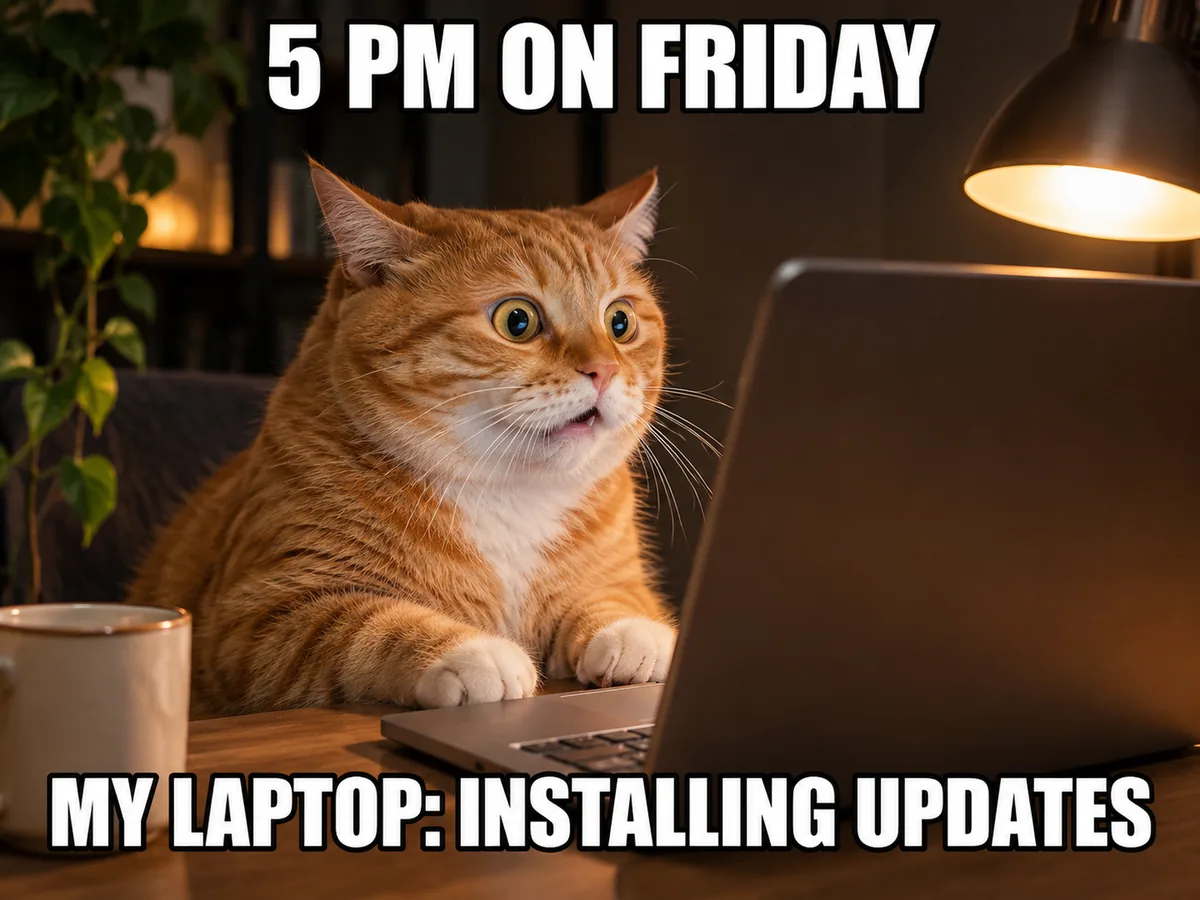
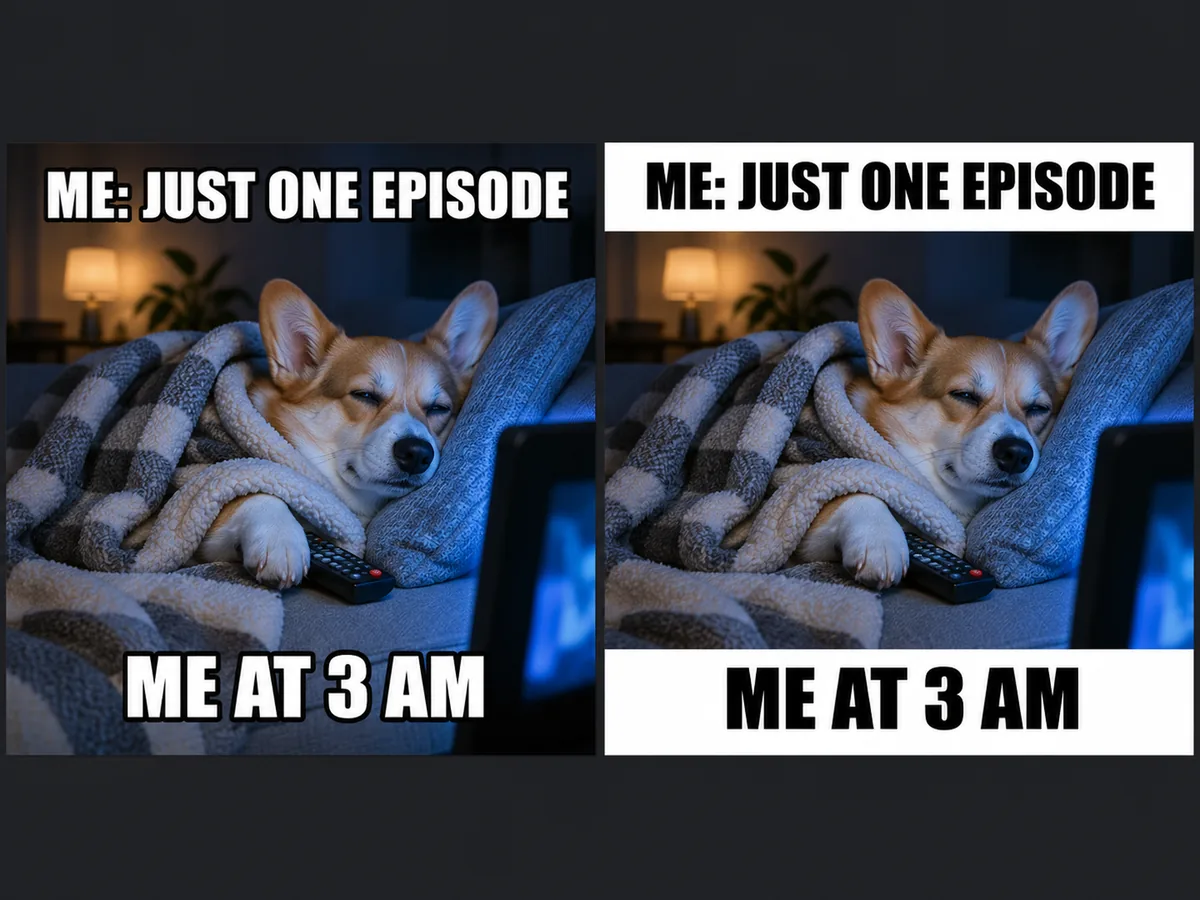
On the image is the classic look: white Impact letters with a black outline across the top and bottom of the picture, with the image itself left untouched.
On a white bar adds a strip of white above or below the image and writes the caption in black, so the text never hides the picture. It reads better on screenshots, chat logs, and busy images where outlined text gets lost. Top text goes in the top bar, bottom text in the bottom bar, and each bar grows with the caption. Pick the white bar whenever the caption runs longer than a few words, since the picture stays fully visible.
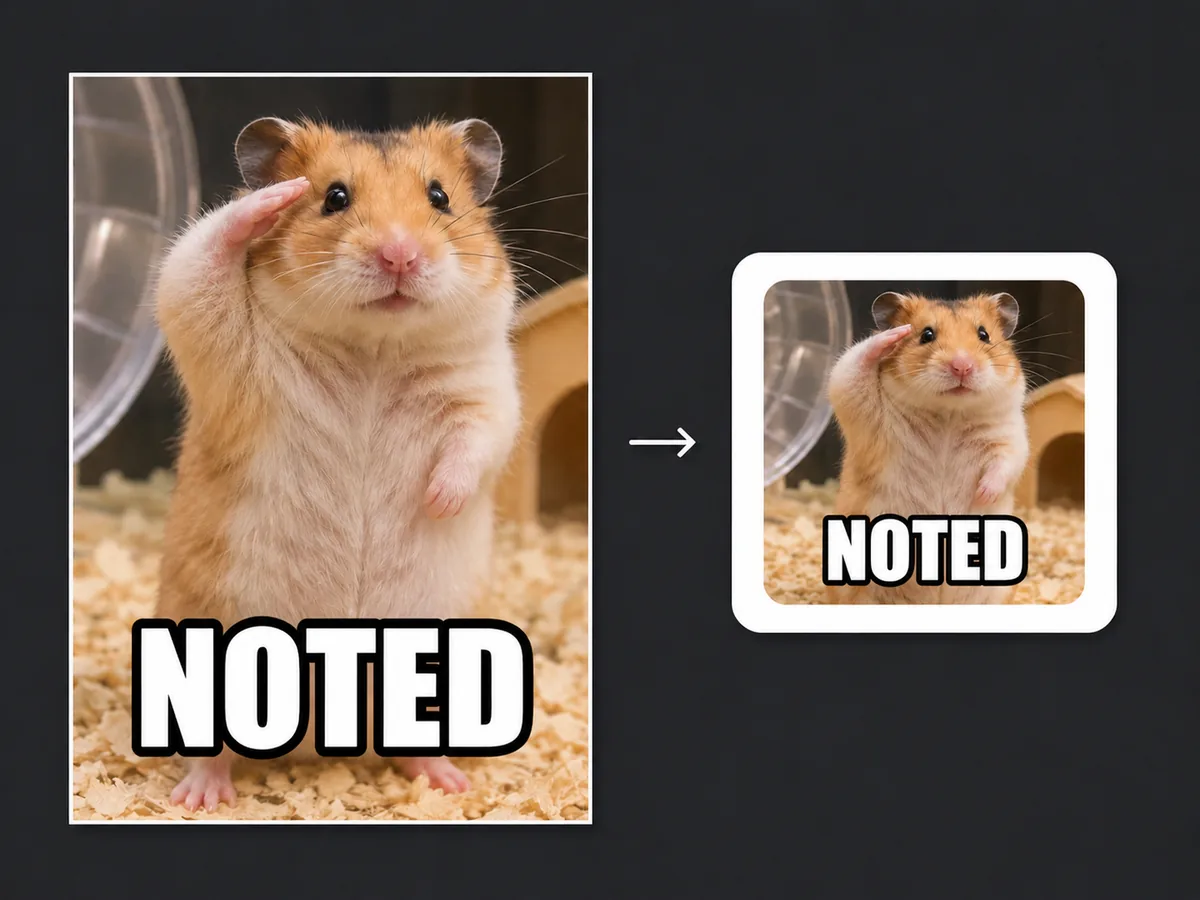
Square Sticker Size in One Click
Choose Sticker and the whole meme is fitted into a 240×240 square, caption included, nothing cropped. If the image is not square, the empty space is filled with white; a PNG with a transparent background stays transparent. Small squares like this work well as chat stickers and reaction images, and they stay small enough to send quickly. For a full-size meme, keep Original.
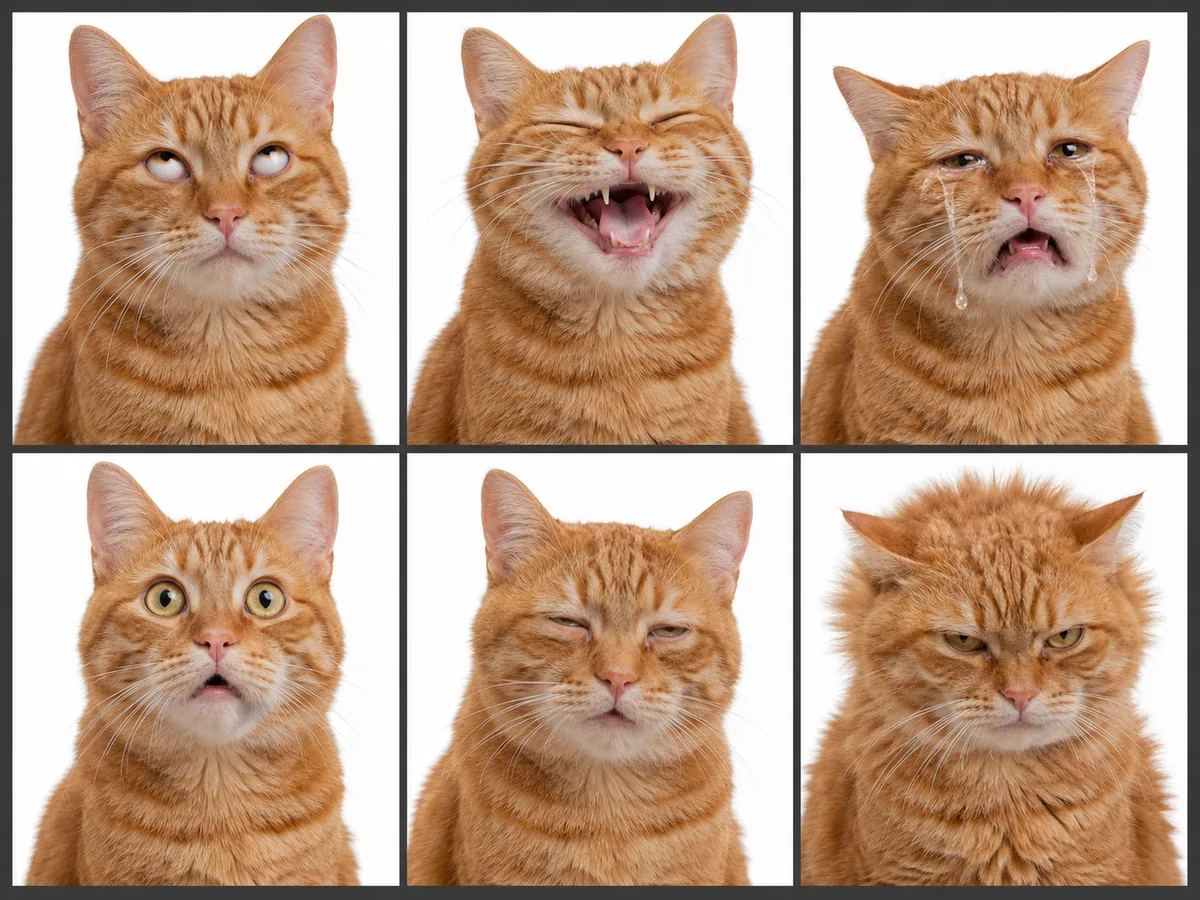
No Image Yet? Make One with AI
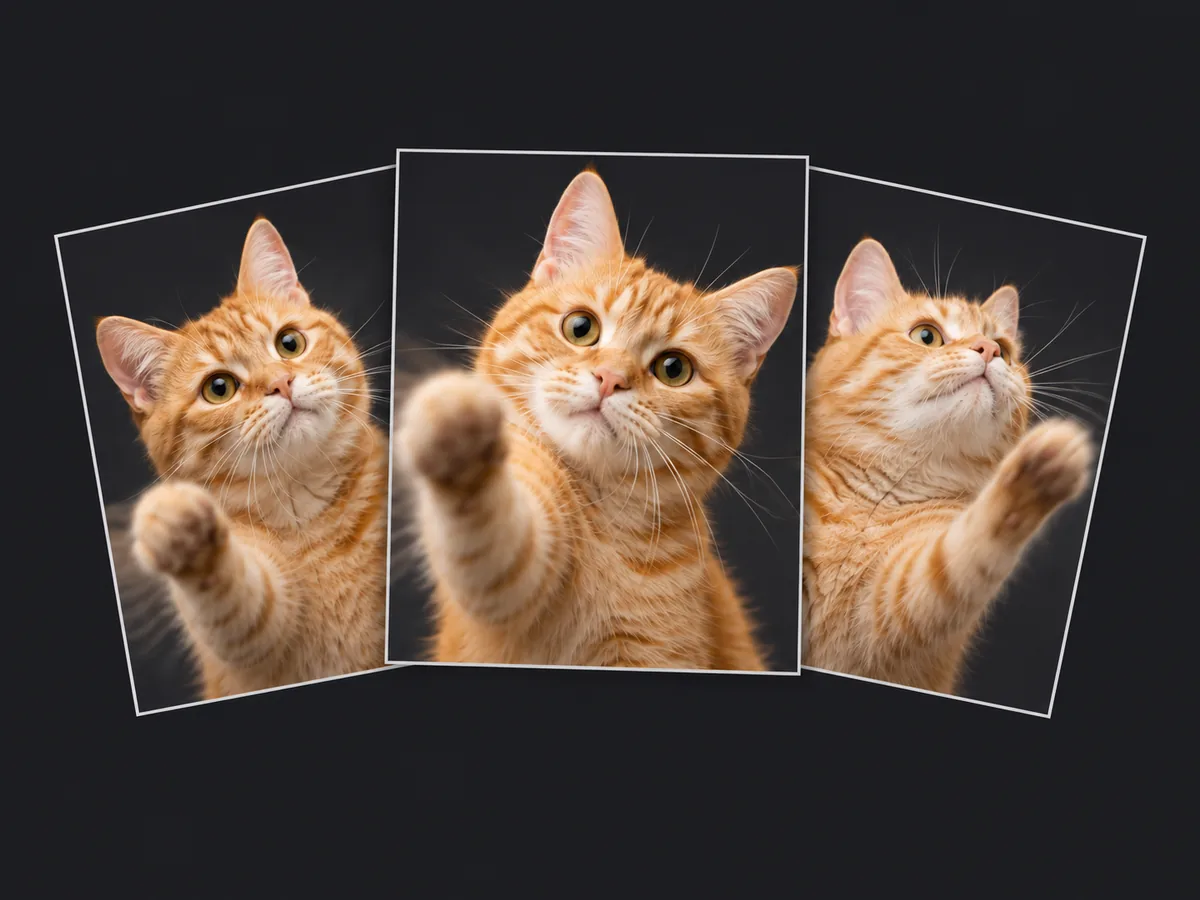
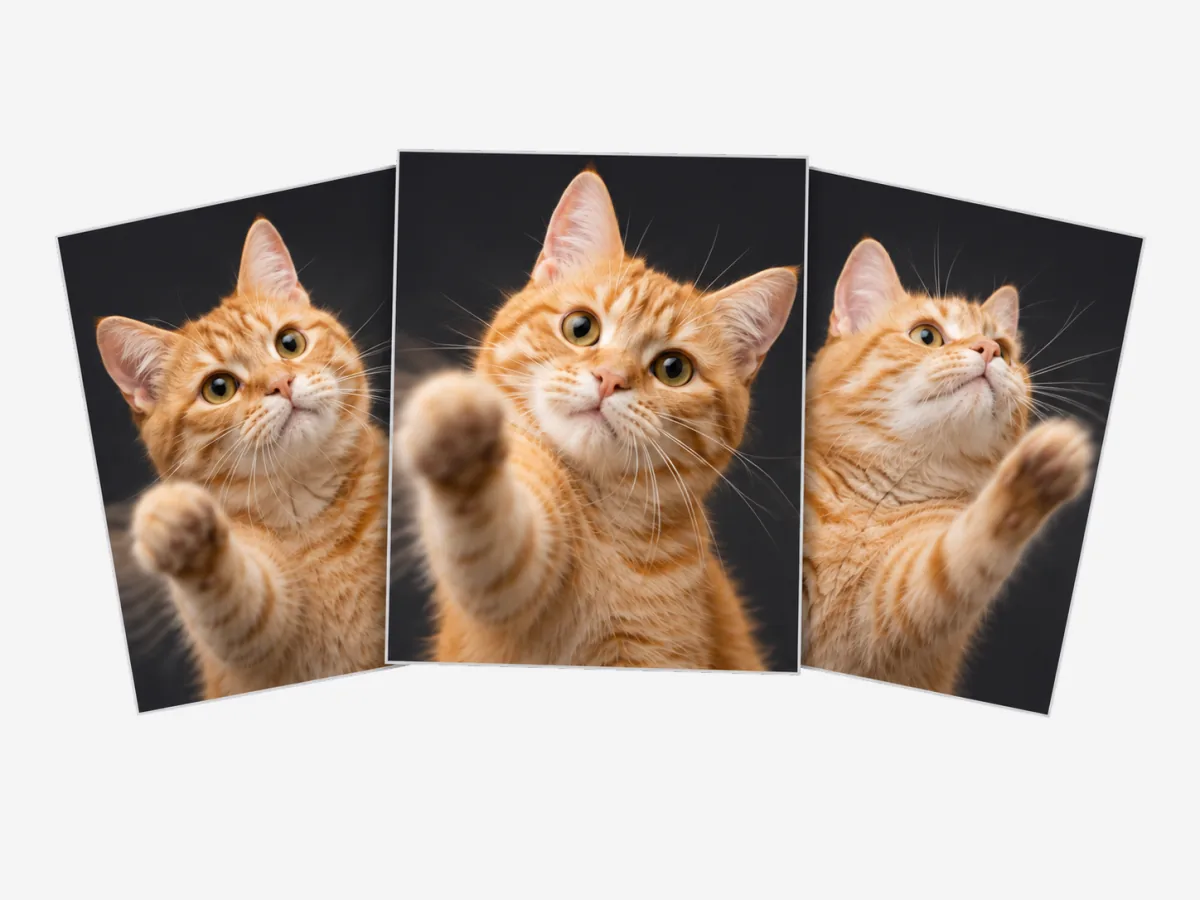
If you do not have the right picture, make one with the CVY.AI image generator. Describe it in a sentence, such as “a ginger cat rolling its eyes, plain white background”, download the result, and bring it back here to add text. For a whole set with the same character, use the first image as a reference and change the expression or pose each time. That way every meme in the set clearly shows the same face.
How to Write a Funny Meme
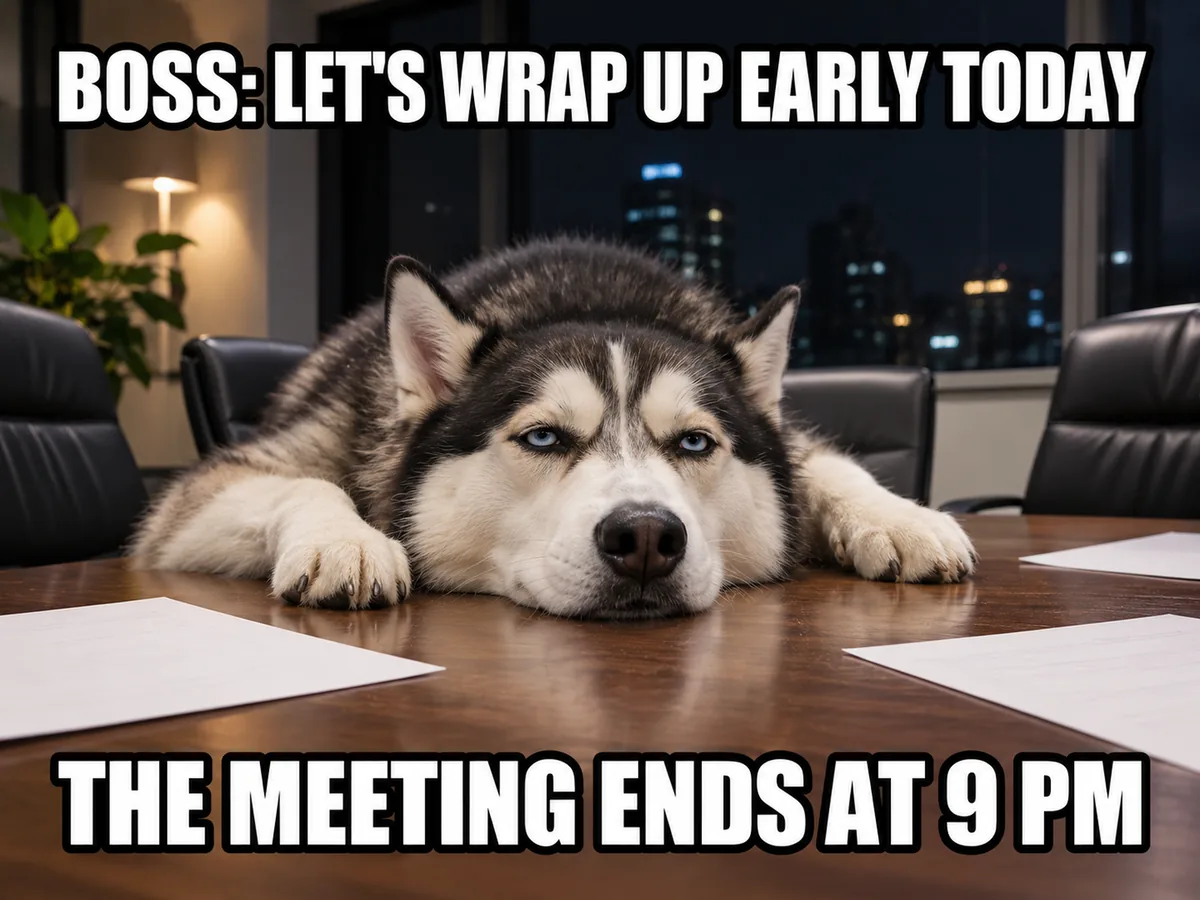
Shorter is funnier: aim for a dozen words or fewer. Put the setup on top and the reaction at the bottom, like “Boss: let’s wrap up early today” over “The meeting ends at 9 pm”. The face in the picture has to match the line; if it does not, swap the image instead of forcing it. Read the caption out loud: if it sounds like something a friend would type in a chat, it will land.
When you make your own meme set, one image with several different lines often works better than several images. Make one for each reply you send all the time, like “Noted”, “On it”, or “Going to bed”, and you will always have the right reaction ready.
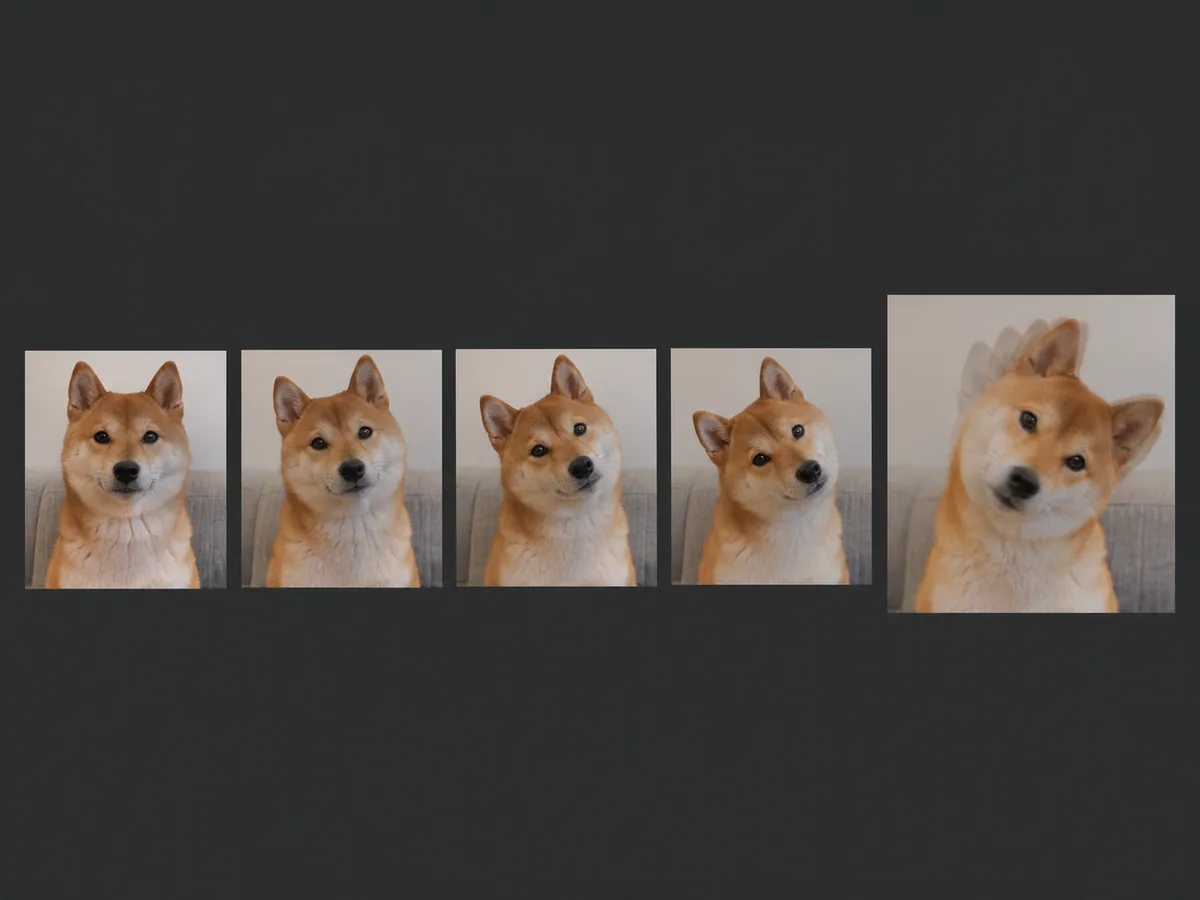
Want an Animated Meme?
This meme maker creates still images, and an uploaded GIF also comes out as a still image. For an animated meme: if you have a few frames, combine them with the GIF Maker; if you have one image, let the AI GIF Generator animate it. To put a caption on an animated meme, add the same text to each frame here first, then combine the frames into a GIF.
The Classic Meme Font
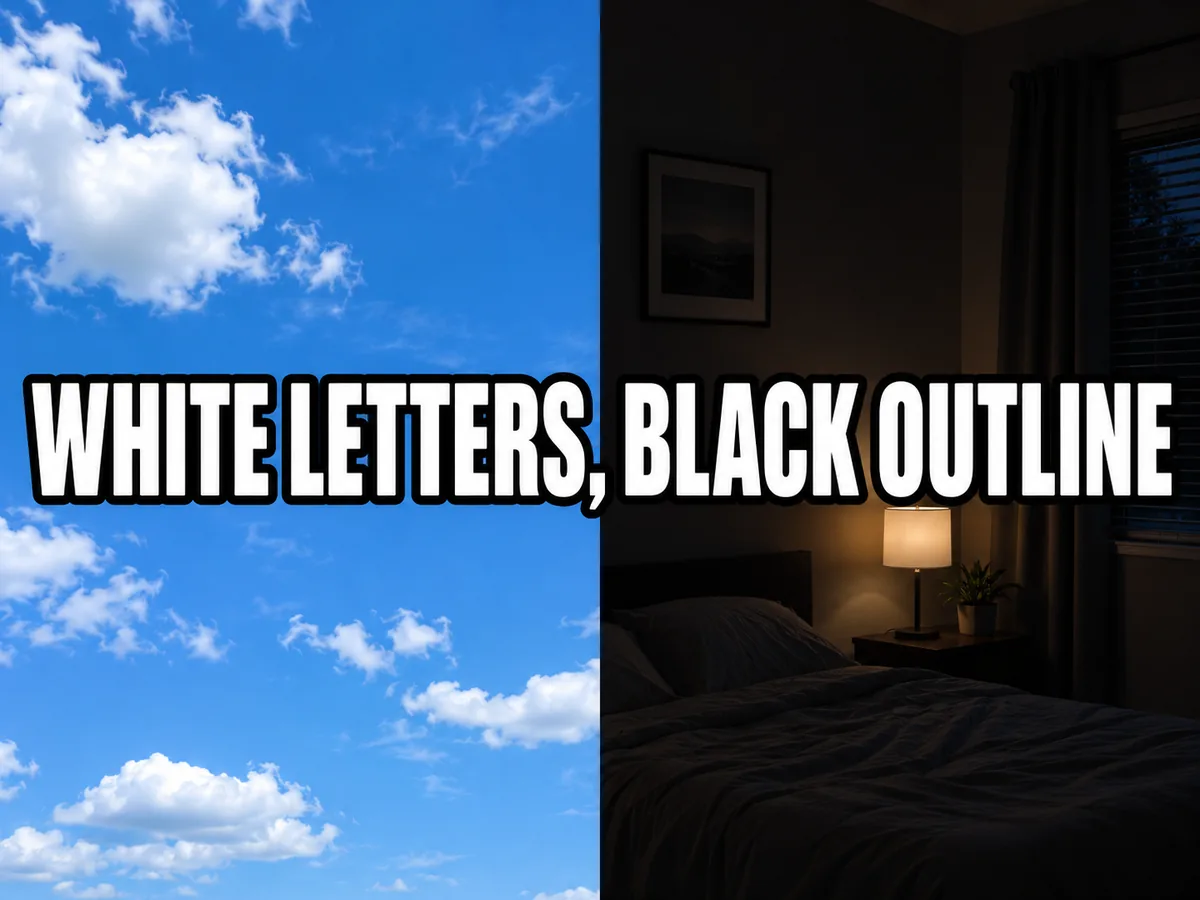
The classic meme font is Impact: tall, bold letters, white with a thick black outline, so the text stays readable on any picture. This meme generator uses Impact for English text and a bold font for Chinese. It keeps your text exactly as you type it, so write in ALL CAPS for the traditional look, or in normal case for a softer one. The outline matters more than the font: it keeps white letters readable on a bright sky as well as in a dark room, which is why the style has lasted.
A Simple Meme Editor
This meme editor does one job well: it puts your words on a picture. You choose the top text, the bottom text, the caption style, and the size, and the preview updates as you type, so you can try a few versions before you download one.
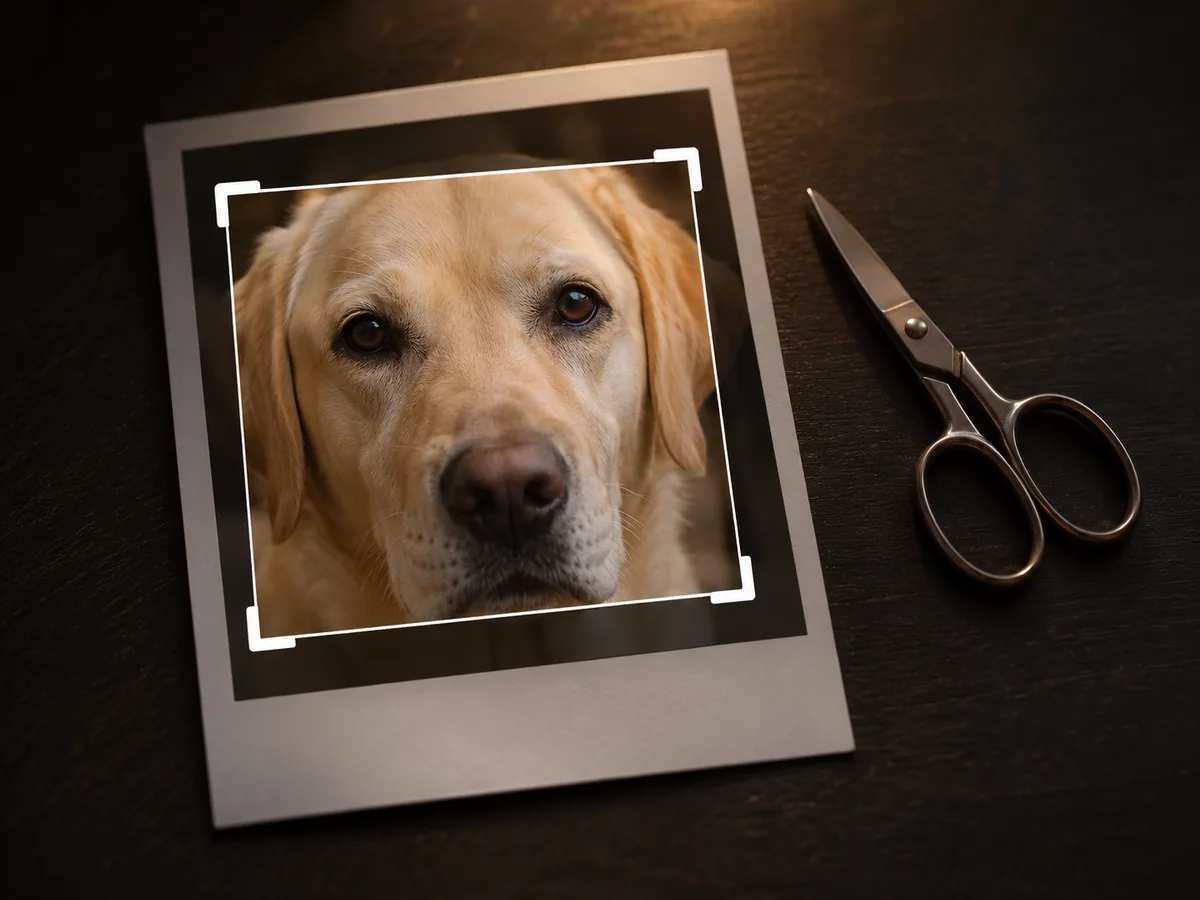
If the picture needs more work first, other free tools on this site can help. Crop it so the face fills the frame, or resize a large image so the meme is easier to share, then bring it back here for the caption.
Make Your Own Meme from Any Image
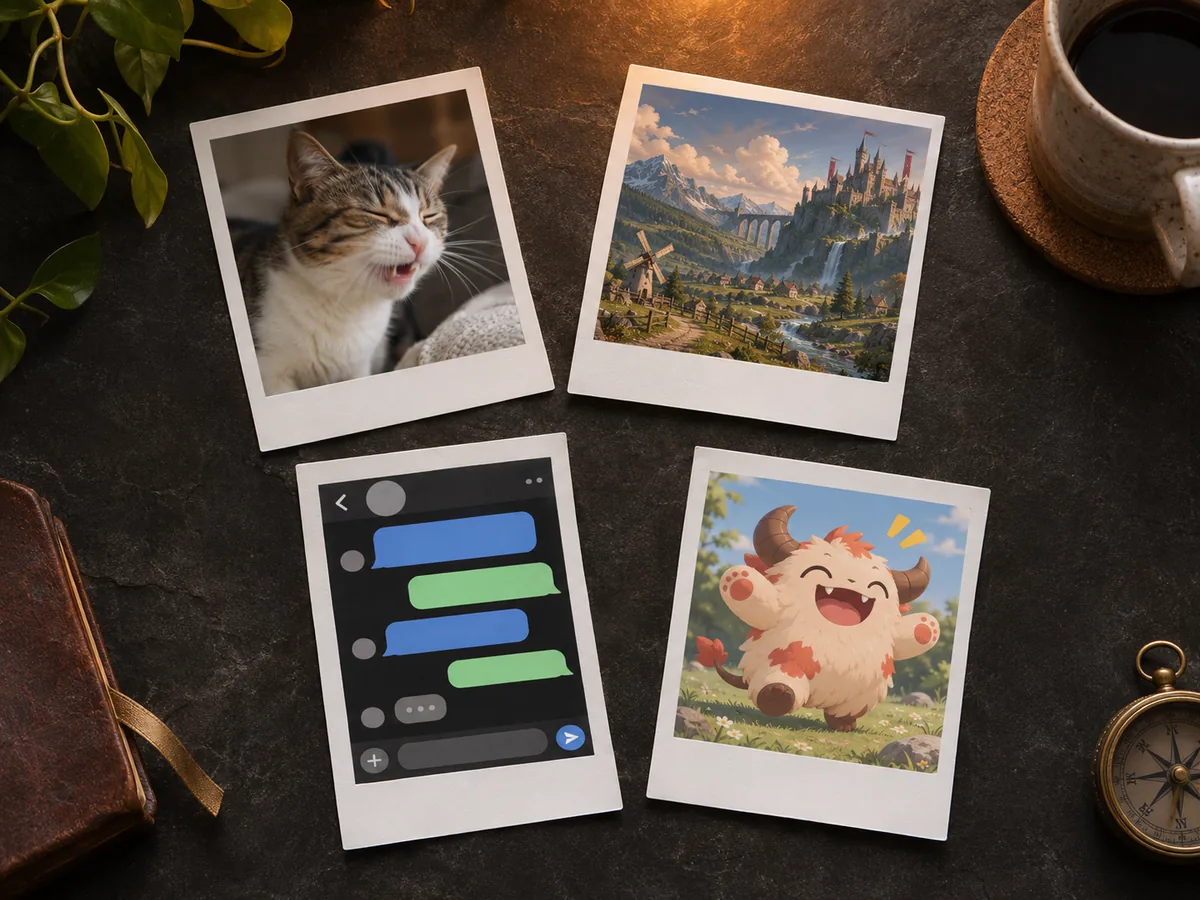
Any picture can become a meme: a screenshot from a group chat, a frame from a game, your pet in the middle of a sneeze, or a character you made with AI. This meme creator does not use a fixed template library, so the meme is built on your own image and looks like nobody else’s.
Keep the subject large and the background simple. Captions sit at the top and bottom, so a picture with some empty space there leaves room for the text without covering the face.
How to use
- 01
Upload an image: JPG, PNG, or WebP.
- 02
Type your top text, bottom text, or both.
- 03
Pick the text style and size. The result updates as you type; download it when you are happy with it.
FAQ
Is this meme generator free? Is there a watermark?
+
Yes, it is free with no limit, the memes have no watermark, and you do not need an account.
Are my images uploaded to a server?
+
No. The meme is made in your browser, and your image never leaves your device.
Can I write captions in other languages?
+
Yes. English uses the classic Impact font, Chinese uses a bold font, and you can mix both in one caption.
What if my text is too long?
+
It wraps onto new lines, up to three, and then the font size shrinks. For bigger letters, shorten the line or split it between the top and the bottom.
Can I change the font, color, or text position?
+
This tool has two fixed styles. To choose your own font and color, or to place text anywhere on the image, use Text on Image.
Can I make memes on my phone?
+
Yes. Open this page in your phone browser, pick an image from your gallery, add your text, and download it. No app needed.
What size and format is the meme saved in?
+
It keeps the size of your image unless you choose Sticker. JPG and WebP images stay in the same format, PNG stays PNG, and a GIF is saved as a PNG still image.
Can I add text to a meme someone else made?
+
Yes. Upload the image and add your own top or bottom text, or choose the white bar to add a caption without covering the original words.