Prompt guide
How to Write AI Image Prompts That Describe Your Idea
A practical structure for describing your subject, choosing a visual style, and refining an AI image one decision at a time.
On this page
A useful image prompt gives the model a picture to work toward. You can start with a few concrete choices: what is in the scene, how it is framed, and what the light feels like.
You do not need to describe every detail at once. Begin with the parts that matter most to your idea, then adjust the prompt after looking at the result.
Start with the subject
Name the main subject and describe what it is doing. “A landscape” leaves almost every decision open. “A still mountain lake reflecting a line of pine trees” gives the image a more specific starting point.
For a product scene, name the object, material, and setting. For a portrait, describe the pose, clothing, and framing. Details are most useful when they tell the model something you would actually like to see.
Build the scene in layers
Use the following structure as a writing aid. You can leave out a row when that choice is not important to the image.
| Part | What to describe | Example |
|---|---|---|
| Subject | The main person, object, or place | A quiet alpine lake |
| Setting | What surrounds the subject | Pine forest and distant mountains |
| Light | Direction, softness, and time of day | Soft pink light before sunrise |
| Style | The visual treatment | Photographic, restrained colors |
| Composition | Framing and position | Wide view, reflection in the foreground |
A prompt to try
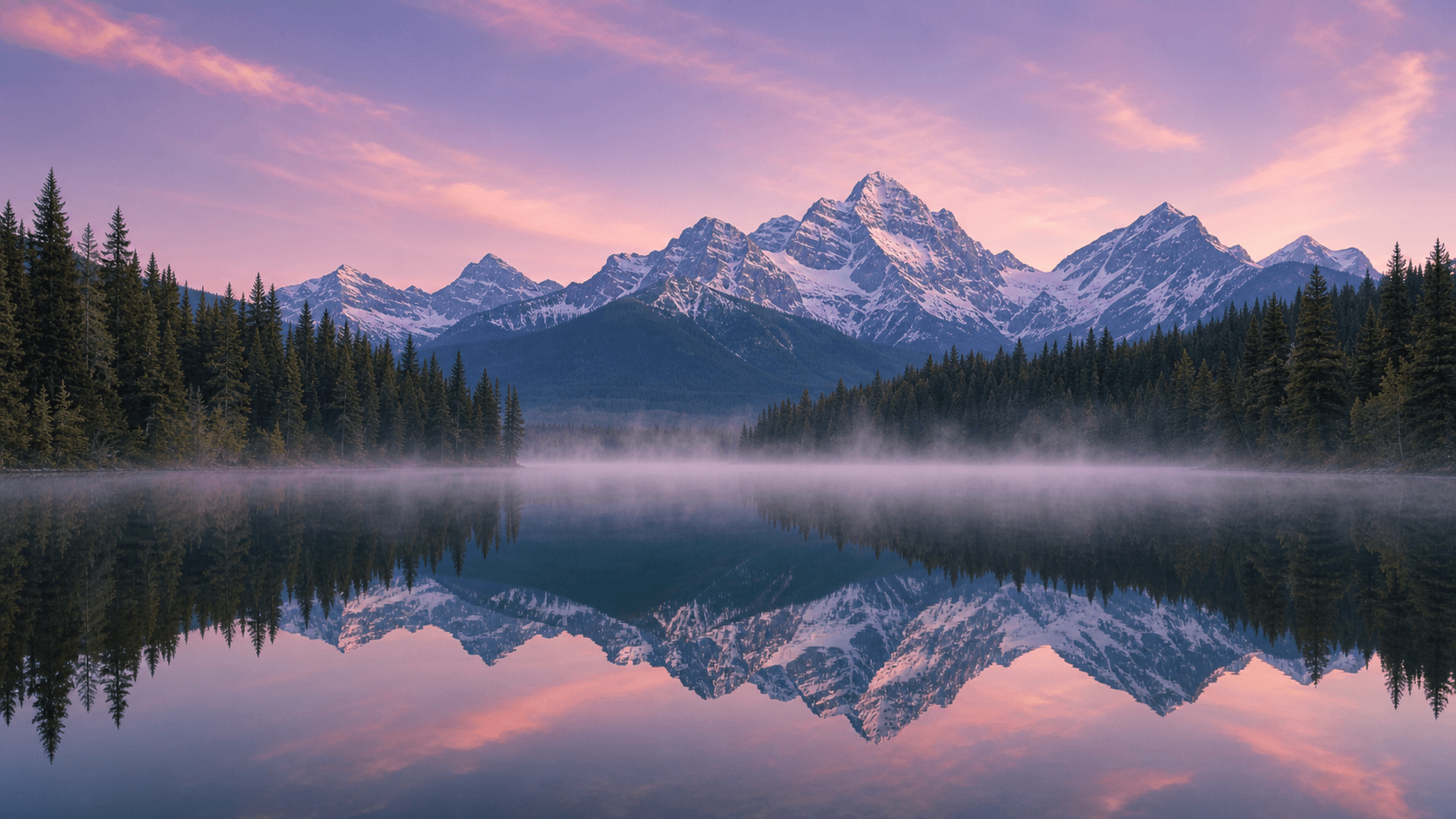
A still alpine lake at dawn, with a pine forest along the far shore
and distant mountains reflected in the water. Thin mist rests above
the surface. Soft pink morning light, restrained natural colors,
photographic detail, and a wide composition with room for the sky.
This prompt describes a direction you can explore. If your idea is warmer and more dramatic, try replacing “soft pink morning light” with “low golden sunlight from the right.”
Change one thing at a time
After the first image, choose one part to refine. Keeping the other details stable makes it easier to understand the effect of your change.
- Composition: bring the lake closer, lower the horizon, or leave space for a title.
- Light: move from dawn to overcast daylight, or make the light come from the side.
- Style: try a watercolor illustration, a pixel-art scene, or a photographic treatment.
Save the wording that works for your subject. A small collection of prompts you understand is easier to adapt than a long prompt full of unrelated adjectives.
Work from a reference image
When an existing image contains the composition or subject you want to keep, use it as a reference. On CVY.AI, sign in and select Image to Image, upload the image, and describe the changes.
For example:
Keep the lake, mountains, and overall composition. Change the scene
to autumn, with warm orange foliage and soft overcast light.
Compare the output with your reference, then refine the instructions for another version.
Continue exploring
You can browse prompt templates for other subjects or open the image generator to try your own description. Choose the model, resolution, and aspect ratio that fit the image you are working on.
- AI image prompts
- Getting started
Put your next idea into a picture.
Open the image generator with your own prompt, or choose an example to start exploring.
Open image generator