Free AI image generator
Free AI Image Generator
Type what you want to see and get a picture back. The button opens the CVY.AI image generator, where your first image needs no account. Sign up free to download it without the watermark and get 5 credits for more.
- Text to image
- First image with no sign-up
- 5 credits when you sign up
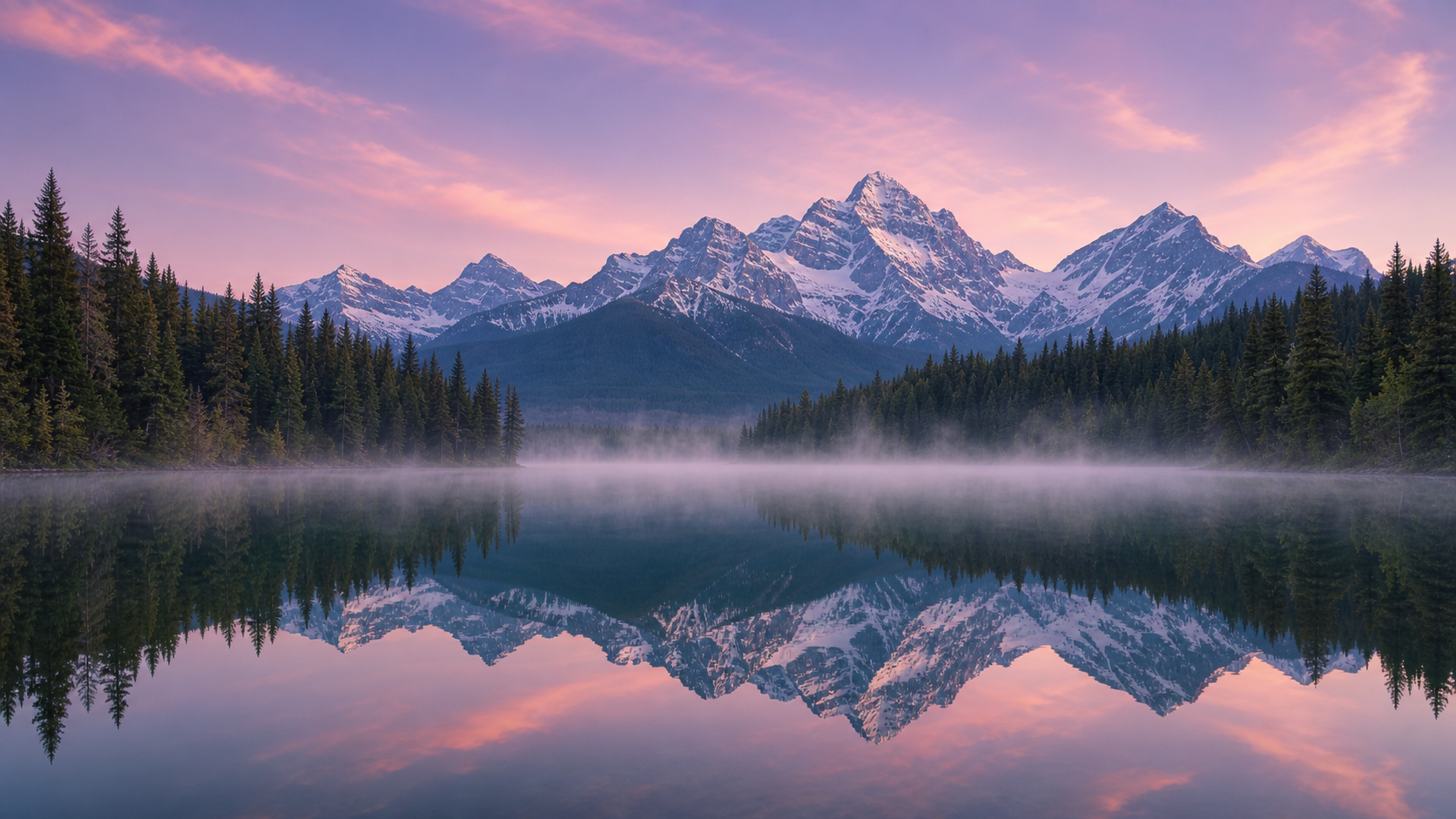 Example · 16:9
What you get for free
CVY.AI is free to try, but it is not unlimited. Here is exactly what free means.
Your first image, with no sign-up.
Every visitor can make one image from a text prompt without creating an account, at standard size, in square, 4:3, 3:4, 16:9 or 9:16.
A preview you can keep.
The free image appears with a cvy.ai watermark. Sign up free and the same image moves into your account, where you can download it without the watermark. Your prompt is kept, so you don't have to type it again.
5 credits when you sign up.
New accounts get 5 credits. The lowest price is 2 credits per image, so that covers 2 more images at standard size.
No card needed.
Signing up takes an email address or a Google account. Nothing to install.
The free image also has a daily limit across the whole site. If it has been reached, or your browser or network has already used the free image, the generator asks you to sign up instead.
How to turn text into an image
01
Open the generator.
Press Make my free image on this page.
02
Describe the picture.
Write one or two sentences about the subject, the place and the look. Plain everyday language works.
03
Pick a shape.
Square for profile pictures and posts, 16:9 for wide scenes and video thumbnails, 9:16 for phone wallpapers and stories, 3:4 or 4:3 for portraits and prints.
04
Generate.
Press Generate and wait a moment while the image is made.
05
Keep it.
Sign up free to download the full image without the watermark and to keep making more.
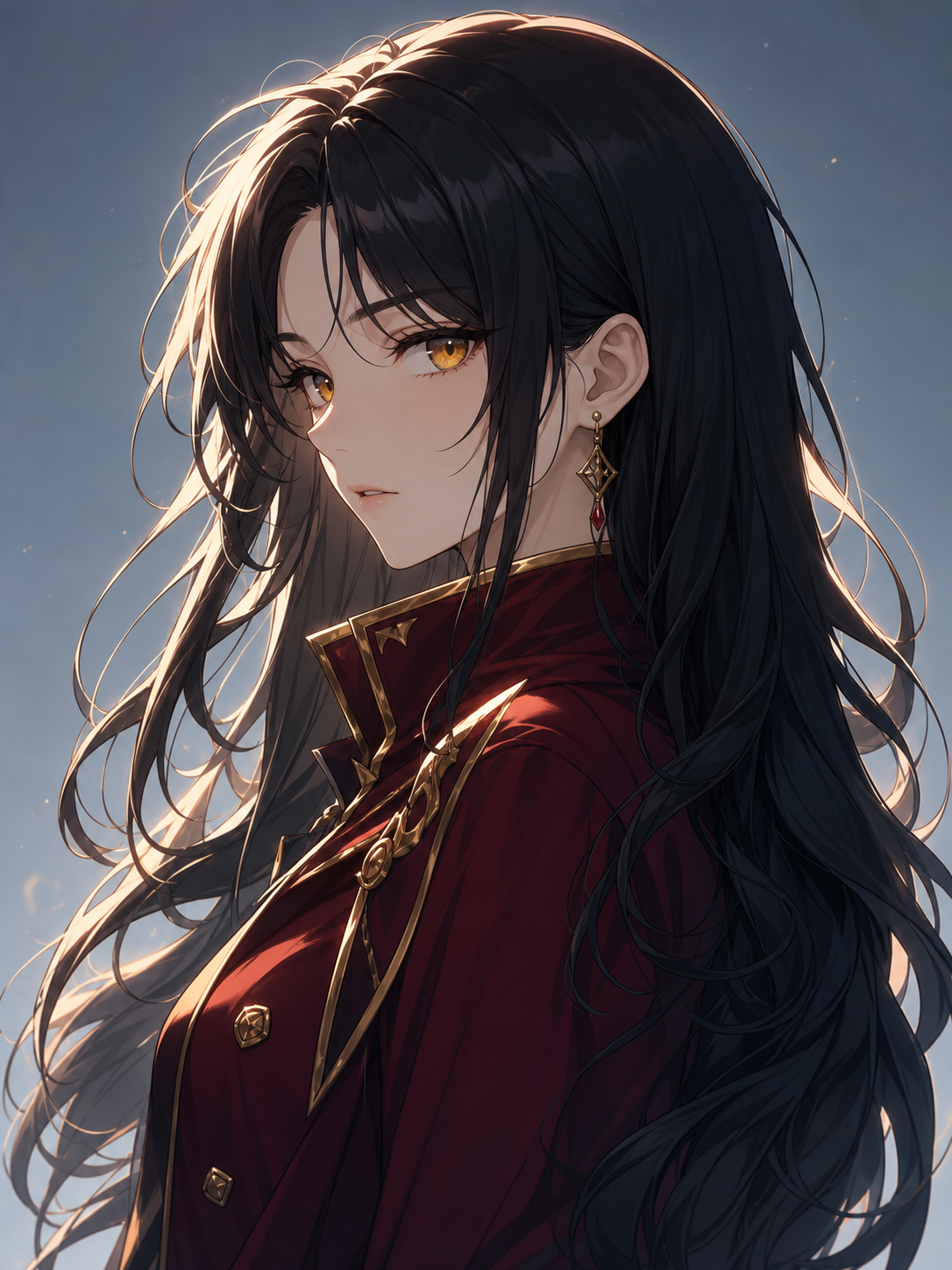
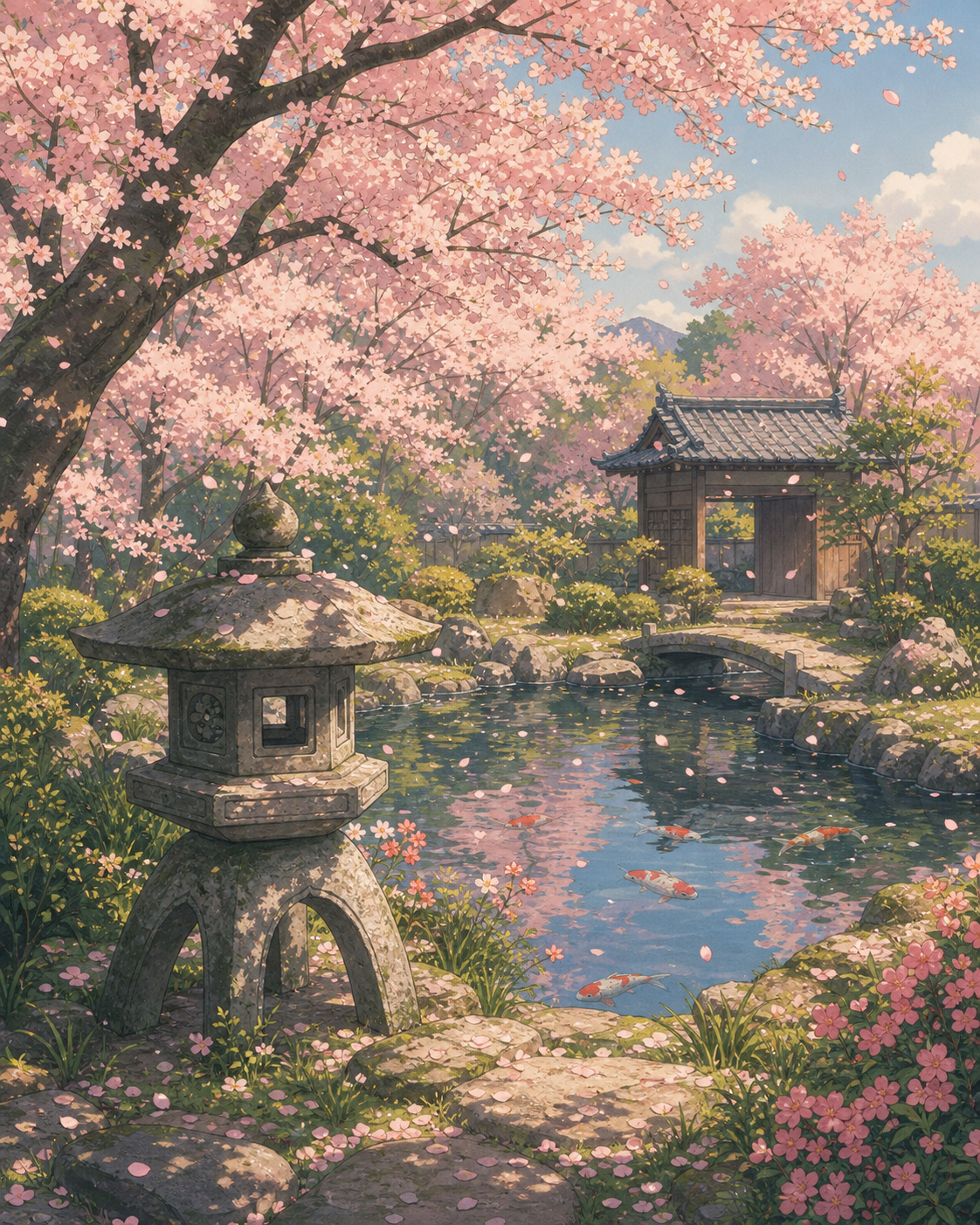
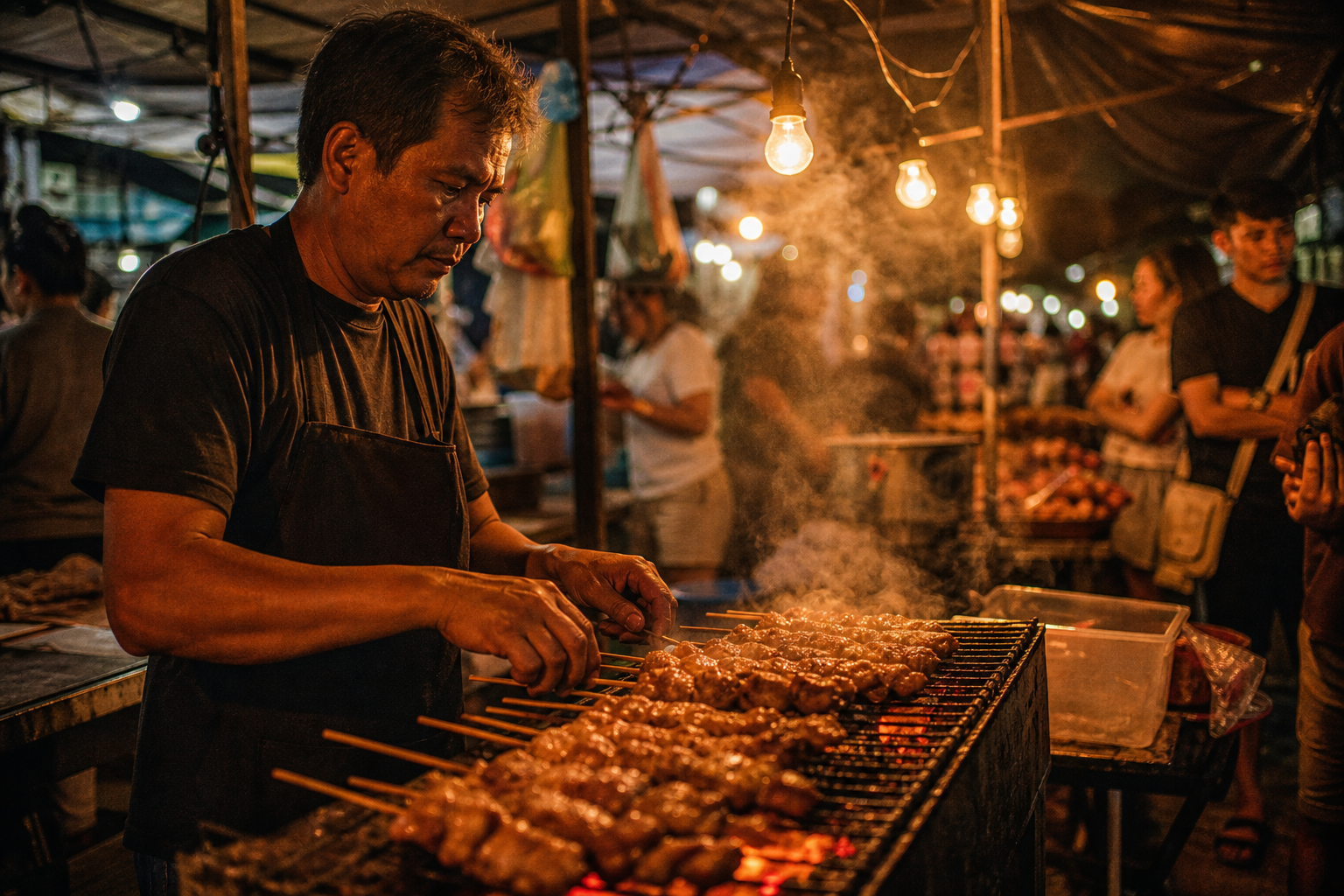
Start from a prompt example
Not sure what to write? Start from one of these and change a word or two.
How to write a prompt that works
The generator only knows what you tell it. Prompts that get good results usually cover five things:
Subject
who or what is in the picture. "A golden retriever puppy" works better than "a dog".
Setting
where it is and what is around it.
Style
photo, watercolor, anime, 3D render, pencil sketch or oil painting.
Light and mood
soft window light, golden hour, neon at night, calm and overcast.
Framing
close-up, waist-up, wide shot or a view from above.
Short
“a cat in a café”
Better
“A ginger cat asleep on a café windowsill, rainy street outside, soft morning light, warm colors, close-up photo.”
The second one names the subject, the place, the light, the colors and the framing, so less is left to chance.
If something keeps coming out wrong, say what you want rather than what you don't: "plain white background" works better than "no clutter". If you need words in the picture, put them in quotes and keep them short. Change one detail at a time between tries, so you can see what made the difference.
What people make with a free AI image generator
Profile photos and avatars
a clean headshot look, a cartoon version of a character, or a fun avatar for a forum.
Product shots
a product on a plain studio background, or placed in a lifestyle scene, for a shop page or a listing.
Social posts and thumbnails
a striking picture sized for the platform, with space left for your own text.
Characters and illustrations
original anime, fantasy or storybook characters, posters and AI art for your own projects.
Wallpapers and scenes
landscapes, cityscapes and dreamlike places at phone or desktop shape.
Ideas and mood boards
a quick look at a room design, an outfit or a logo direction before you spend time on it.
After the free image: credits and choices
With an account, each image is paid for with credits. The Generate button shows the price before you start, and an image that fails gives its credits back. Images start at 2 credits each and credit packs from $1.49; purchased credits never expire.
See pricing →Edit your own photo
Signed in, you can switch to Image to Image, upload up to ten reference pictures and describe what to change: the background, the clothes, the style or the light. It costs the same credits as making a new image. Uploading your own photos needs an account, so it is not part of the free first image.
Free image tools that need no account
Some jobs don't need a new image at all. These tools are free, need no account and work right in your browser:
All free tools →Free AI image generator FAQ
Is this AI image generator really free?
+
Your first image is free with no account, and new accounts get 5 free credits. After that, images cost credits, from 2 per image. No subscription is required.
Can I use an AI image generator without signing up?
+
Yes, for one image. Type a prompt in the generator and make it without an account. To download it without the watermark or make more, sign up free.
Is there an unlimited free AI image generator here?
+
No. CVY.AI gives one free image without an account and 5 credits when you sign up; after that, every image uses credits. If you make a lot of images, a credit pack or a monthly plan lowers the price per image.
Why does my free AI image have a watermark?
+
The preview made without an account carries a cvy.ai watermark. Sign up and the same image moves to your account, where the download has no watermark.
Why does it say my free trial is used?
+
The free image is one per visitor, and the site has a daily limit for free images. If you have used it, someone on the same network has, or the daily limit is reached, sign up and use your 5 credits.
Are my AI images public?
+
No. Free images never appear in the public gallery. When you are signed in, only images you share to the gallery can be picked for it.
What size are the images?
+
The free image is standard size. Signed in, most generators also offer 2K and 4K.
Can I use AI-generated images commercially?
+
Check the CVY.AI terms and the rules of the generator you used before commercial use, and review the final image for rights, text and factual issues.
Make your first image free
Open the generator, write a prompt and see the result. The first image needs no account.
Try the free AI image generator →