AI Image Style
Ghibli Generator
Hand-painted backgrounds and warm light, inspired by Studio Ghibli animation.
Prompt examples
Each example is paired with a prompt you can copy or load in the generator. Your result may differ.
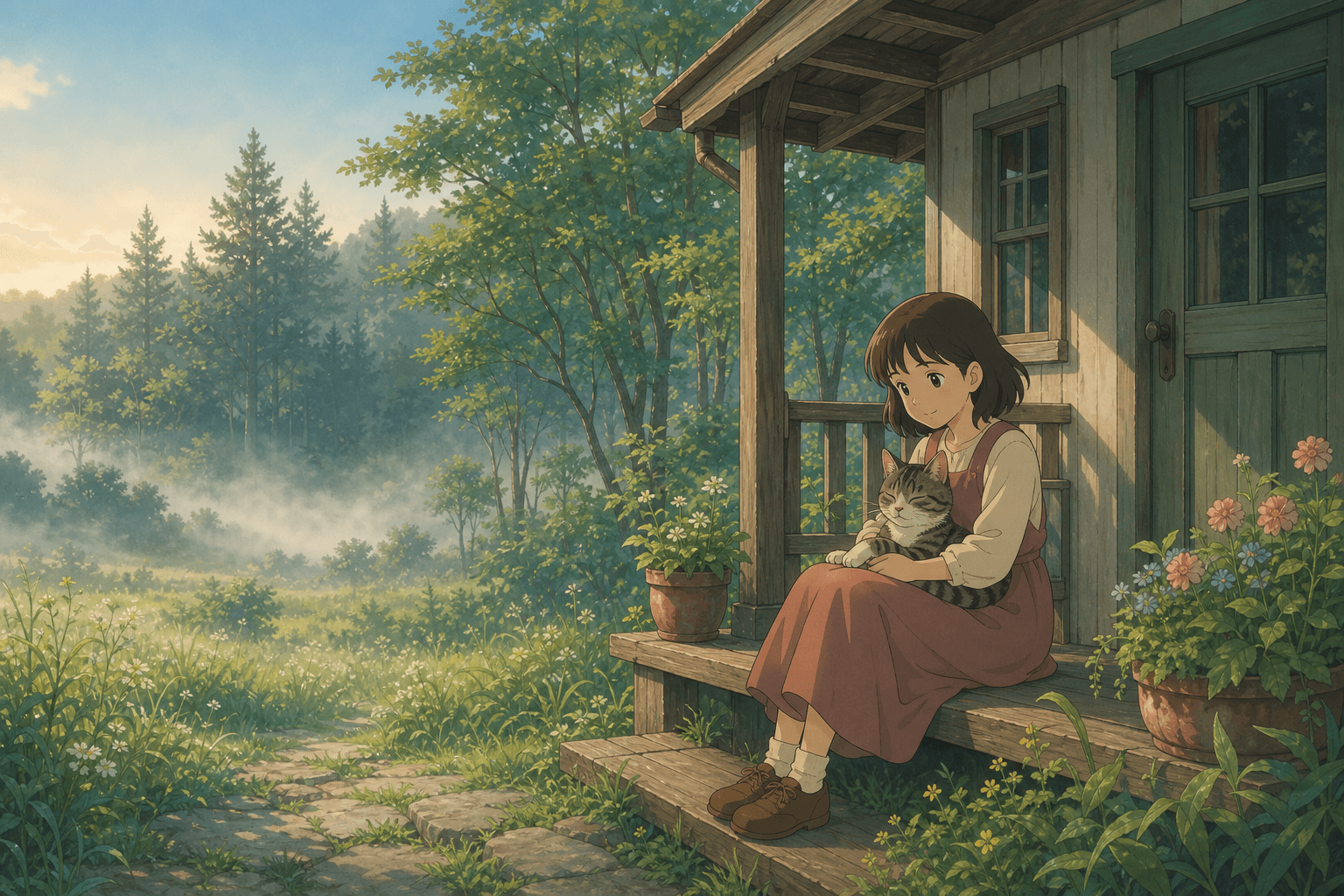
Prompt
A small wooden cottage at the edge of a forest, soft morning mist rising from the grass, a young girl sitting on the porch with a striped cat in her lap, hand-painted background, warm muted color palette with greens and creams, gentle morning light, Studio Ghibli inspired animation style.
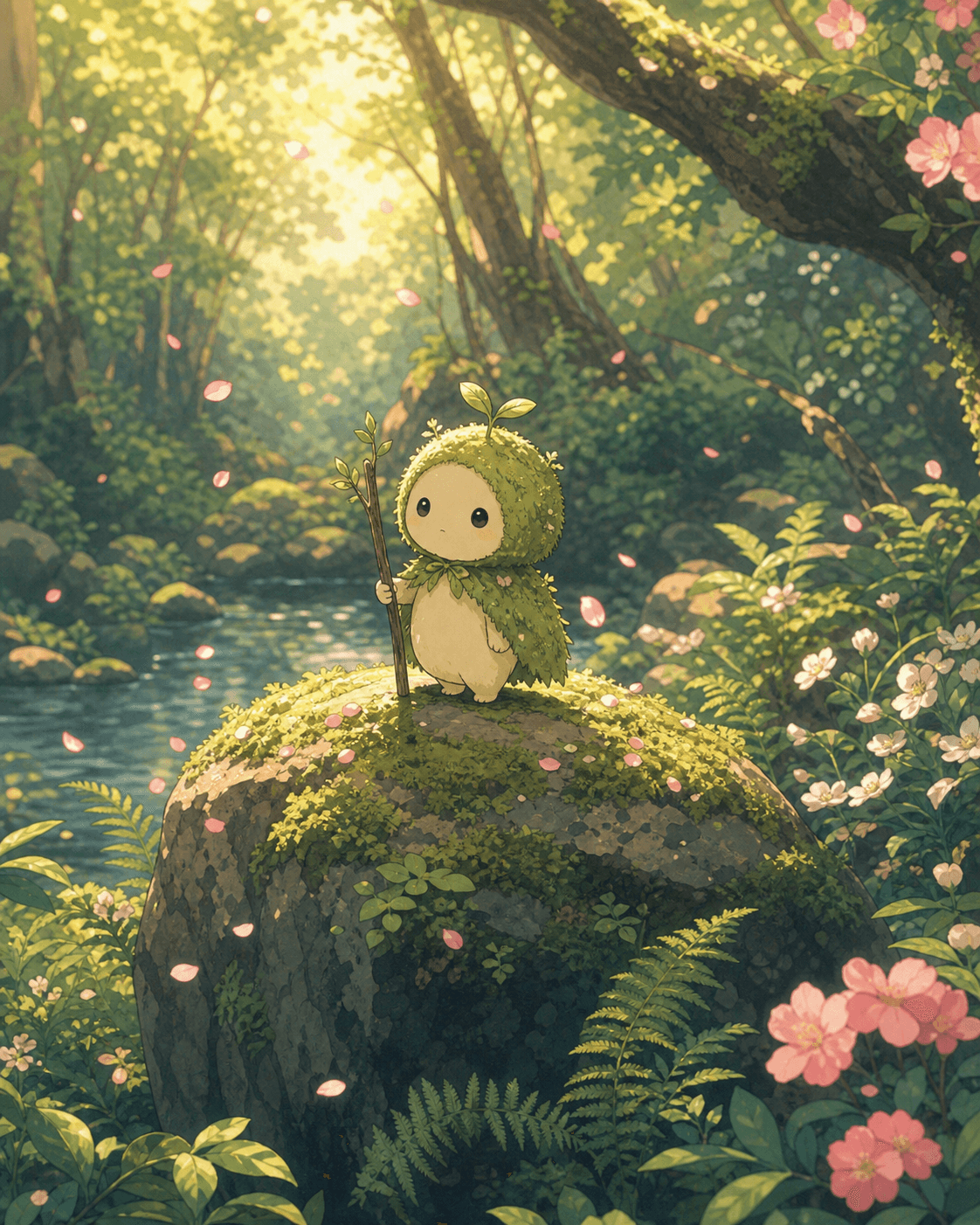
Prompt
A tiny forest spirit standing on a moss-covered stone in a quiet glade, surrounded by ferns and falling petals, soft late-afternoon light filtering through the canopy, hand-painted Studio Ghibli style, warm pastel palette, gentle linework.
What is the Ghibli style?
The Ghibli style emulates the look of hand-painted anime backgrounds — soft gradients, gentle color palettes, hand-drawn cloud and foliage textures. It is not a direct copy of any specific film, but a recognizable family of visual choices: warm light, rounded shapes, careful attention to natural environments.
Use it for cozy scenes, fantasy landscapes, slice-of-life moments, and any subject where the photographic precision of Ultra Realism would feel cold. It is one of the most popular styles for creators making short-form video stills and social posts that need to feel hand-crafted.
A few characters and creature ideas (forest spirits, small mascots, simple humanoid figures) work particularly well. Avoid heavy mechanical detail — this style flattens metal and machinery.
How do I write better Ghibli prompts?
- ▸Lean into natural elements (forests, fields, rain, clouds)
- ▸Use time-of-day cues (early morning, lantern light, dusk)
- ▸Keep characters simple — one or two figures, clear silhouettes
- ▸Add atmospheric details (wind, falling petals, drifting steam)
- ▸Avoid hyper-realistic skin descriptors
How to use this style
- 01
Start with a subject
Name the person, object, scene, or setting first so the style has something concrete to transform.
- 02
Add one composition cue
Include shot type, lighting, pose, or aspect-ratio intent before adding more decorative language.
- 03
Apply the style modifier
Use the preloaded style button, or append “in Ghibli style” to an existing prompt.
What is the Ghibli style best for?+
Hand-painted backgrounds and warm light, inspired by Studio Ghibli animation.
How do I get better Ghibli AI images?+
Start with a concrete subject, add one clear scene, then use style-specific prompt details such as: Lean into natural elements (forests, fields, rain, clouds); Use time-of-day cues (early morning, lantern light, dusk).
Can I try the Ghibli style with my own prompt?+
Yes. Use the generator link on this page to open CVY.AI with the Ghibli style preloaded, then replace the subject with your own idea.
Open the generator with this style preloaded, or keep browsing.