CVY.AI
AI Image Style

Pixel Art Generator

Clean pixel art in the spirit of classic 8-bit and 16-bit games.

Aspect Ratio:

Powered by Flux Pro · No sign-up required for your first generation

Pixel Art sample

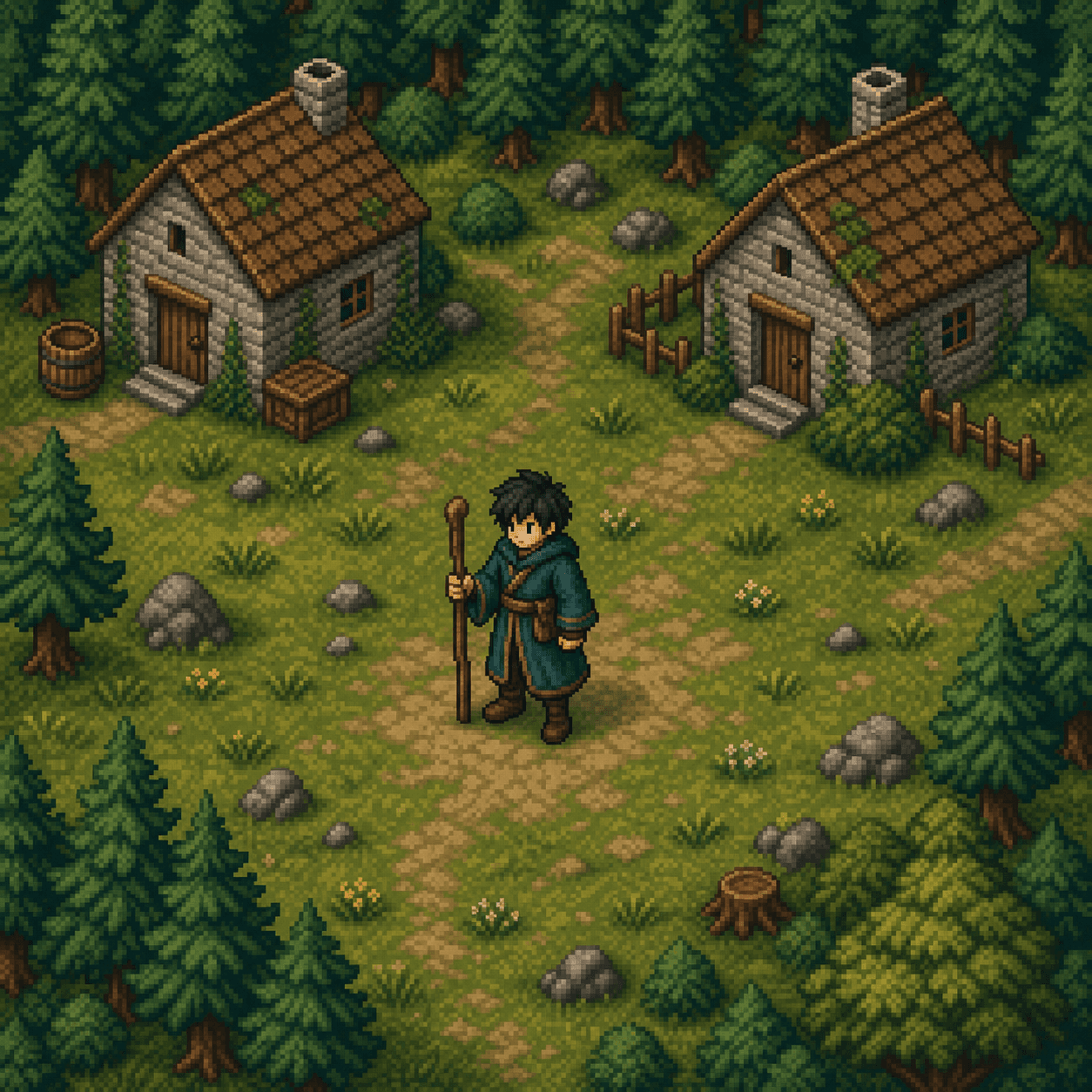
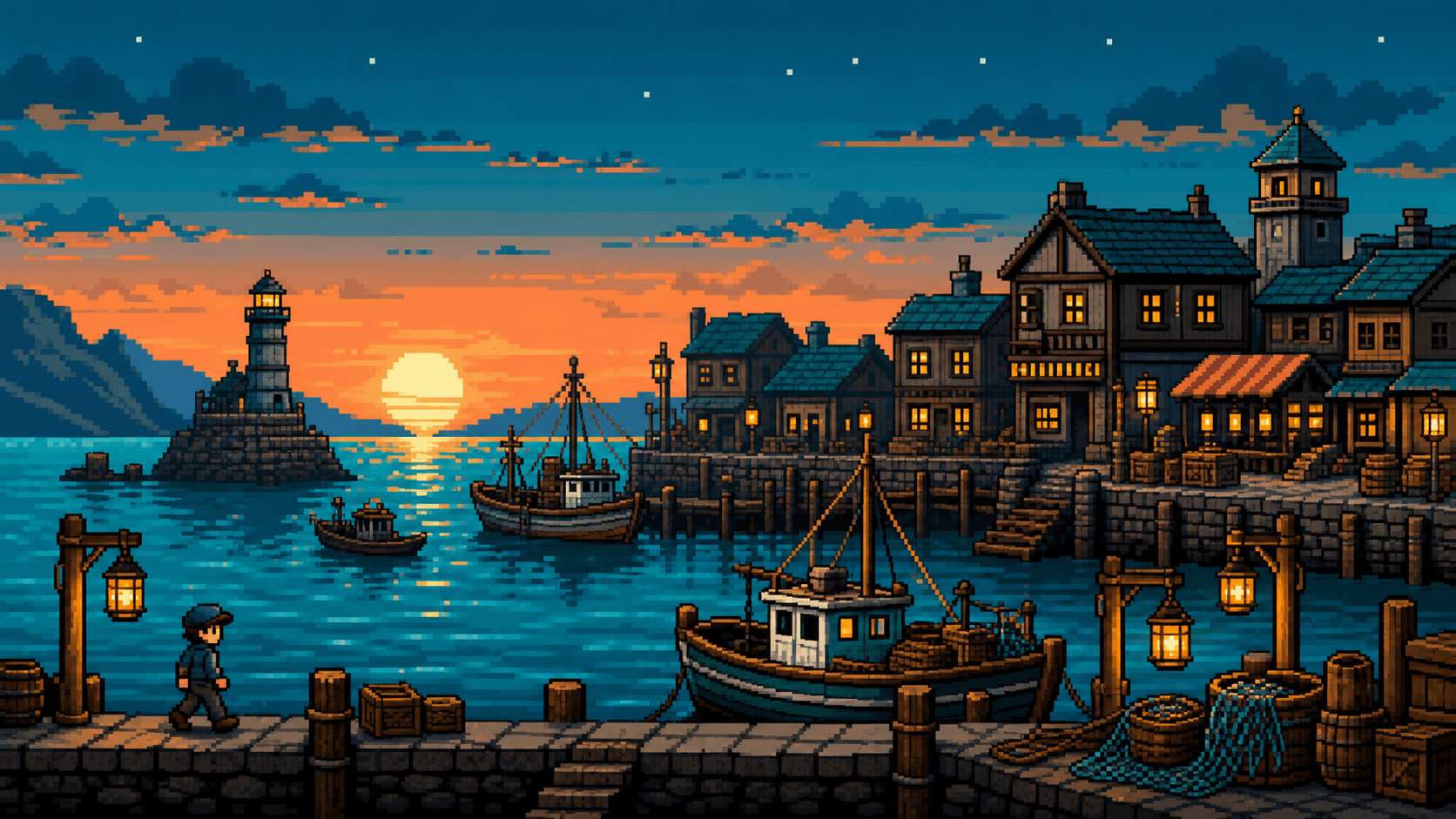
Pixel Art is built for game developers, retro-gaming enthusiasts, and anyone who wants the chunky aesthetic of classic console graphics. The style produces images with visible pixel grids, limited palettes, and the visual constraints that made early games so identifiable.

It works well for character sprites, isometric environments, NPC portraits, item icons, and dungeon tilesets. For indie game devs, it is a fast way to mock up visual concepts before committing to a final art direction.

Pair with a clear aspect ratio (1:1 for sprites, 16:9 for scenes) and describe palette constraints if you want a specific feel ("limited palette, GameBoy green", "NES era four-color"). The model will respect color-count hints.
Example prompt

A pixel art sprite of a young warrior with a green tunic and a small sword, standing in a forest clearing, isometric view, 16-bit SNES era, limited palette

Copy, paste it into the generator above, and tweak.

Prompt tips for the Pixel Art style

  • Include era cue (NES, SNES, GameBoy, arcade)
  • Mention palette explicitly if you want a specific look
  • Specify pixel density loosely (low-res, medium pixel art)
  • For sprites, describe the pose and silhouette clearly
  • For environments, list 2-3 props (rocks, lantern, doorway)

Explore more styles or jump into pricing.