Prompt
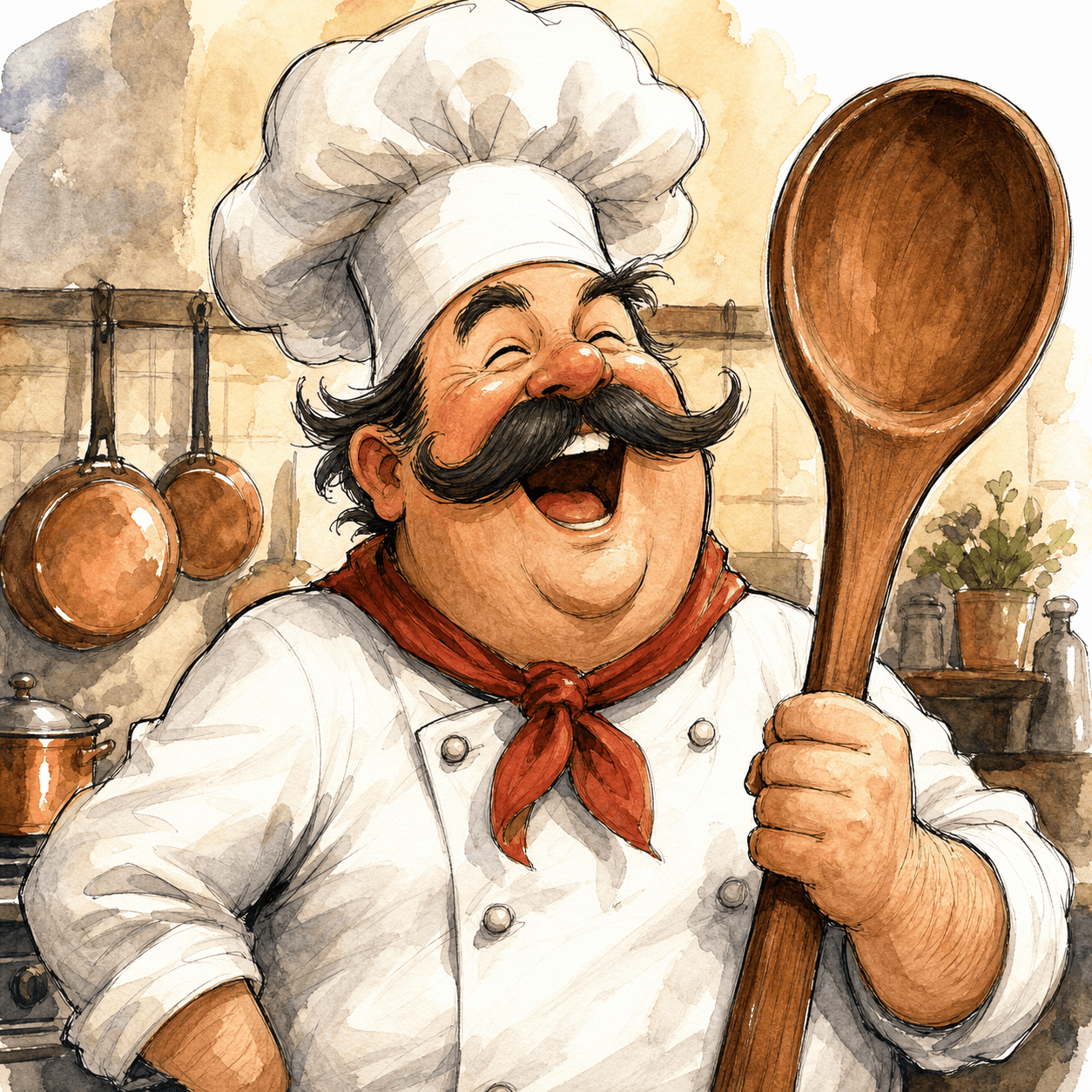
Caricature of a chef with a tall white hat and a thick handlebar moustache, holding a massive wooden spoon, laughing with eyes closed, simple kitchen background with hanging copper pans, ink and watercolor style, exaggerated proportions.
Exaggerated cartoon portraits that still look like the subject.
Each example is paired with a prompt you can copy or load in the generator. Your result may differ.
Prompt
Caricature of a chef with a tall white hat and a thick handlebar moustache, holding a massive wooden spoon, laughing with eyes closed, simple kitchen background with hanging copper pans, ink and watercolor style, exaggerated proportions.
Prompt
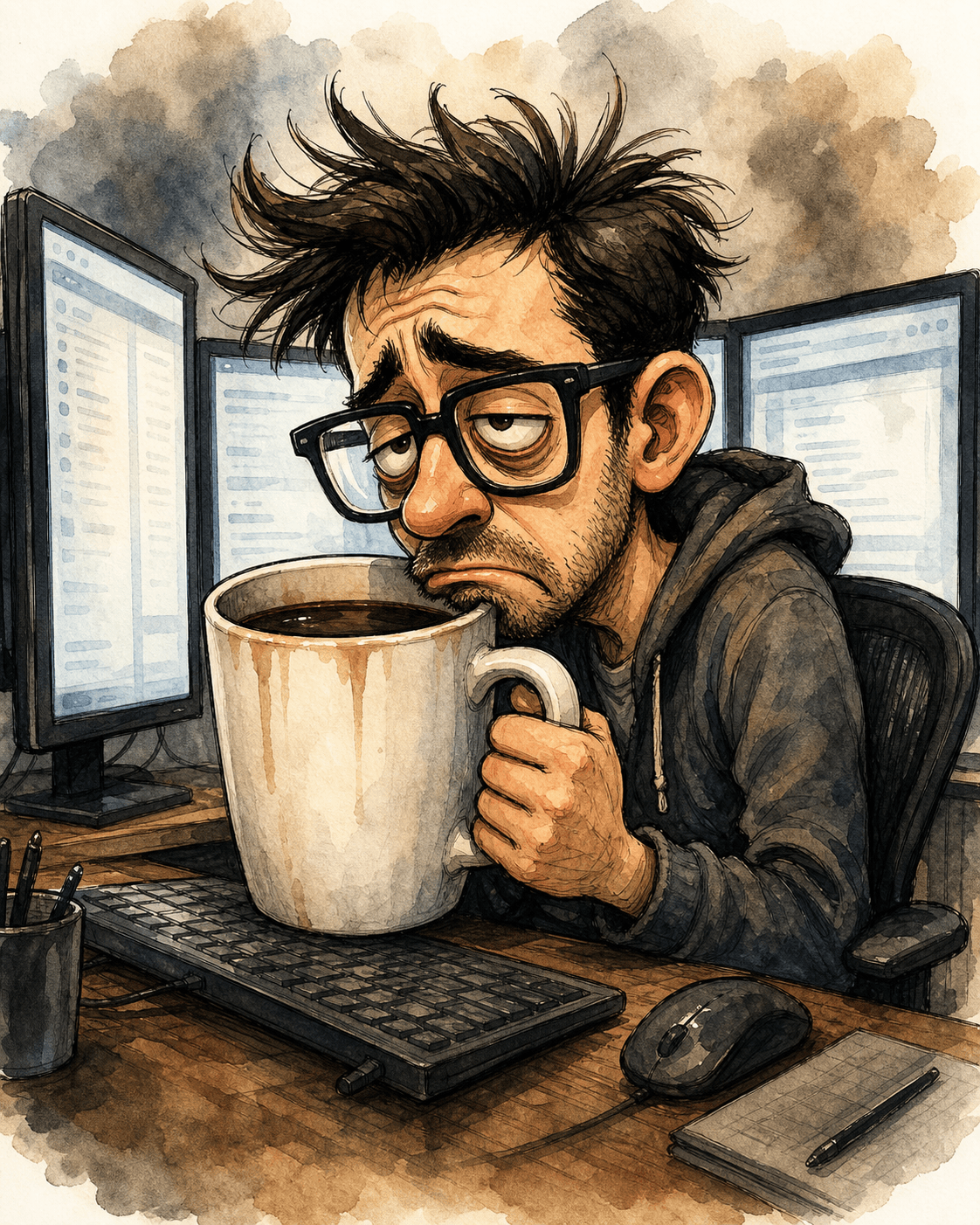
Caricature of a programmer with thick black-rimmed glasses and a coffee mug the size of his head, sitting in front of three glowing monitors, exaggerated tired expression, hunched posture, ink and watercolor style, simple desk setting.
Caricature renders portraits with exaggerated features in the tradition of newspaper editorial cartoons — larger heads relative to bodies, amplified facial expressions, simplified backgrounds. The trick is that the result still has to be recognizable as the subject; pure exaggeration without likeness is just a generic cartoon.
It is great for personalized gifts, avatar art, social posts, and team-bio illustrations. For subjects with distinctive features (glasses, beard, hair), the model latches on and the resemblance improves.
For best results, describe 2-3 standout features the model should amplify, plus a clear context (occupation, prop, setting). Avoid over-describing — caricature wants headline traits, not skin-tone detail.
Name the person, object, scene, or setting first so the style has something concrete to transform.
Include shot type, lighting, pose, or aspect-ratio intent before adding more decorative language.
Use the preloaded style button, or append “as a caricature” to an existing prompt.
Compare nearby looks before committing to a prompt direction.
Photorealistic output with film-grade lighting and skin detail.
Hand-painted backgrounds and warm light, inspired by Studio Ghibli animation.
Modern Japanese anime — sharp line art, vibrant colors, dynamic poses.
Open the generator with this style preloaded, or keep browsing.