AI GIF Generator — Turn One Photo into an Animated GIF
Upload a single photo and AI creates the motion: a 5-second animated GIF that keeps your picture's framing and details, with an MP4 alongside. Your first animation renders free as a preview; unlock the HD file from $0.99, no subscription needed. Failed generations are never charged.
- Preview before you payYour first animation renders free. Watch it, then decide.
- Unlock only if you like itHD file from $0.99. No subscription, no card to start.
- Failed runs cost nothingA generation that fails is never charged.
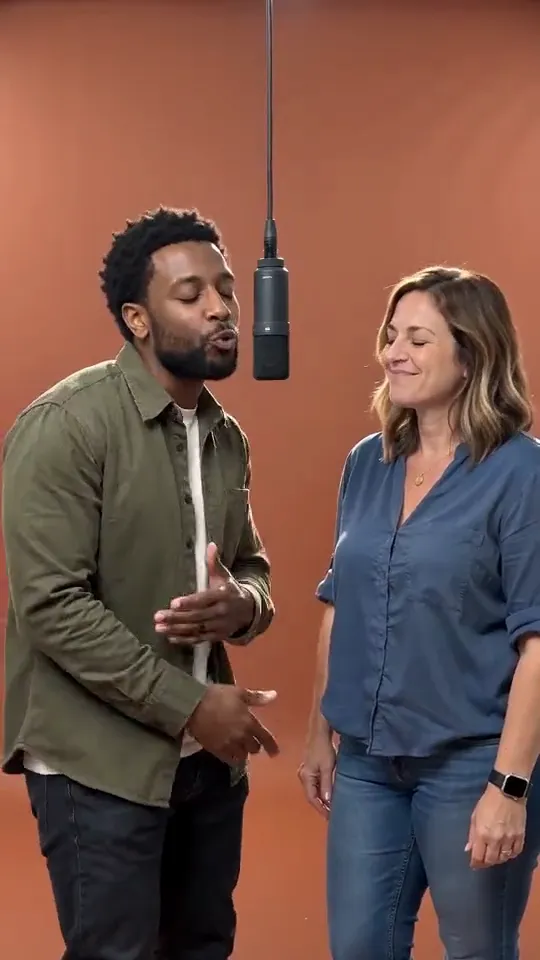
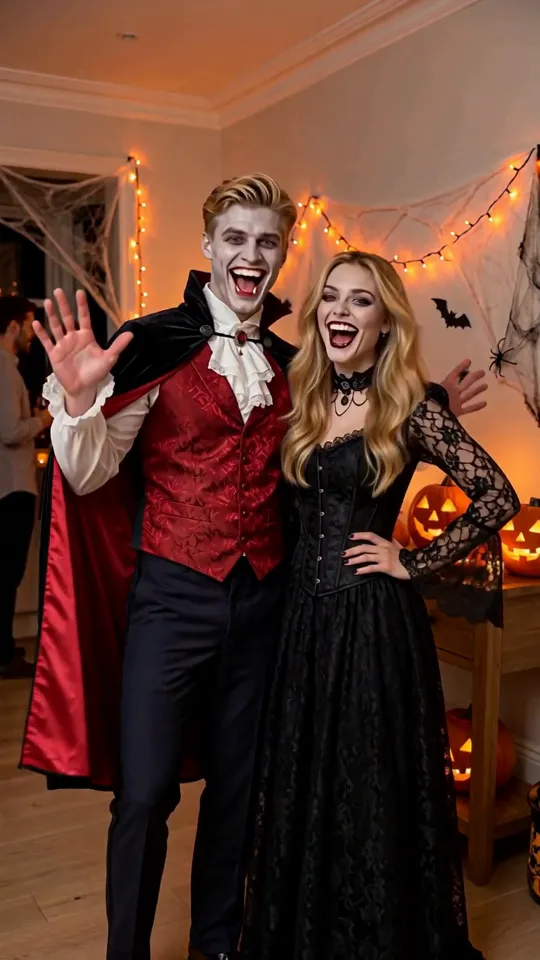
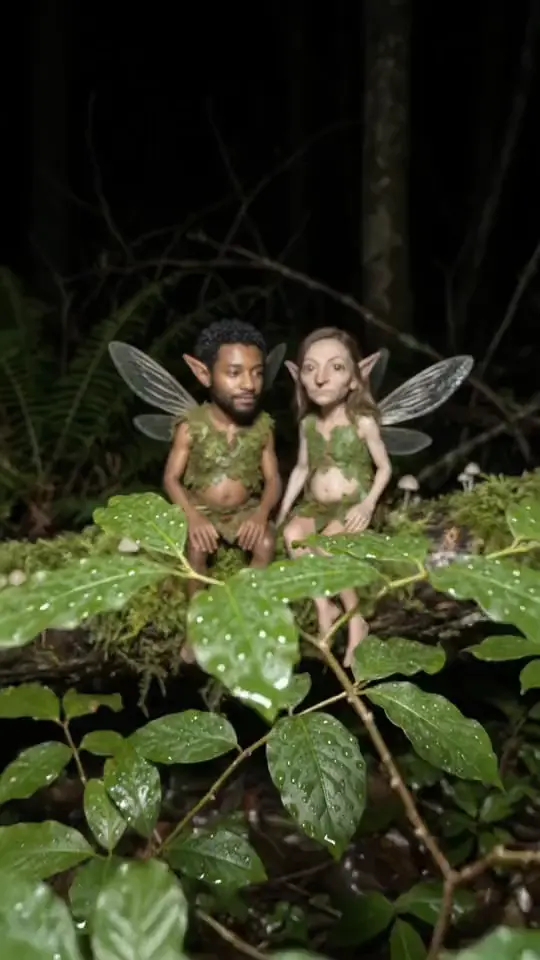
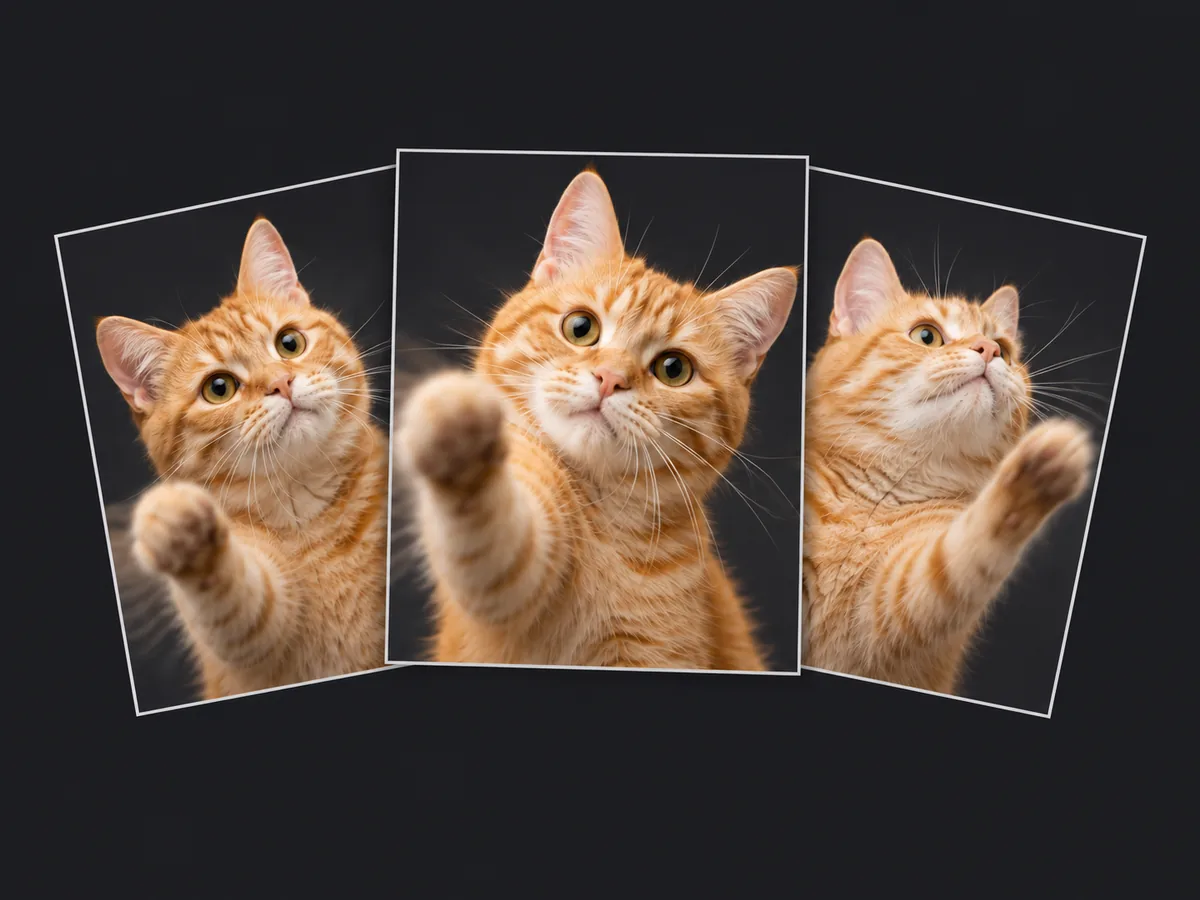
Or start from an example: the photo and prompt load with one click
How does an AI GIF generator work from one photo?
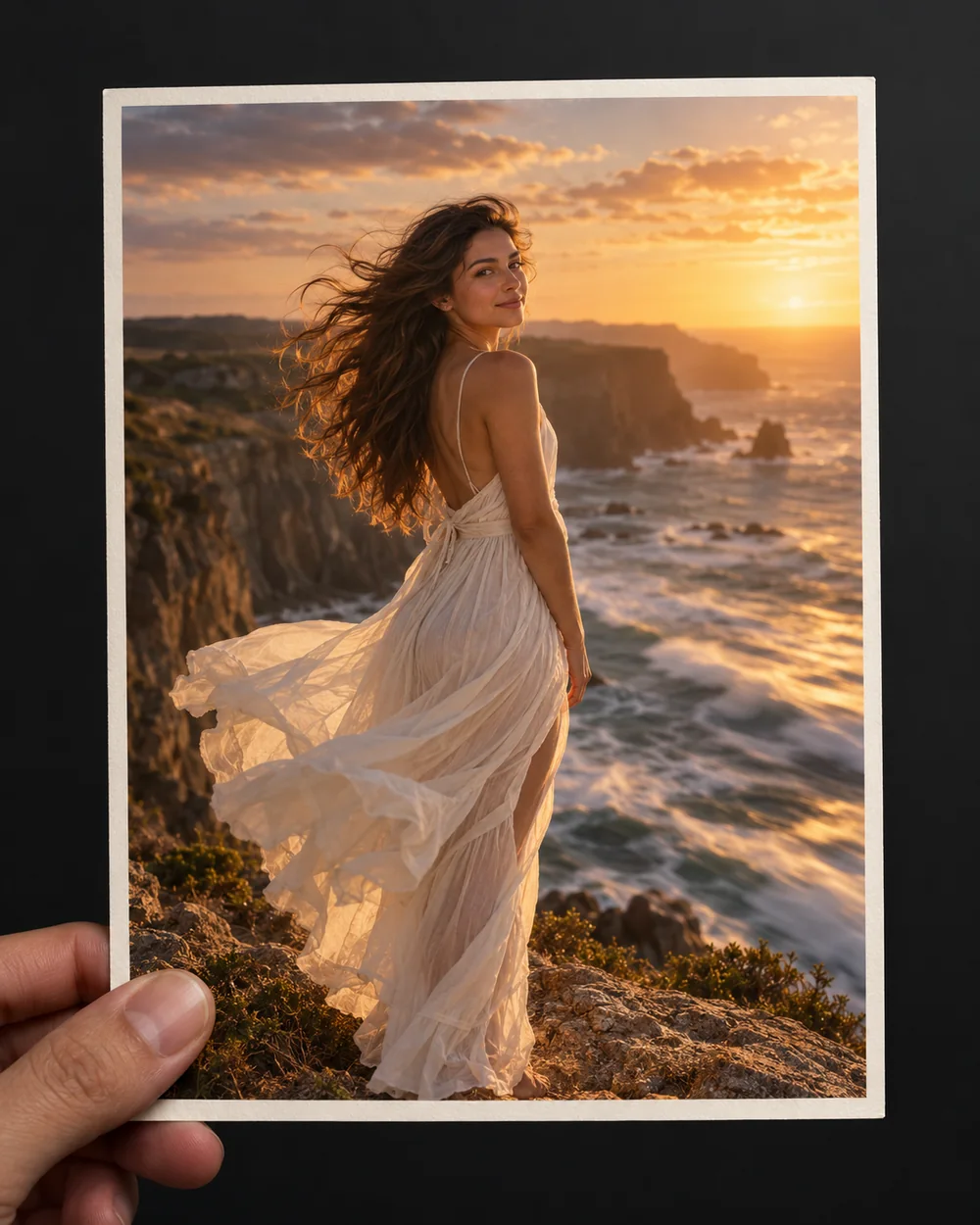
Classic GIF makers stitch frames you already have. This tool creates the motion itself from a single still: hair and fabric in wind, water and clouds drifting, a subtle camera move or a small gesture. Portraits, pets, products, artwork and old photos all work.
Should I download the GIF or the MP4?
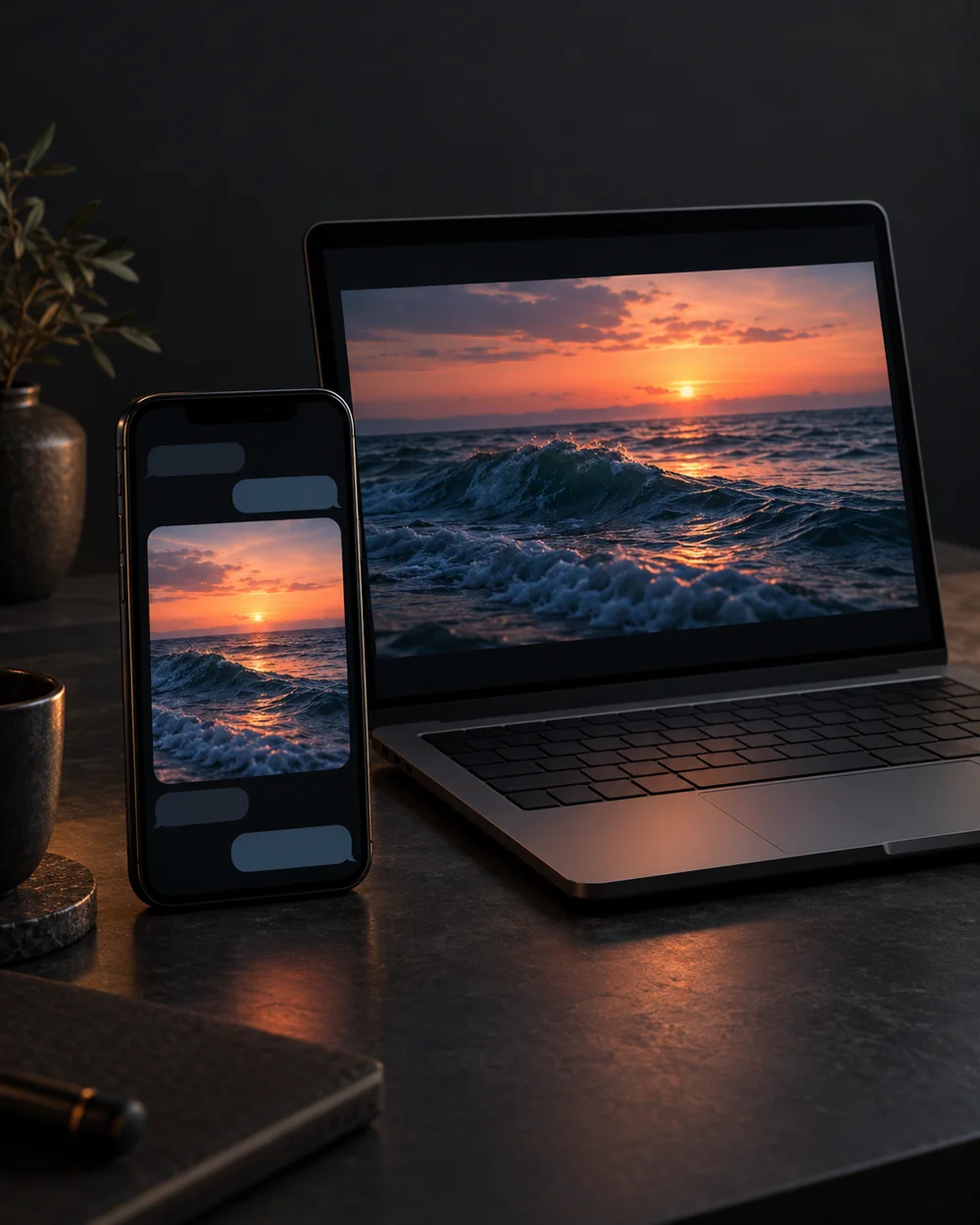
Every run gives you both. The MP4 is sharper and about a quarter of the size; the animated GIF plays anywhere an image is allowed. A GIF from this image to GIF AI tool is usually 1–5 MB, so check the limit where you plan to post:
- X / Twitter: up to 15 MB on the web, 5 MB in the mobile app
- Discord: 10 MB per upload without Nitro
- WeChat custom stickers: about 1 MB, larger GIFs are sent as files
- Email and newsletters: keep GIFs under 1 MB, or link to the MP4 instead
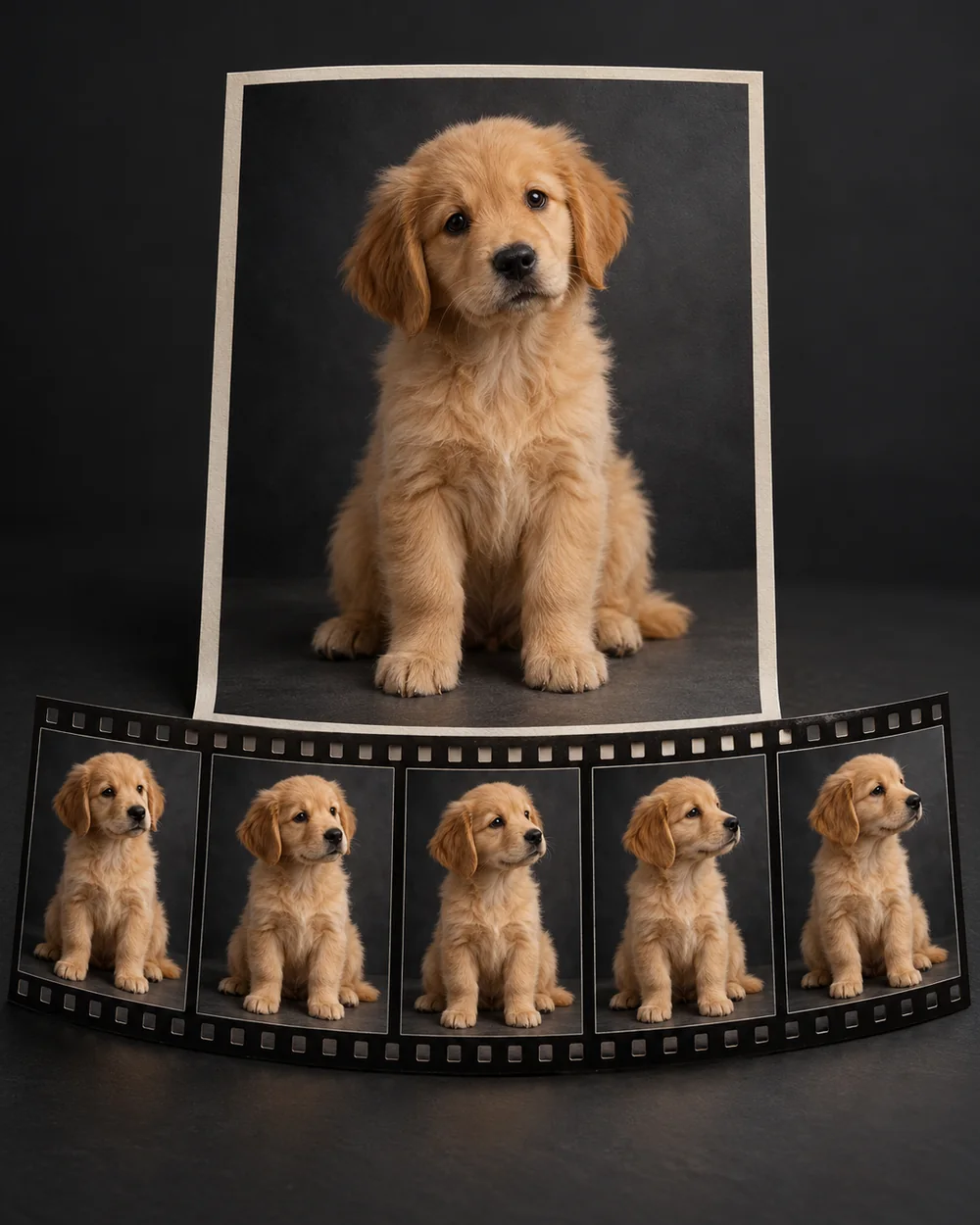
What every animation includes
No settings to figure out. Each run gives you:
- A 5-second clip in 480p at a smooth 30 fps, no sound
- The same shape as your photo, so portraits stay portrait
- A result in about 1–3 minutes; feel free to keep browsing
- 25 credits per animation, refunded if it fails
- A clean file once unlocked: no watermark on the GIF or the MP4 you download
How to describe the motion when you animate a photo with AI
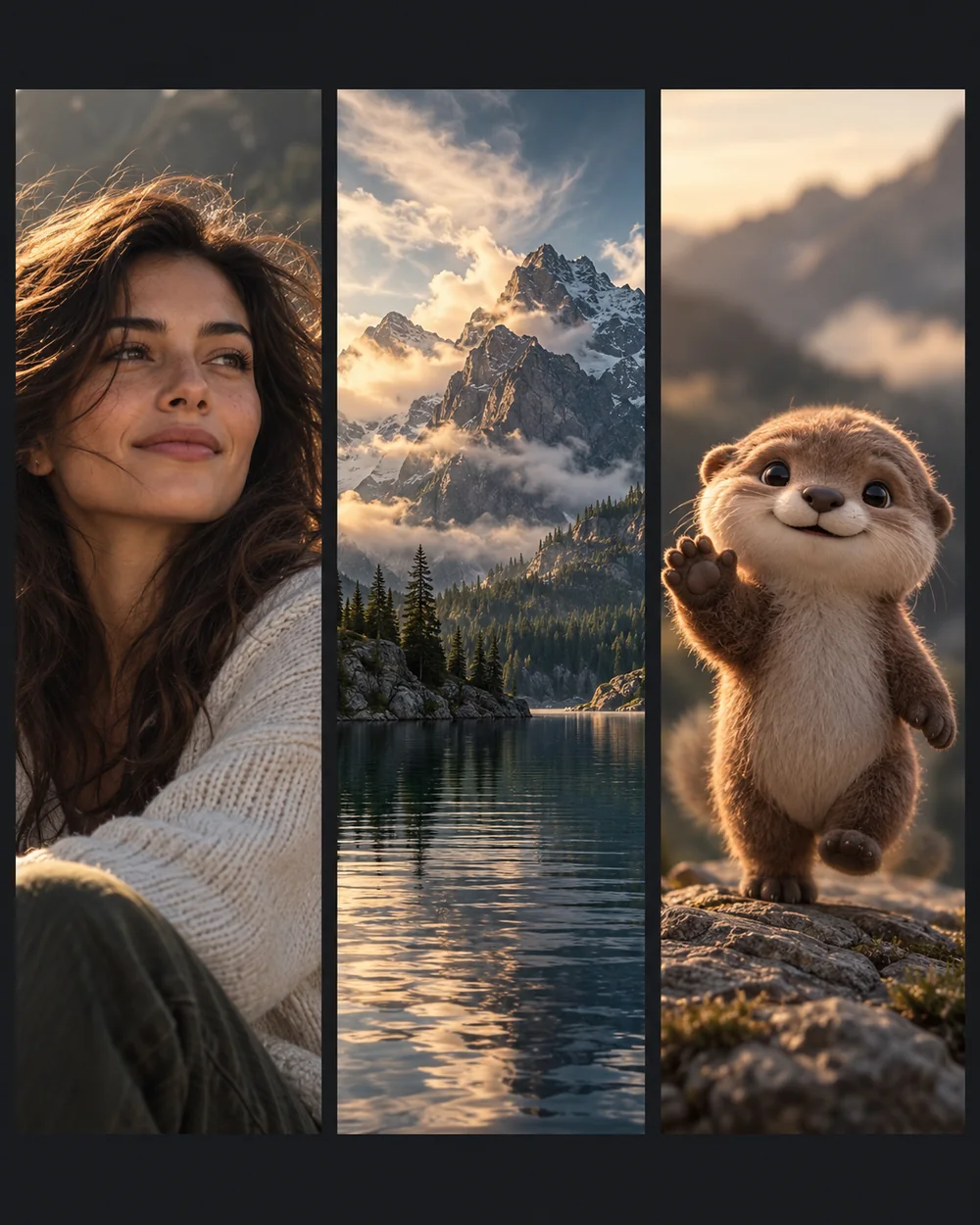
One sentence is enough. Say what should move and how much; the AI GIF generator keeps everything else still. Examples that work well:
- Portraits and pets: "slow blink and a small smile, hair moves in a light breeze"
- Landscapes and products: "clouds drift, water ripples, slow camera push-in"
- Illustrations and memes: "character waves, gentle bounce, background stays fixed"
How to use
- 01
Upload one clear photo. Portraits, pets, products and landscapes all work.
- 02
Describe the motion you want, such as wind, water, a camera move or a small gesture, or leave it blank to use the default gentle-motion prompt.
- 03
Click Animate. In 1–3 minutes you get a 5-second clip to download as MP4 or GIF.
FAQ
Is the AI GIF generator free?
+
Your first animation renders free as a low-resolution preview. Unlocking the HD MP4 and GIF costs $0.99, or $1.49 for a 50-credit pack that covers this clip and one more. New accounts also receive 5 bonus credits, valid for 24 hours, which count toward the unlock. No credit card is needed to sign up, and failed generations are never charged.
What resolution and length do I get?
+
480p video at 30 frames per second, 5 seconds long, matching the aspect ratio of your photo: a square photo comes back around 640×640, a very wide banner around 1008×406. The GIF export is 8 frames per second and 360 pixels wide so it stays small enough to share.
GIF or MP4: which should I download?
+
MP4 is smaller and sharper, so use it for social apps and websites. Choose GIF when the destination only accepts images, such as some forums, docs and chat apps. The GIF is built in your browser from the MP4, so nothing extra is uploaded.
Is there a watermark on the GIF?
+
The free preview is a small, watermarked video. The file you unlock or pay for carries no watermark or logo, on the MP4 or the GIF: what you download is the clean file.
Is my photo private?
+
Yes. Photos you upload and clips this AI GIF maker generates are private to your account and never appear in the public gallery. Deleting a generation from your dashboard removes it from your account immediately.
What kind of photos work best?
+
One main subject, decent lighting and at least 512 pixels on the short side. Very small, blurry or heavily text-based images give this image to GIF AI less to work with and produce weaker motion.
Does the GIF loop seamlessly?
+
The GIF repeats forever, but the last frame is not guaranteed to match the first, so you may notice a small jump. For a smoother loop, ask for subtle motion that returns to the starting pose, or keep the movement to background elements like water and clouds.
Can I make an AI GIF from text only?
+
Not directly: this tool always starts from one image so the result stays faithful to your photo. If you only have an idea, generate a still with the AI image generator on the homepage first, then bring it here to animate it.
How is this different from the GIF Maker?
+
The GIF Maker stitches several frames you already have into a GIF in your browser, for free. This AI GIF maker creates the motion itself from a single still photo using an AI video model, so you need only one image.