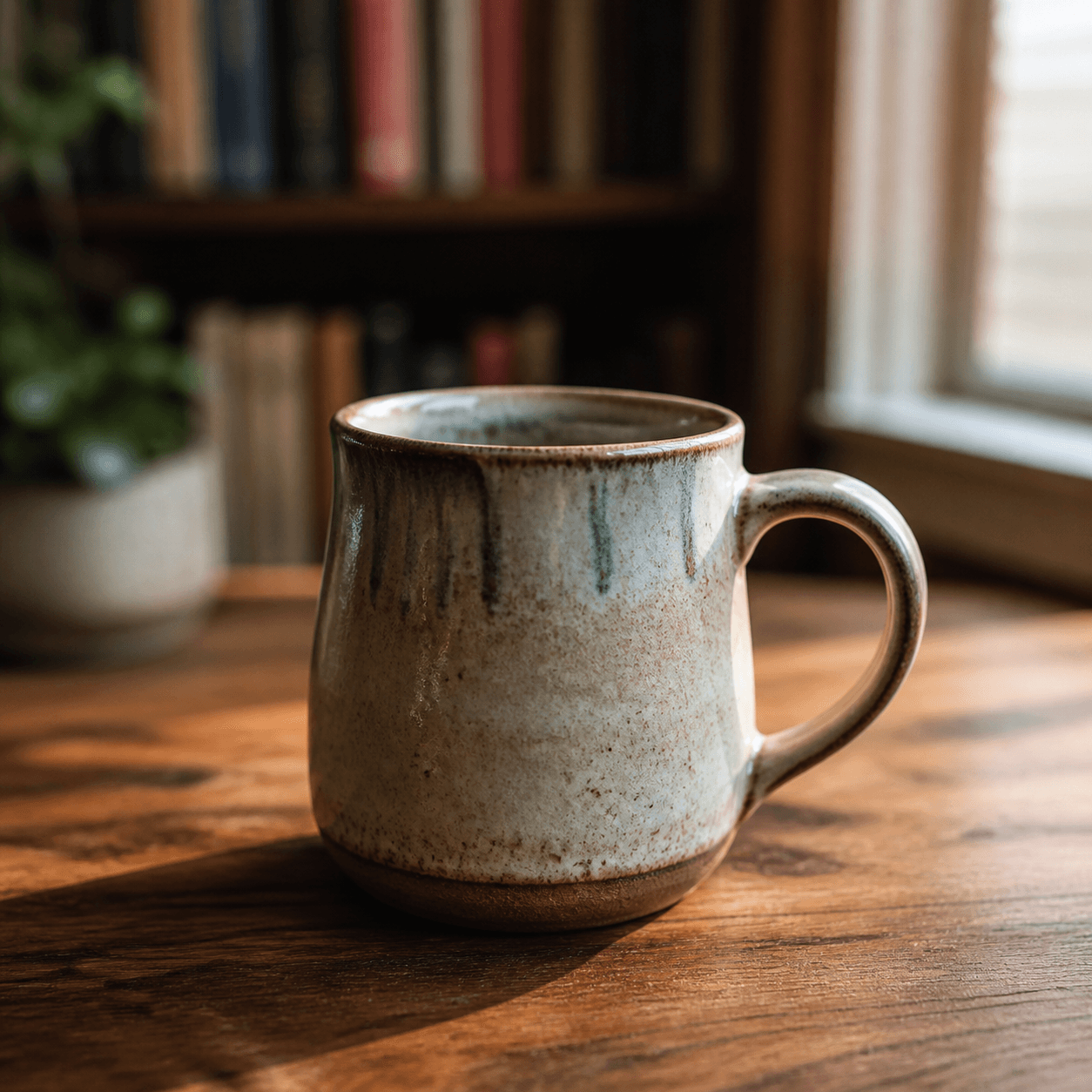
Prompt
A handcrafted ceramic mug on a walnut desk, late afternoon window light from the right, shot on 35mm prime lens, shallow depth of field, soft background bokeh of bookshelf, photorealistic, natural color grading, no stylization.
Photorealistic output with film-grade lighting and skin detail.
Each example is paired with a prompt you can copy or load in the generator. Your result may differ.
Prompt
A handcrafted ceramic mug on a walnut desk, late afternoon window light from the right, shot on 35mm prime lens, shallow depth of field, soft background bokeh of bookshelf, photorealistic, natural color grading, no stylization.
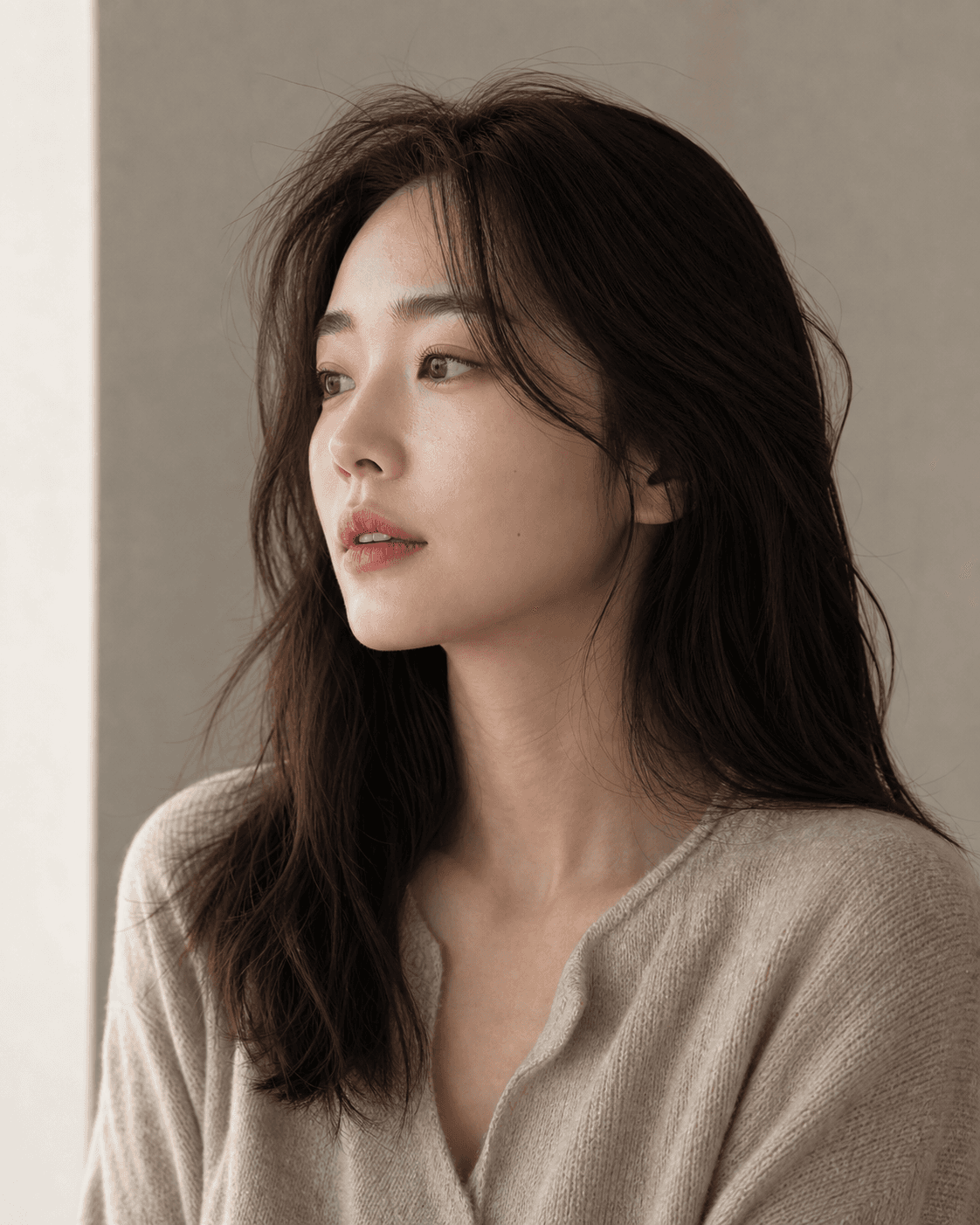
Prompt
Editorial portrait of a Korean woman in her late twenties, soft window light from the left, neutral background, looking past the camera with calm expression, shot on medium format 80mm, shallow depth of field, photorealistic skin tones, no retouching aesthetic.
Ultra Realism is a photorealistic image style that aims to look like a photograph — not a digital painting, not a stylized render. It is the right pick for product photography, editorial portraits, real-estate hero shots, and travel scenes that could pass for someone's travel post.
The style works particularly well with concrete subject descriptions ("a Leica M6 on a wooden desk under window light") and natural-language lighting cues ("golden hour, slight haze, shallow depth of field"). Avoid abstract prompts like "beautiful image" — give the model a specific shot to render.
For commercial product work, pair this style with a fixed aspect ratio (1:1 for Instagram, 4:5 for catalog) and include surface and lens hints in the prompt. Lighting words matter more than adjectives.
Name the person, object, scene, or setting first so the style has something concrete to transform.
Include shot type, lighting, pose, or aspect-ratio intent before adding more decorative language.
Use the preloaded style button, or append “photorealistic” to an existing prompt.
Compare nearby looks before committing to a prompt direction.
Hand-painted backgrounds and warm light, inspired by Studio Ghibli animation.
Modern Japanese anime — sharp line art, vibrant colors, dynamic poses.
Clean pixel art in the spirit of classic 8-bit and 16-bit games.
Open the generator with this style preloaded, or keep browsing.