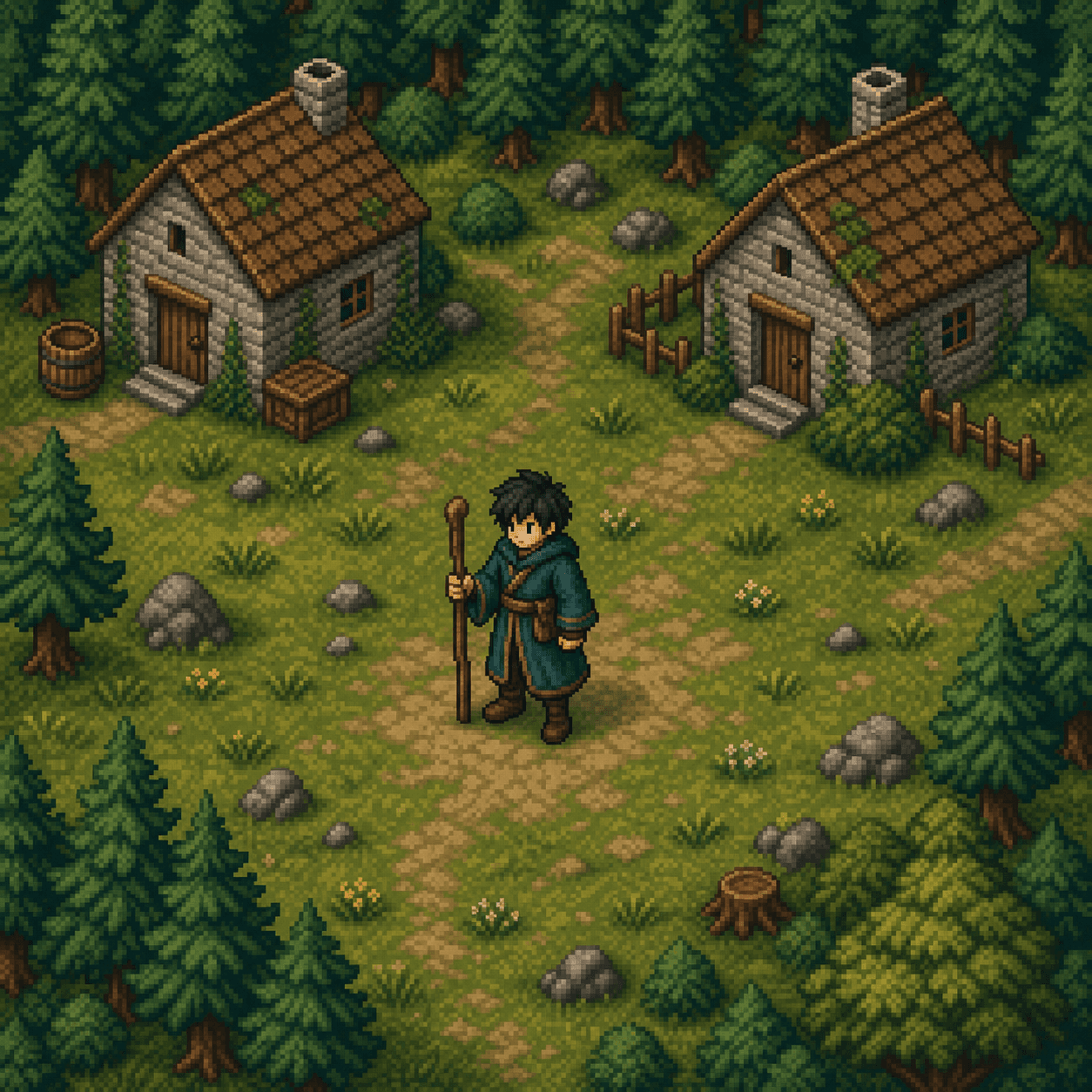
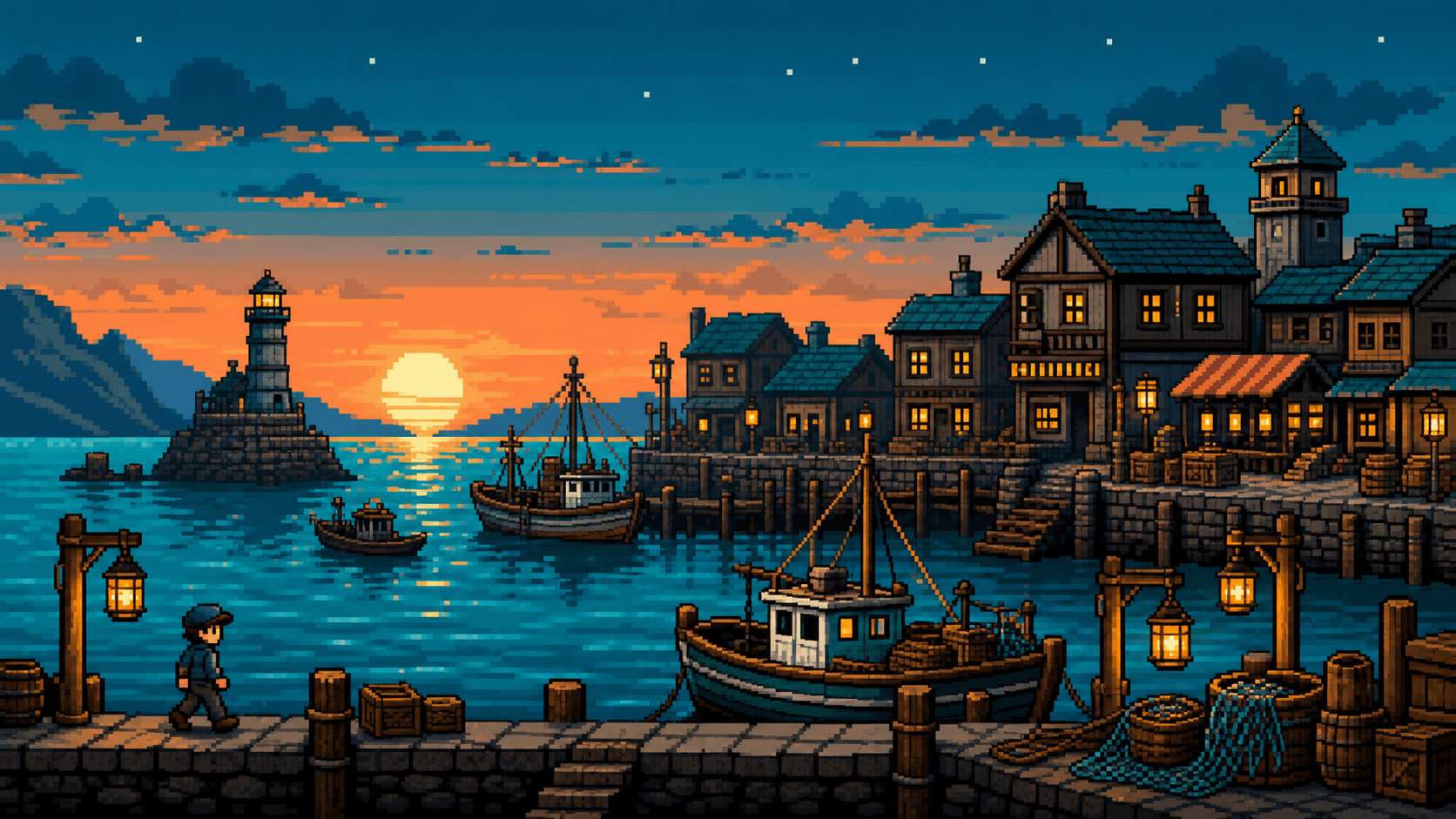
Pixel Art is an image style that recreates the chunky aesthetic of classic console graphics — visible pixel grids, limited palettes, and the visual constraints that made early games so identifiable. It is built for game developers, retro-gaming enthusiasts, and anyone who wants that look.
It works well for character sprites, isometric environments, NPC portraits, item icons, and dungeon tilesets. For indie game devs, it is a fast way to mock up visual concepts before committing to a final art direction.
Pair with a clear aspect ratio (1:1 for sprites, 16:9 for scenes) and describe palette constraints if you want a specific feel ("limited palette, GameBoy green", "NES era four-color"). The model will respect color-count hints.