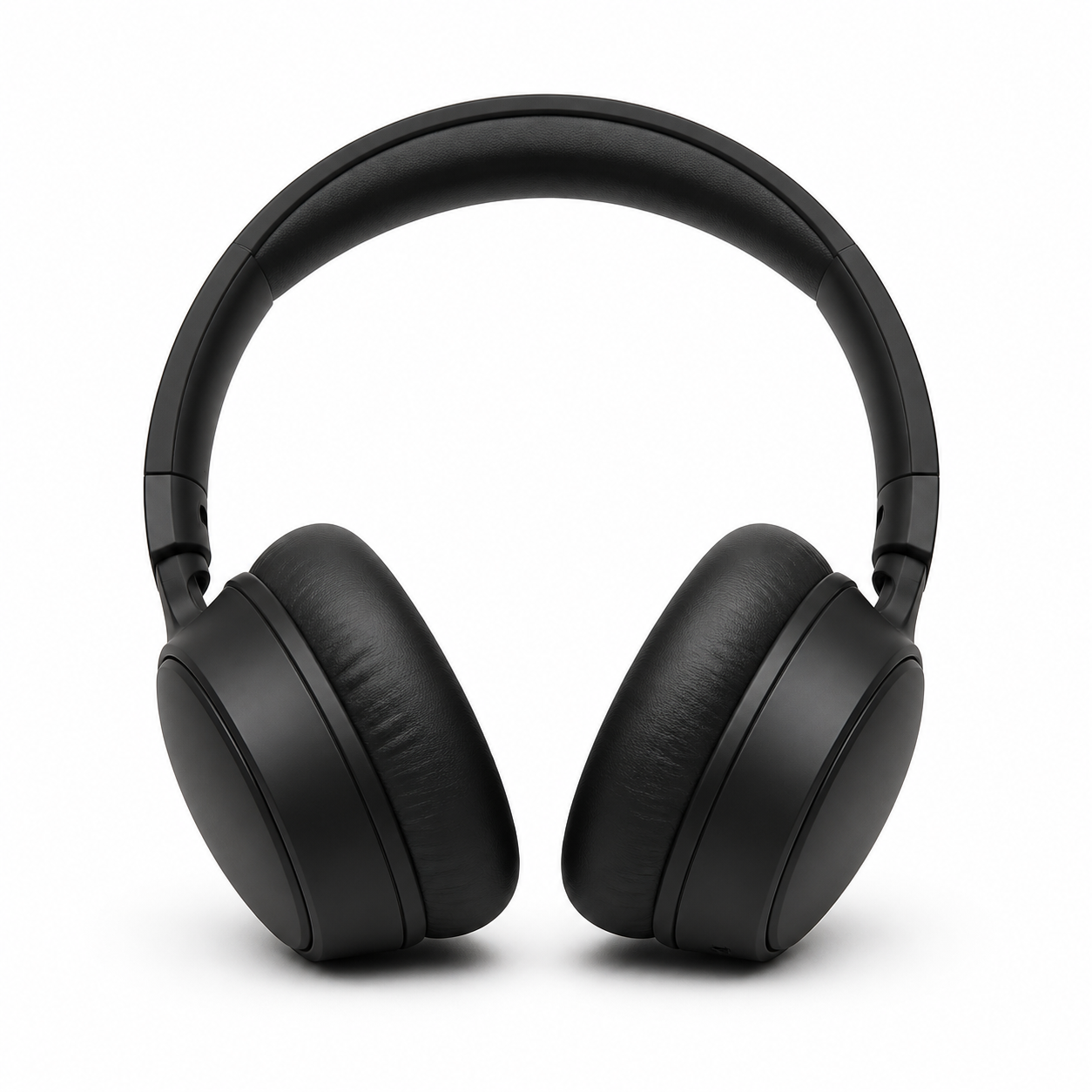
Example image for this prompt. Your result may differ.
Prompt
A single matte-black wireless over-ear headphone resting centered on a pure white seamless paper background, soft top-and-side studio fill, a thin contact shadow directly beneath, no reflections or props, sharp focus across the entire object, ready to drop into a marketplace listing or marketing site.
How to use this template
- 1. Copy the prompt or open it directly in the generator.
- 2. Keep the recommended model and 1:1 aspect ratio for the first render.
- 3. Replace the subject, setting, product, or mood with your own details.
- 4. Generate, then refine the strongest result with more specific lighting, camera, or style notes.
Recommended setup
- Use case
- Product
- Model
- GPT Image 2
- Aspect ratio
- 1:1
- Prompt length
- 302 characters
Template FAQ
What is Studio Cutout Product Shot best for?
Studio Cutout Product Shot is best for product image generation where you want a strong first prompt instead of starting from a blank text box.
Which model should I use with this template?
Use GPT Image 2 with the 1:1 aspect ratio. That combination is preloaded when you open the template in the generator.
Can I edit this prompt before generating?
Yes. Treat the prompt as a starting point: replace the subject, setting, colors, props, or mood while keeping the composition and lighting structure.
Opens the generator with this prompt, model, and aspect ratio preloaded.
Related templates
More prompt recipes close to this use case.
Glass Bottle on Marble (Luxe)
Editorial luxury beauty shot. Glass bottle on marble, soft daylight, single accent prop — for fragrance and skincare brands.
Minimal Desk Tools, Top-Down
Top-down minimal workspace flatlay on oak. Balanced grid, soft overhead light — for product mood boards and lifestyle decks.
Retro Toy in Blister Pack
Retro action-figure blister pack mockup with stylized title typography. Drop-in for fandom riffs, parody, or merch concepts.